SEE TWINKLY GAMING LIGHT IN ACTION
Feel the emotion of every move
Extend your screen
Extend your screen
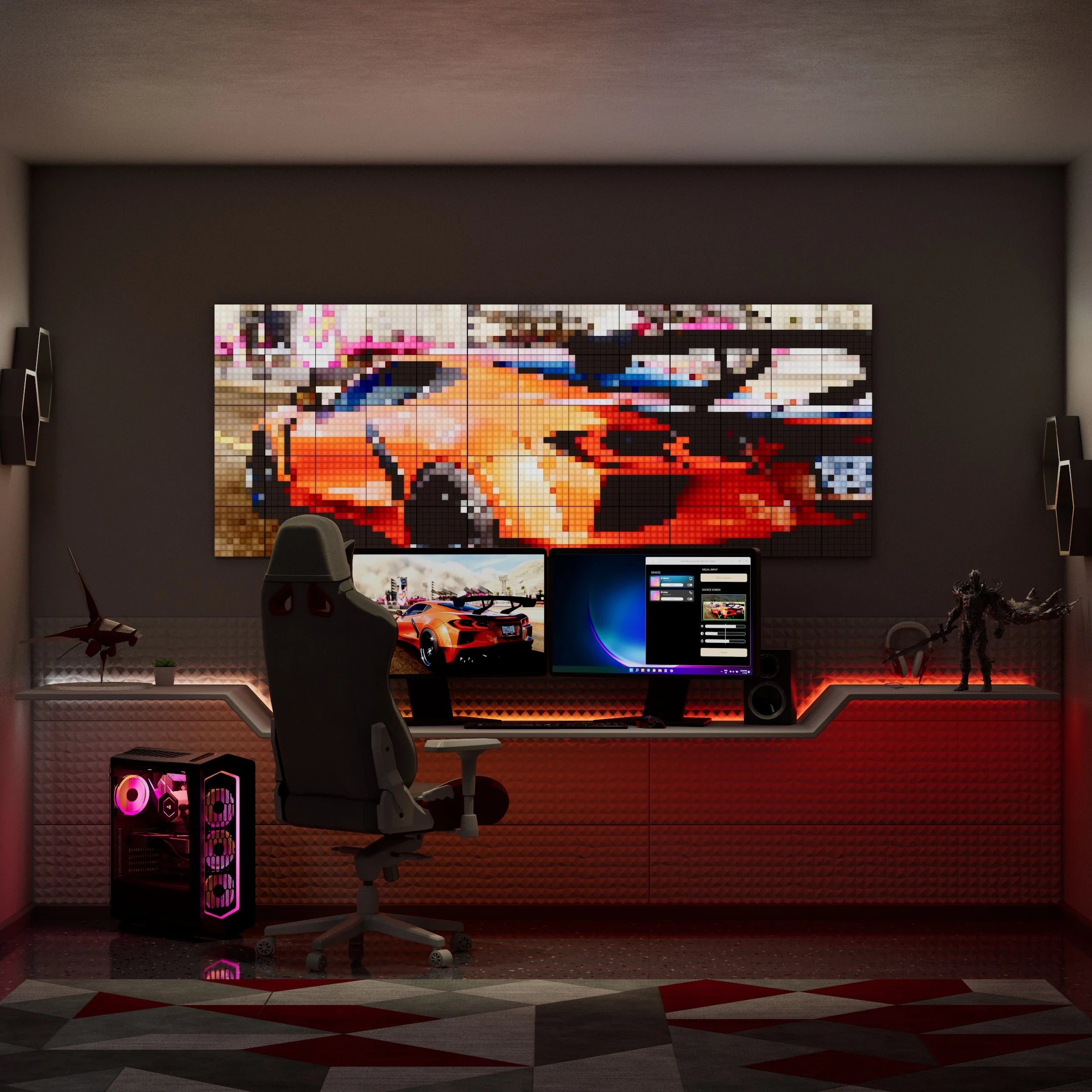
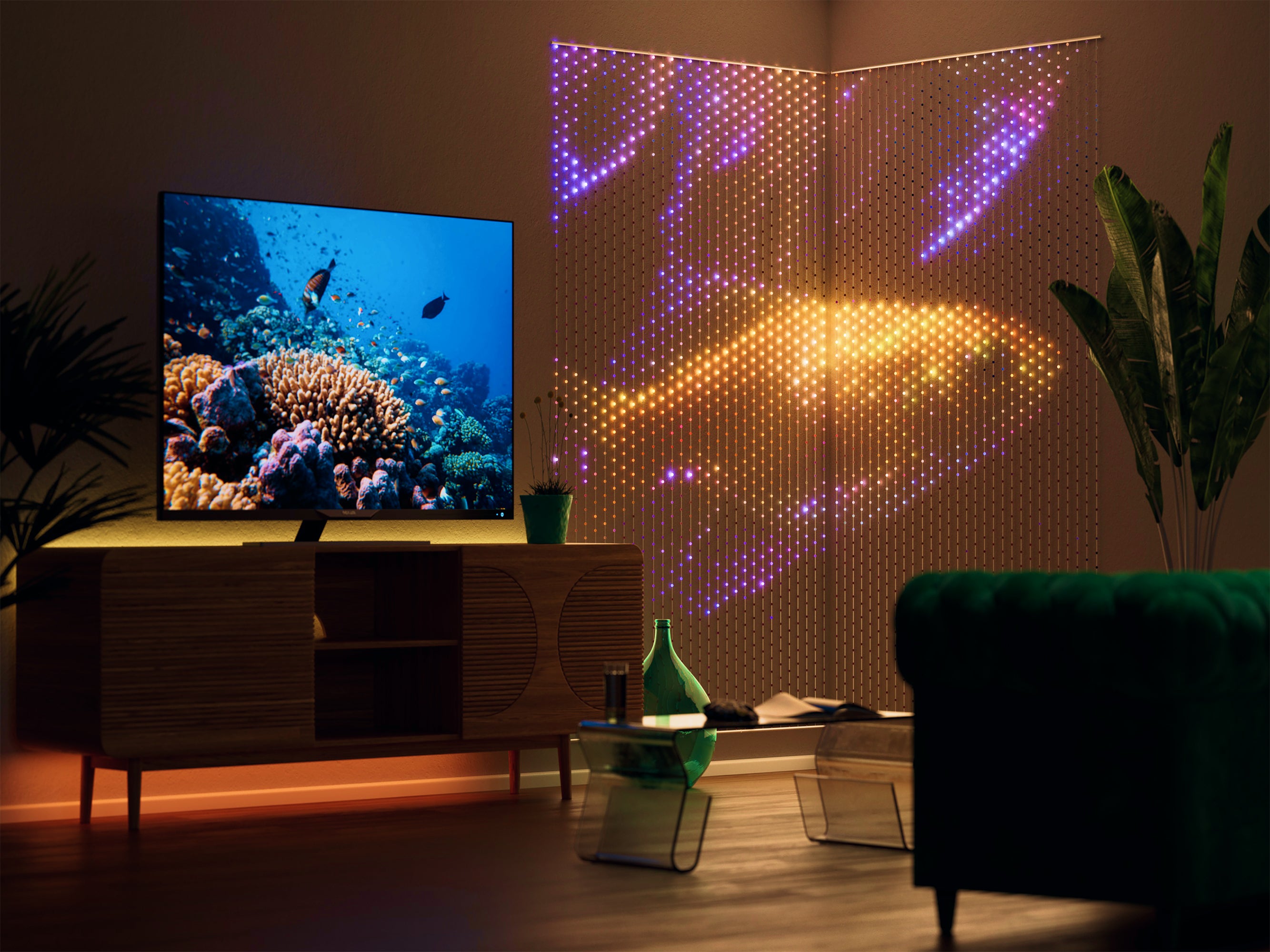
Mapping technology turns your gaming lights into a screen-like setup to put you in the game. Build a lighting display around your monitor and use the Screen Mirror Tool (for Windows and Mac) to stream your game onto your Twinkly lights in real-time.

Sync with backlighting
Sync with backlighting
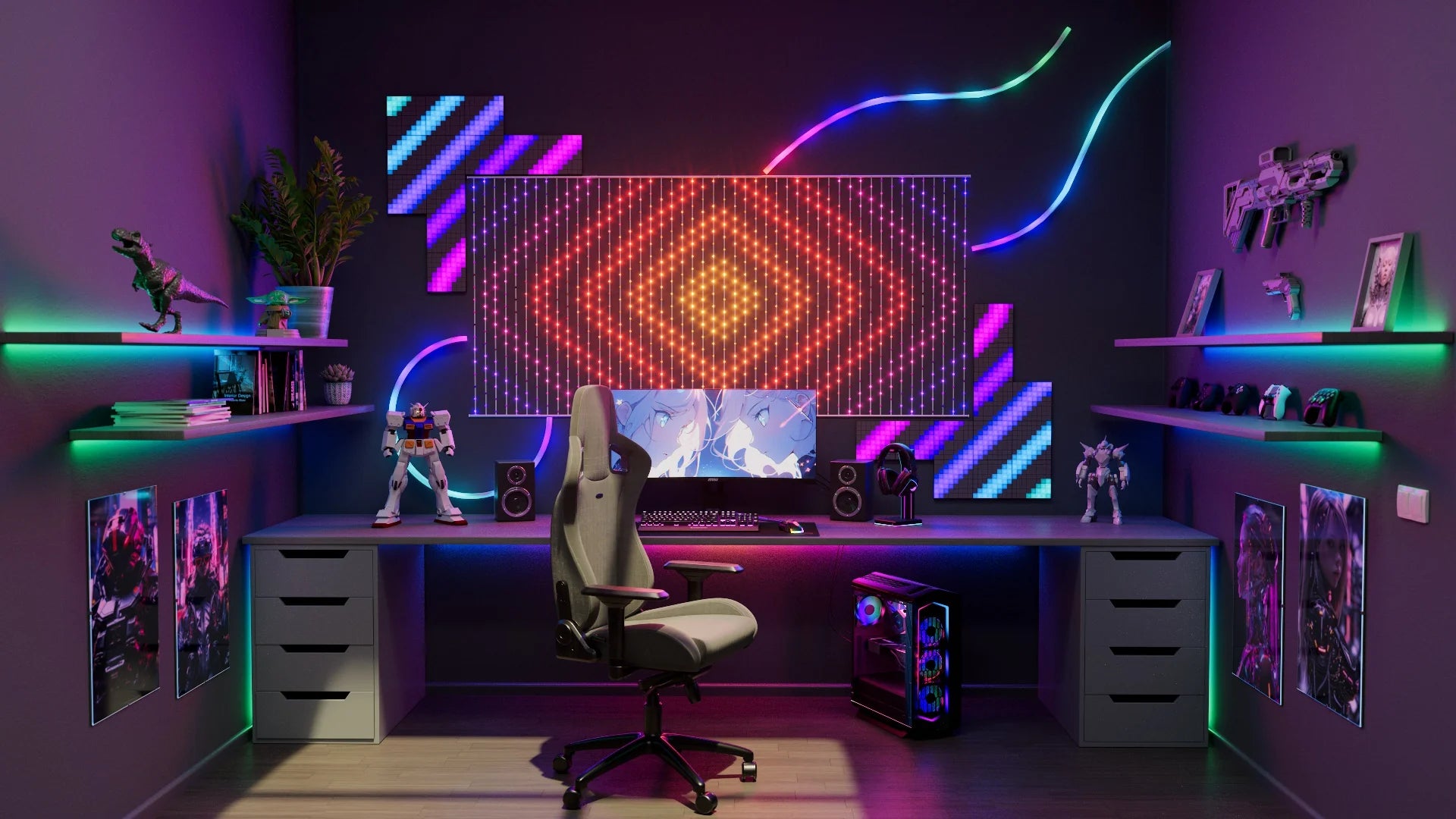
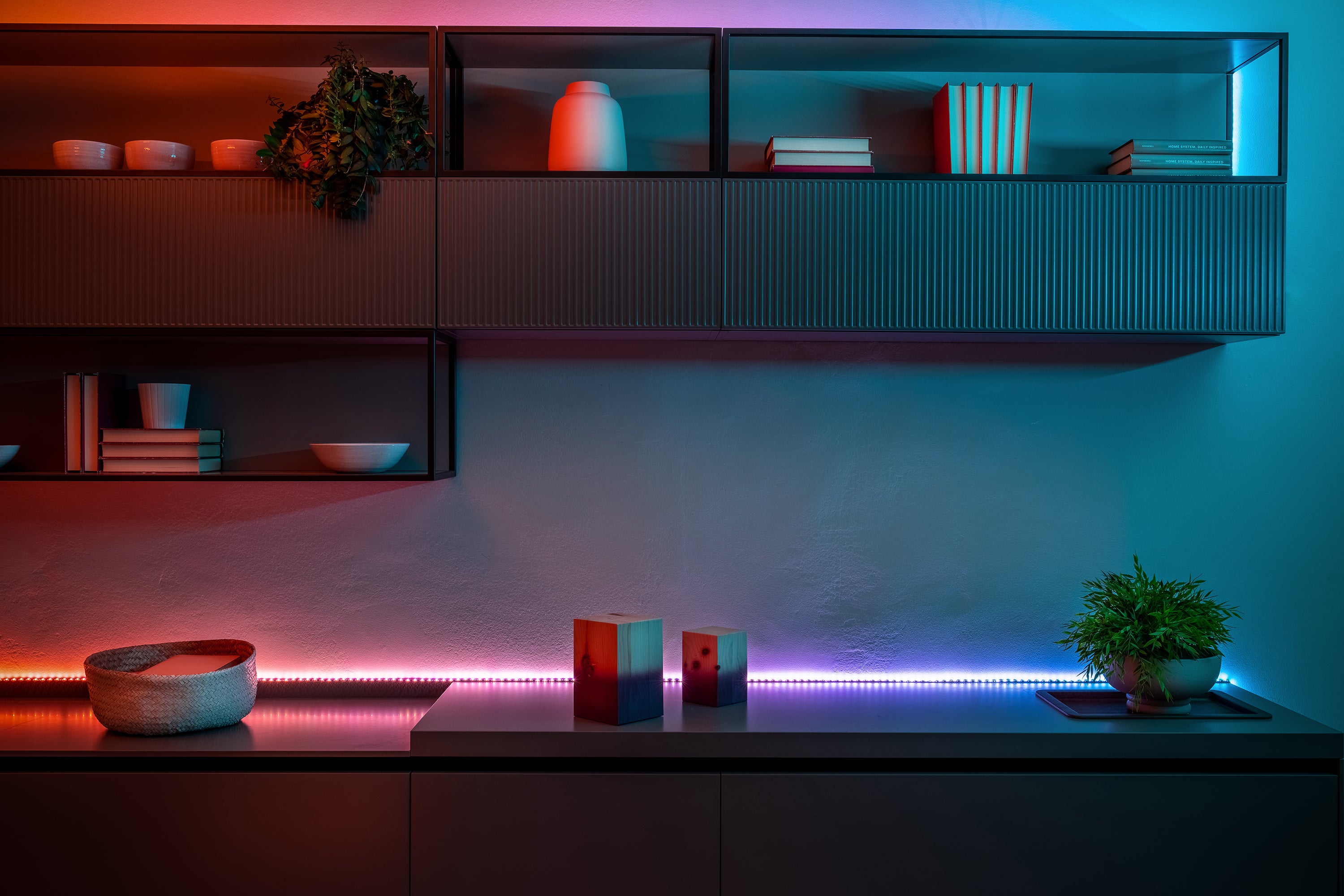
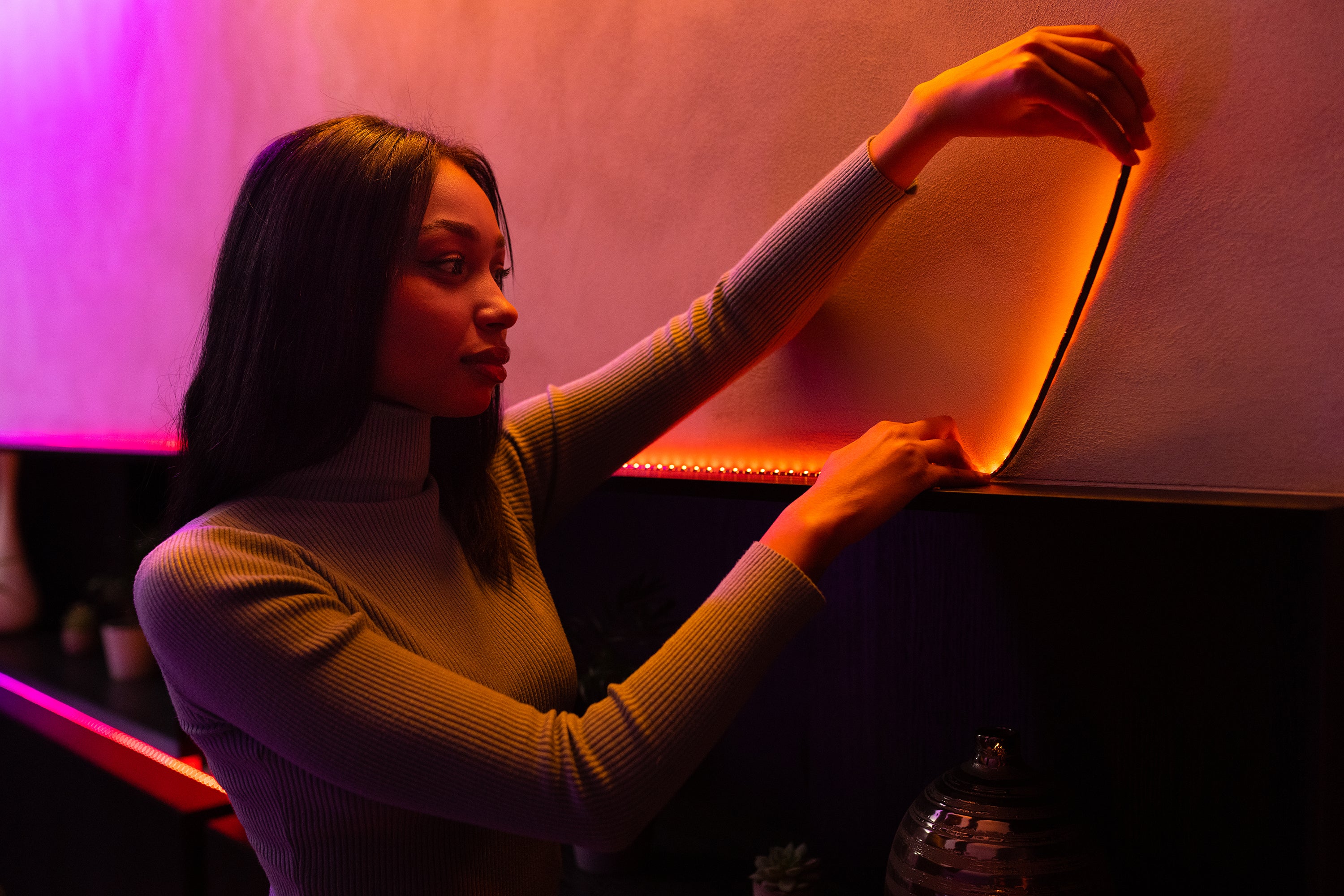
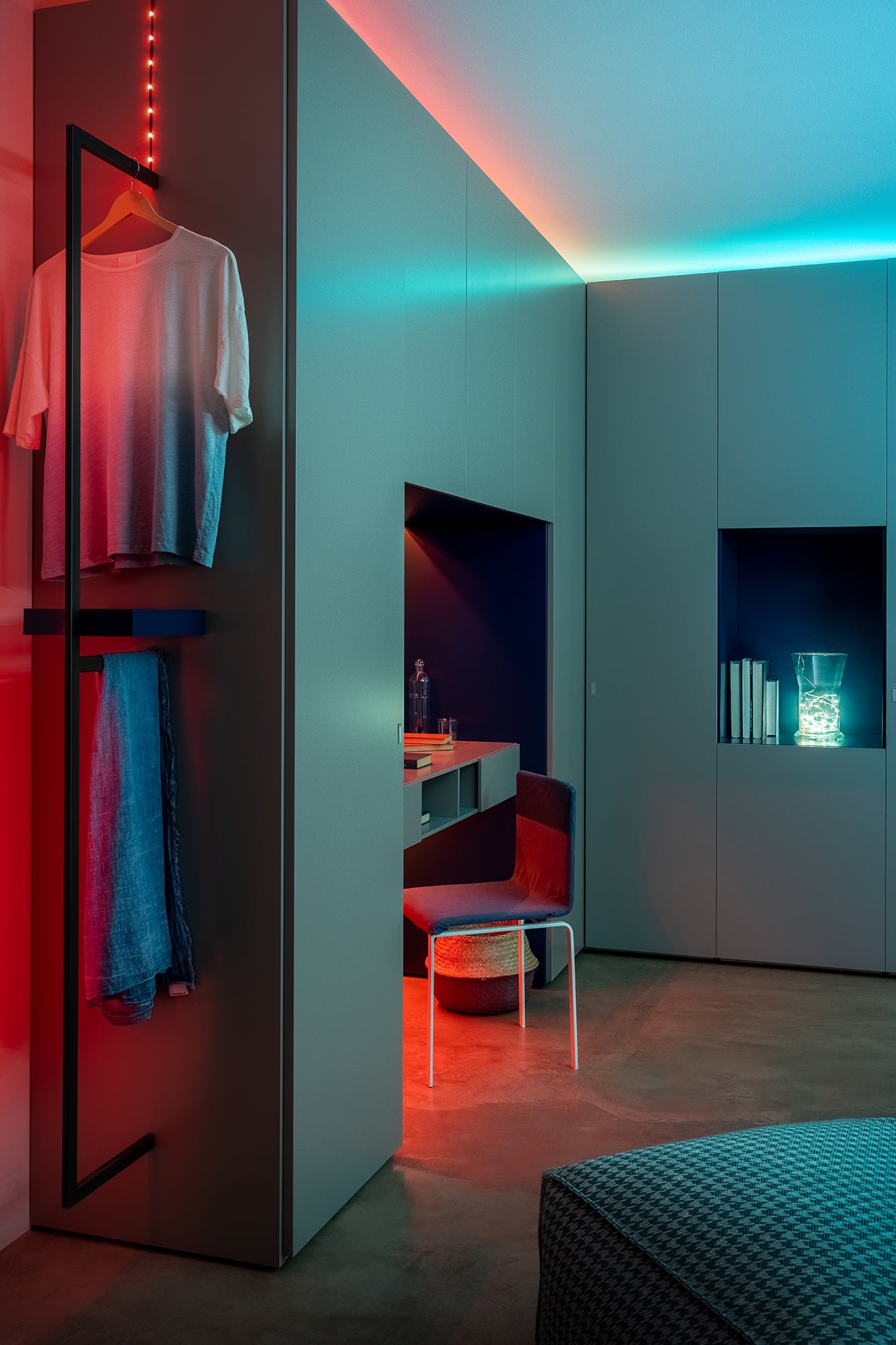
Line desks and shelves with LED strips for reactive back and peripheral lighting that syncswithyour gameplay. Bring your game room to life with vibrant color effects that mirror the digital world.
React to gameplay
React to gameplay
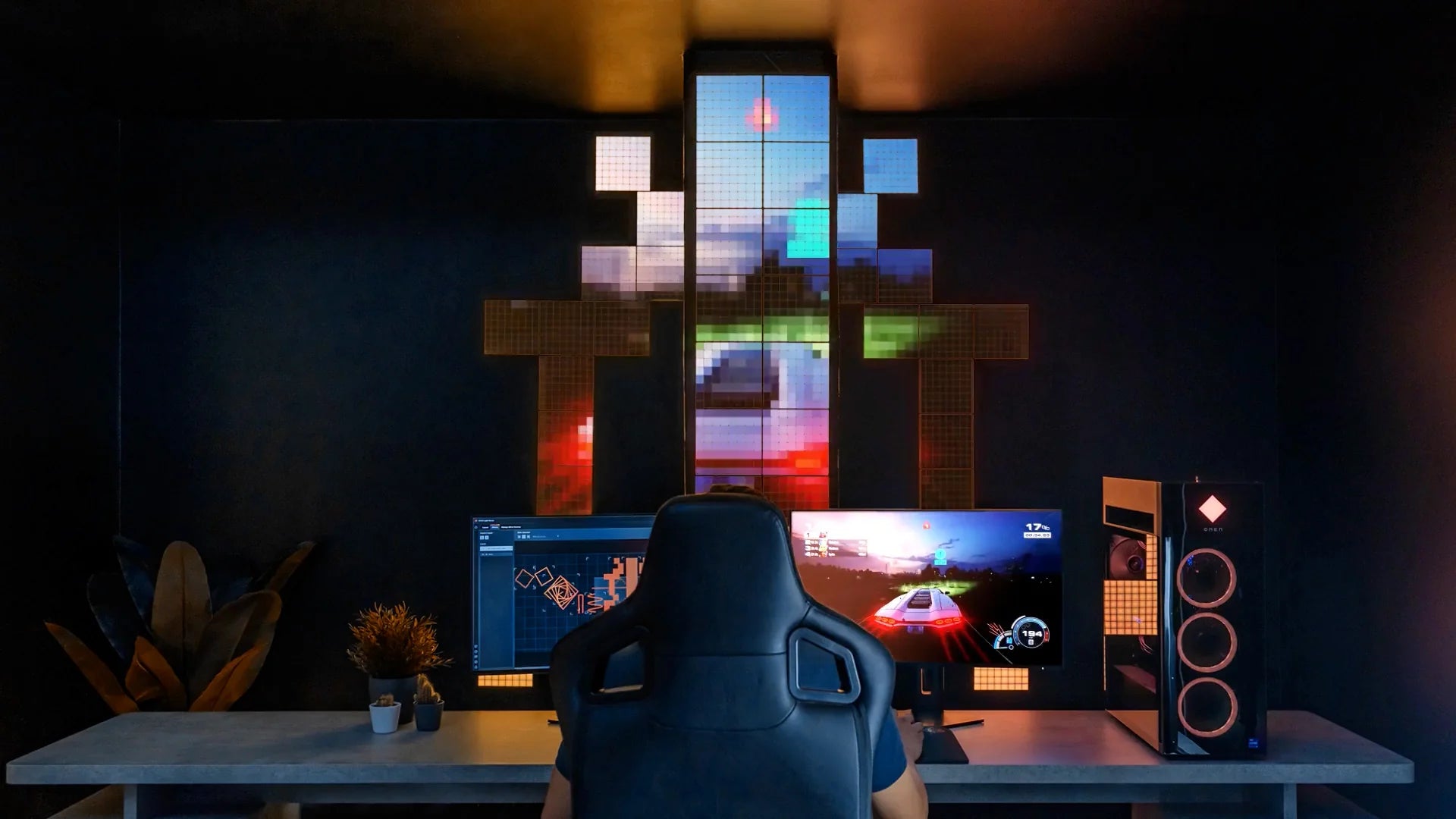
Thanks to powerful integrations, Twinkly lights shine in the same colors as your gameplay, adding an extra level of immersion.
BRING THE ACTION TO LIFE
All you need for an epic gaming setup
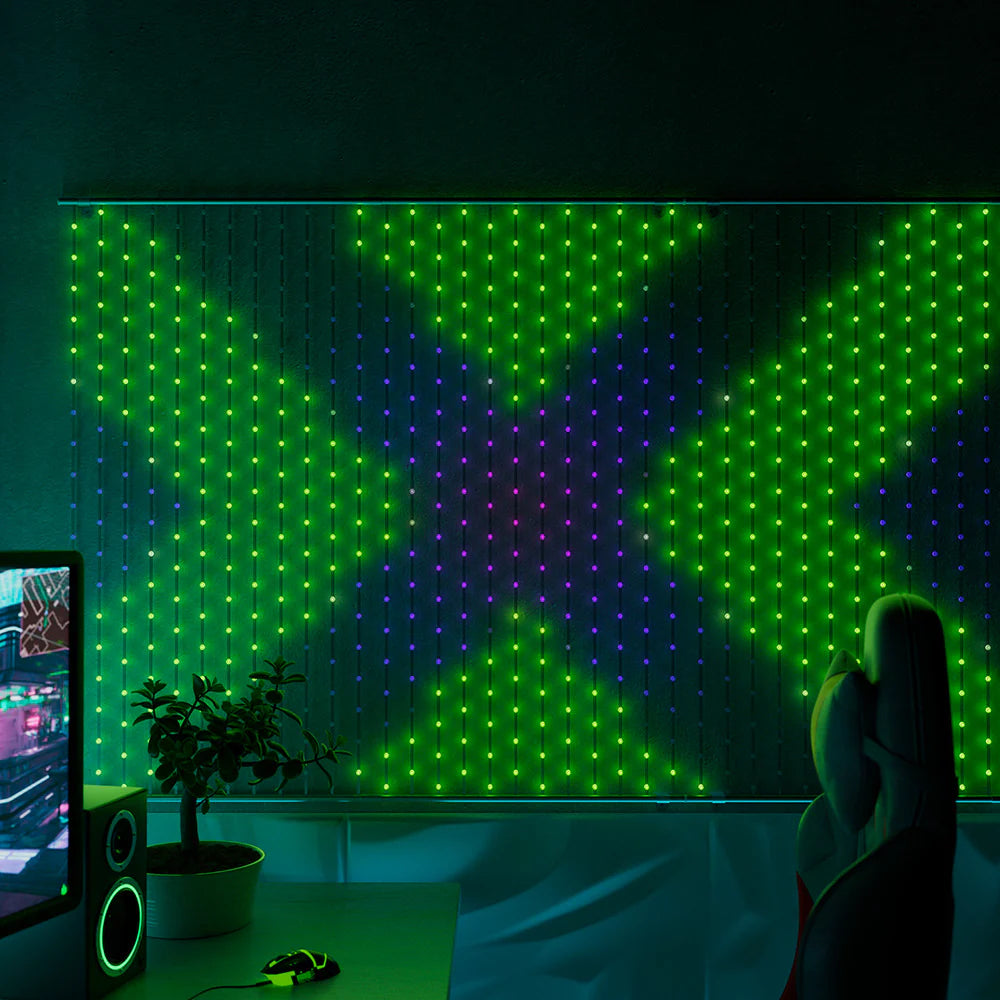
Mappable Lights
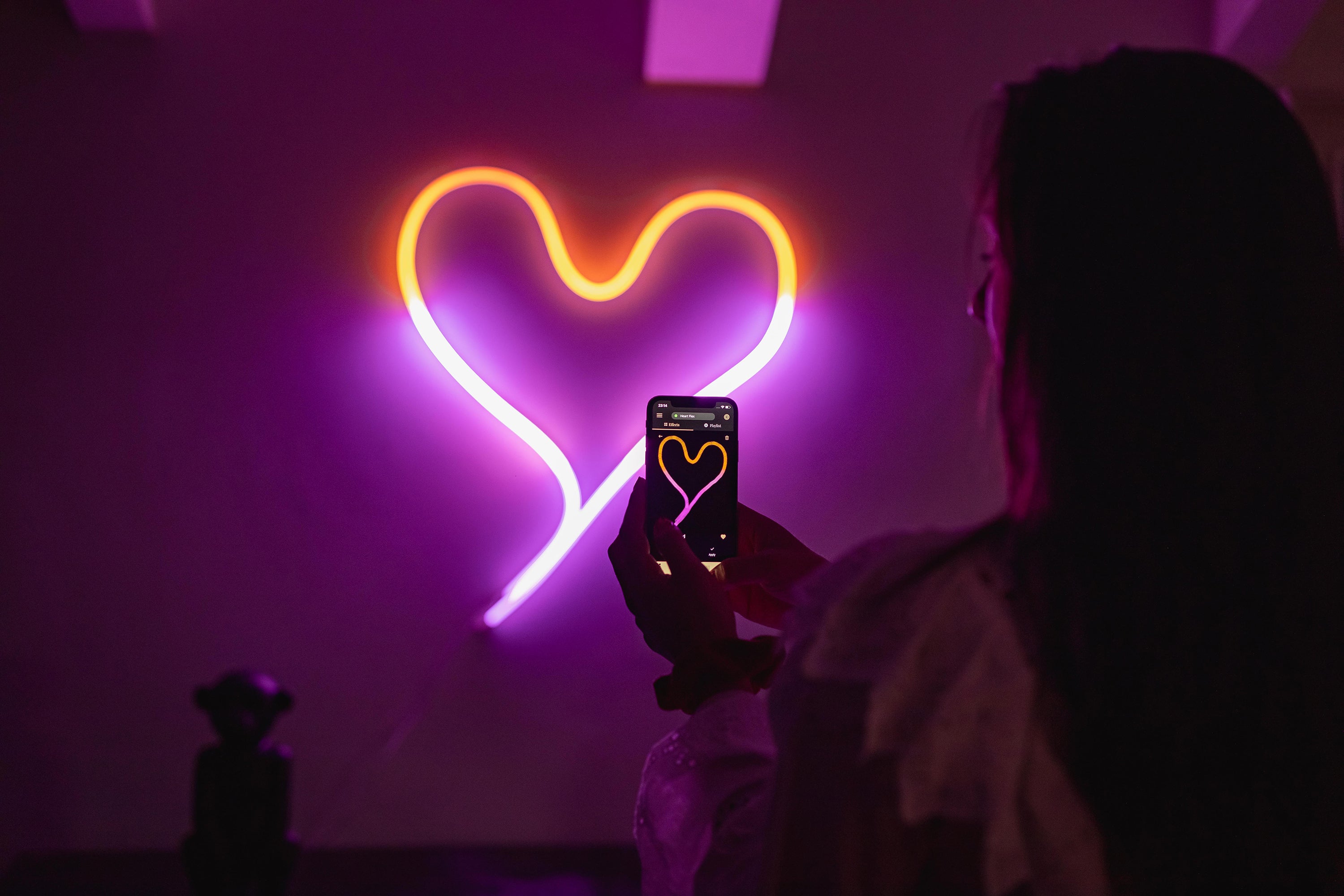
No matter how you position your gaming lights, the Twinkly app uses patented technology and your smartphone camera to locate each LED light in your display. It creates a virtual LED map that allows you to play and mirror precise effects and epic animations.
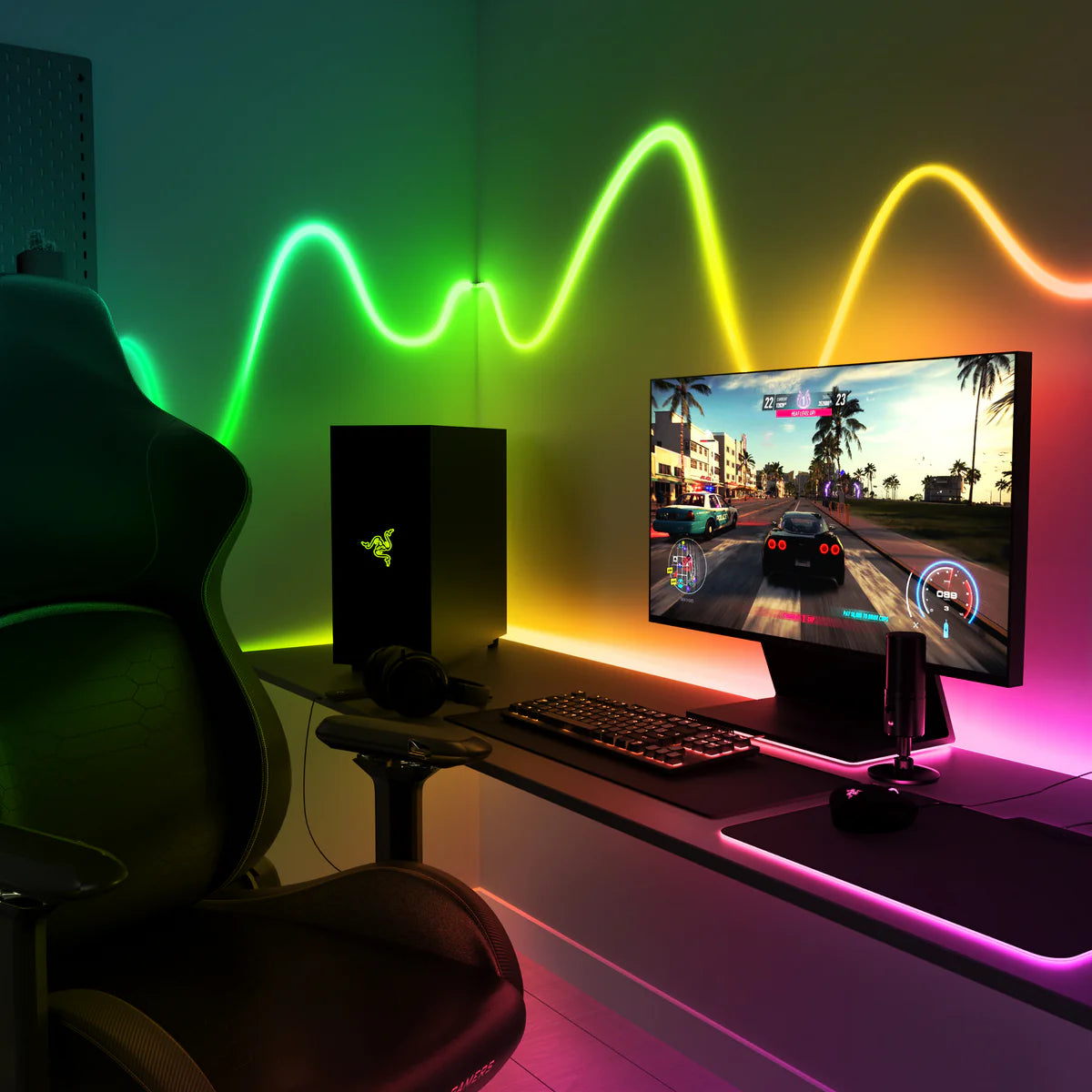
Seamlessly group lights
Twinkly gets you in the game with patented mapping technology that gives you full control over your lights to group them to seamlessly mirror your gaming.
Design and plan your gaming space
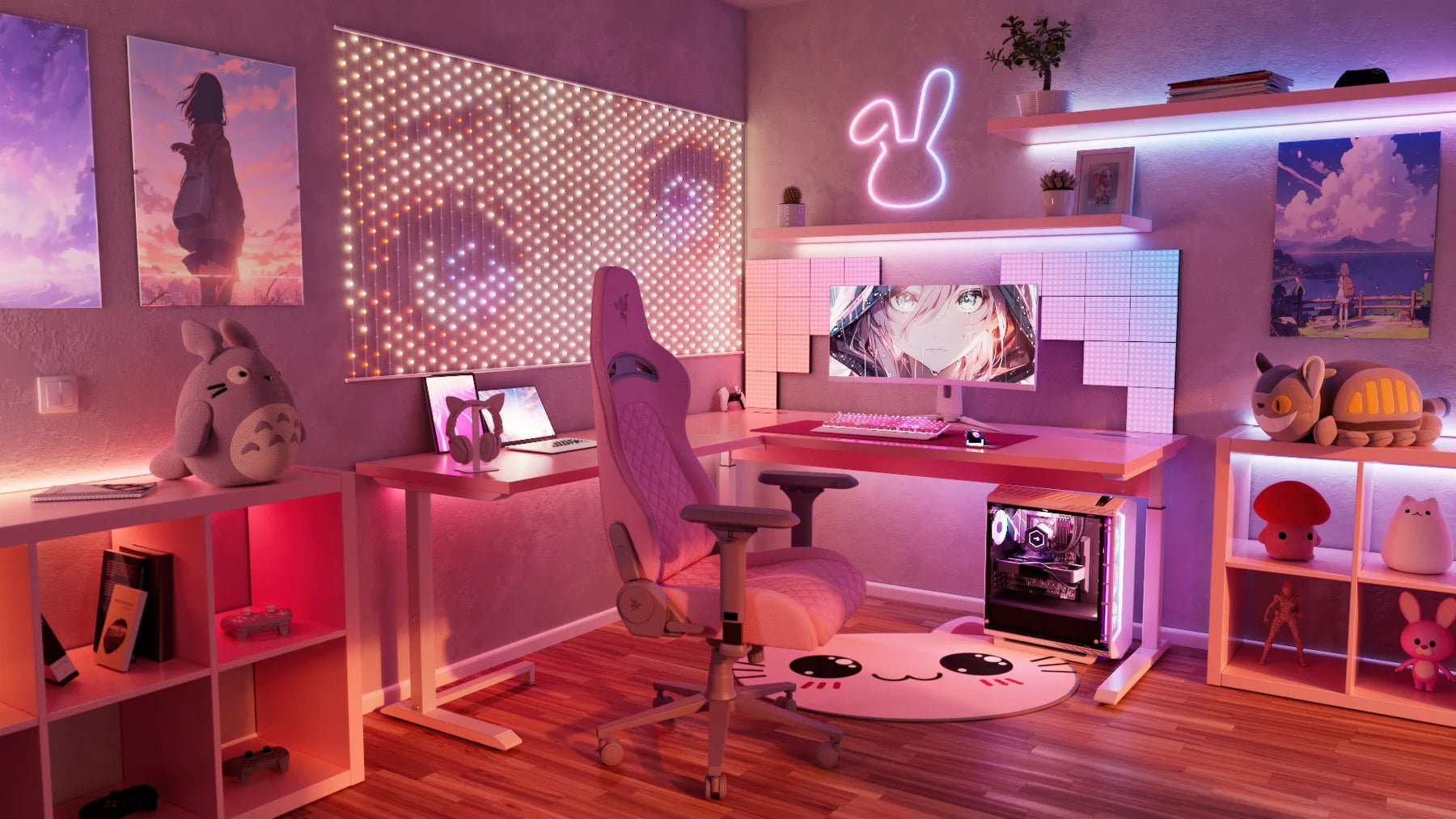
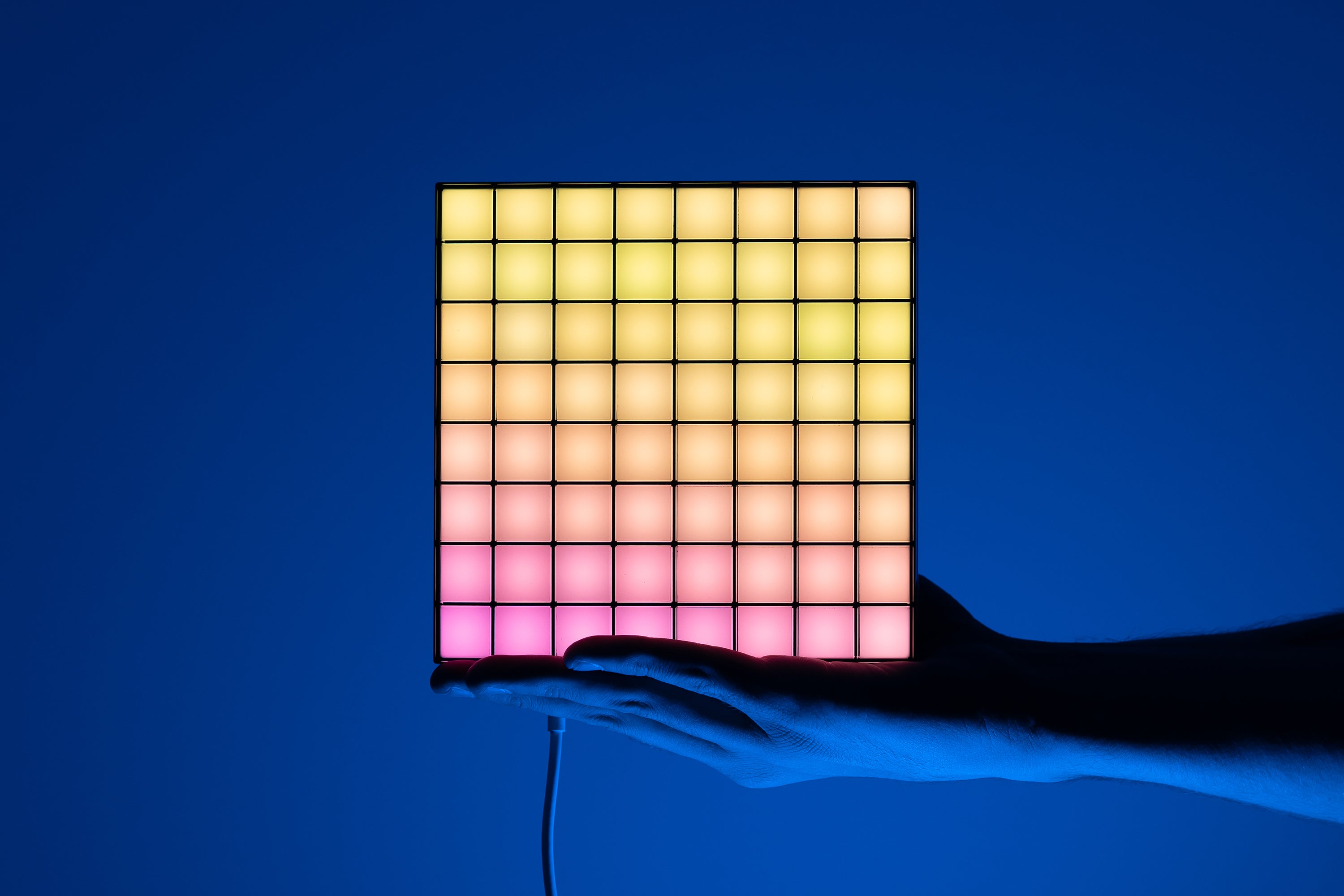
Customer gaming favorites

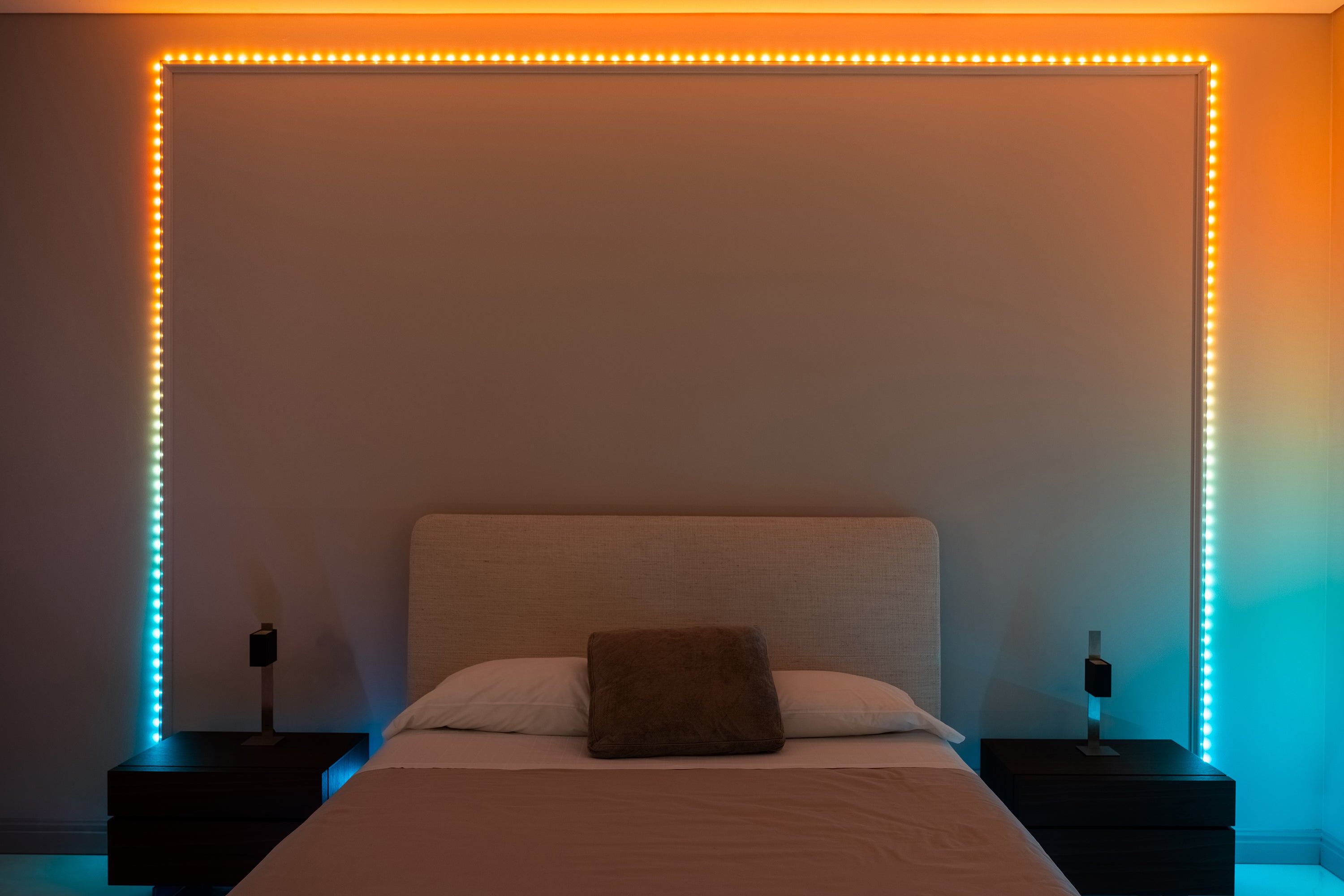
Get into the game like never before with Mappable Lights

Decorate your game room
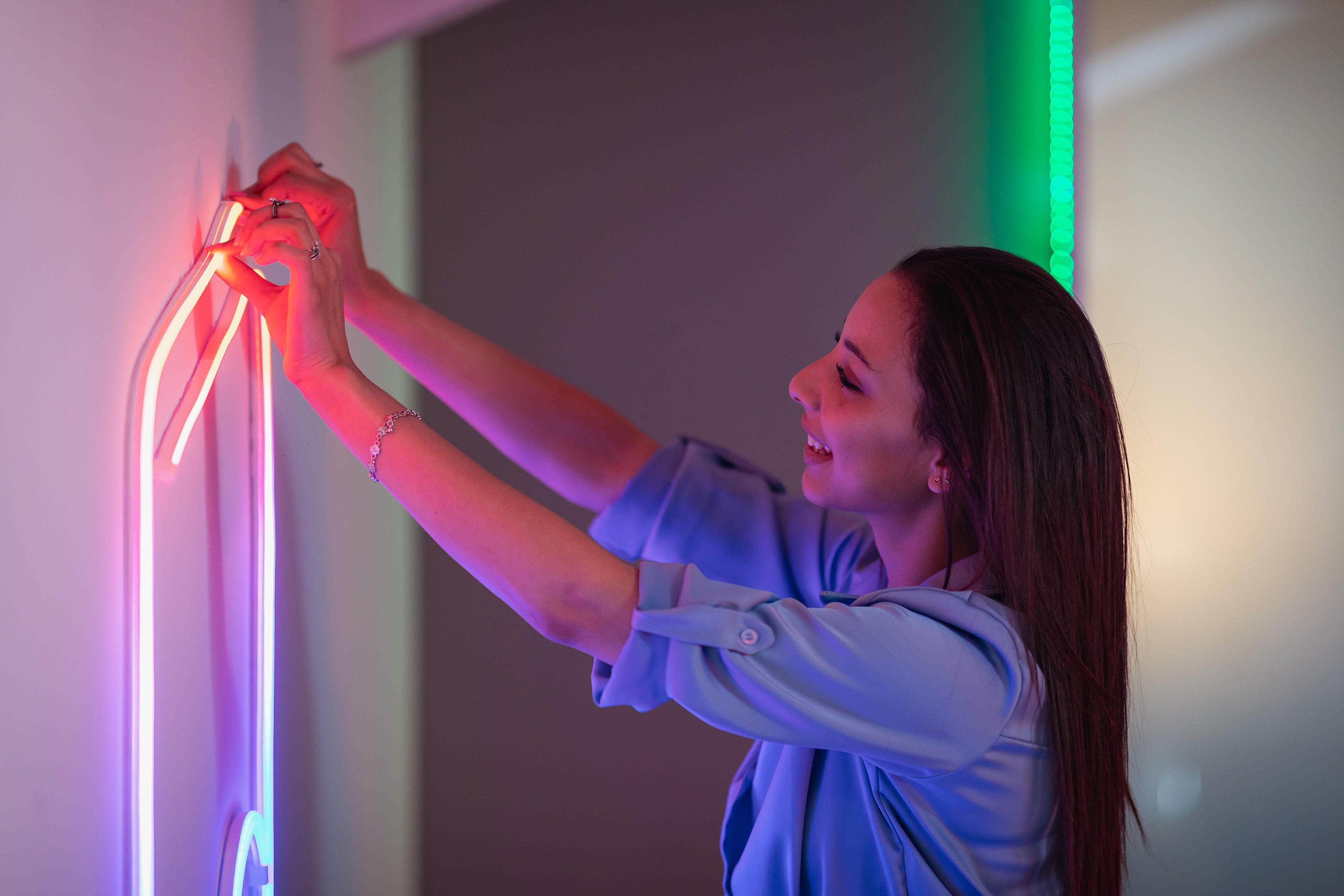
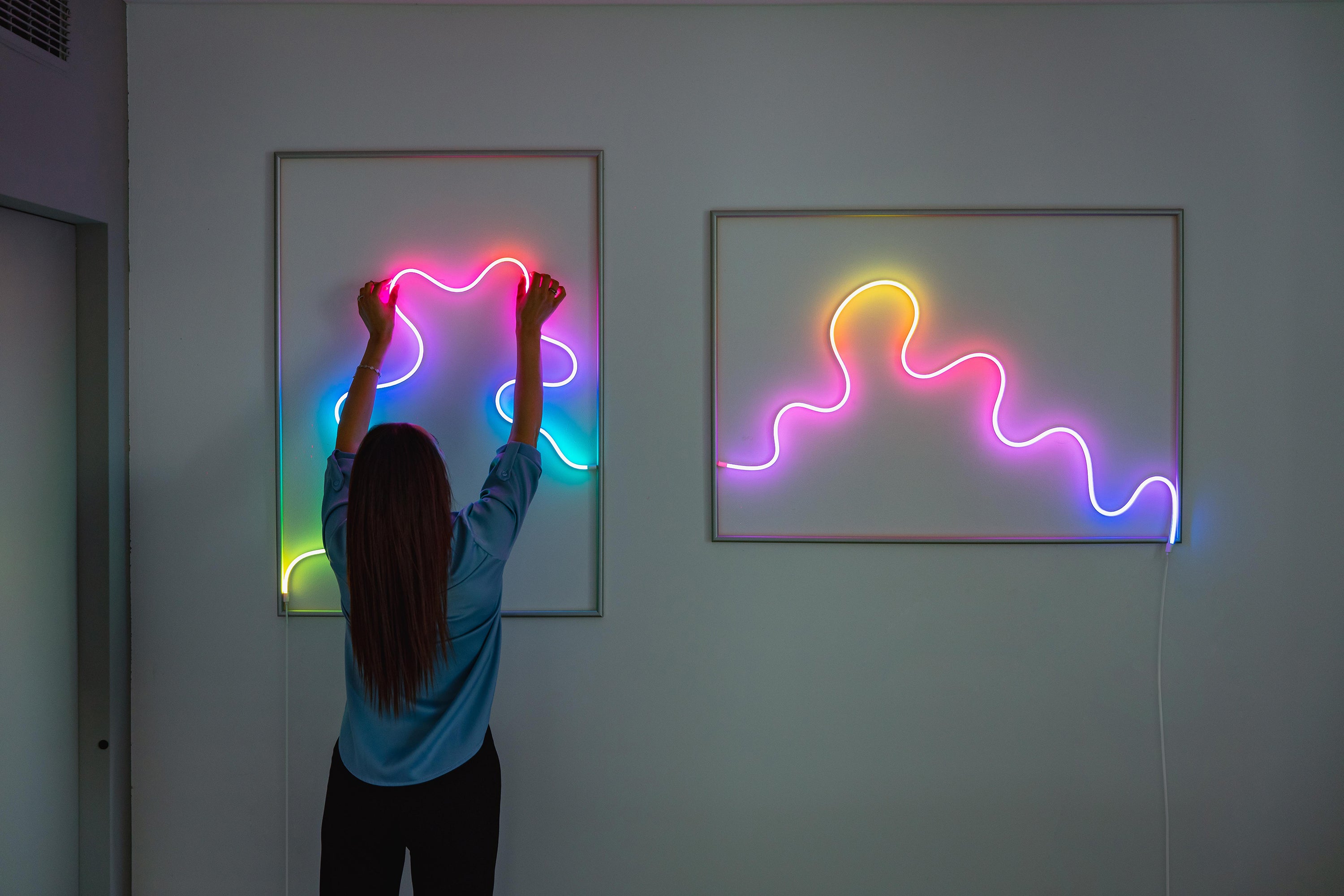
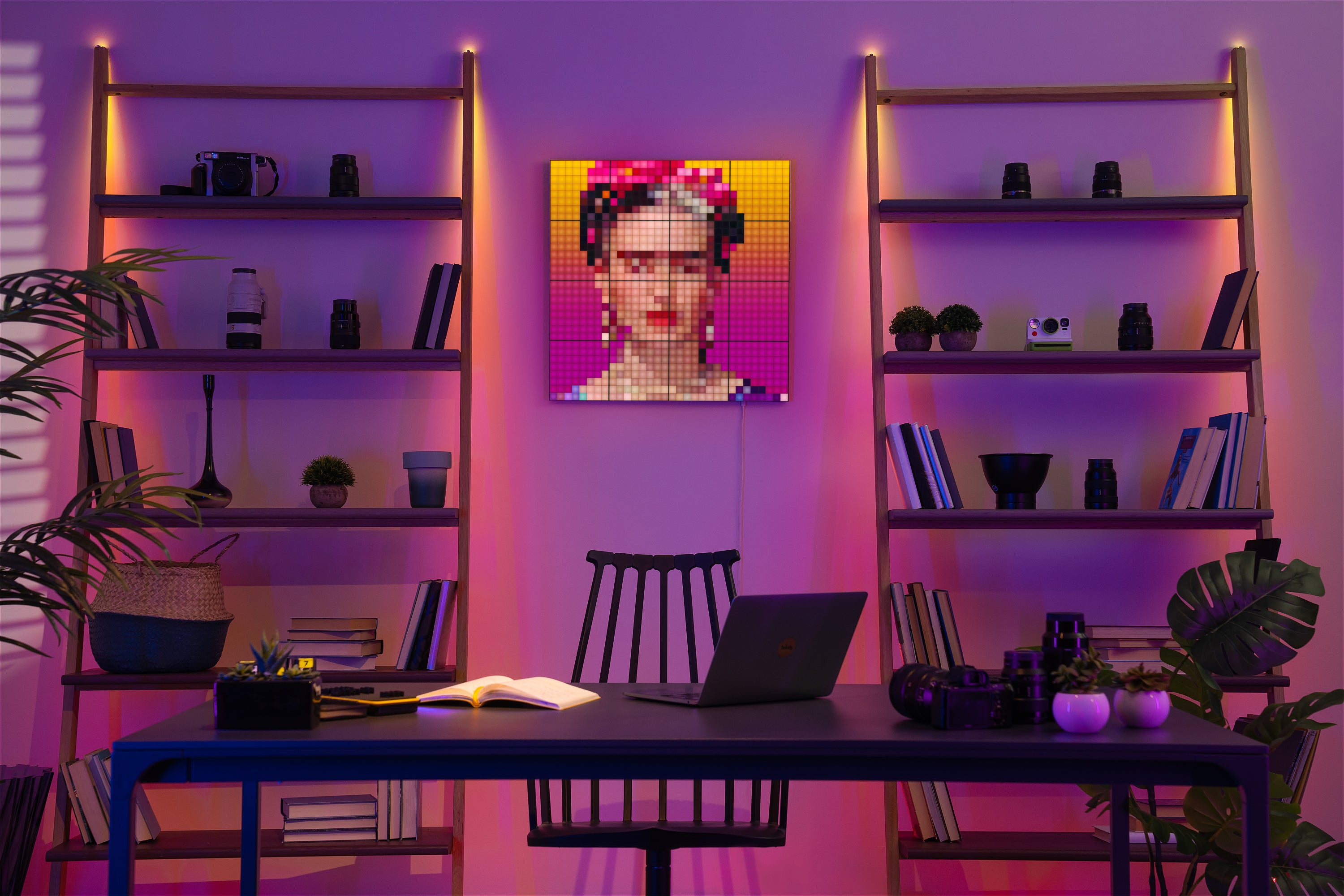
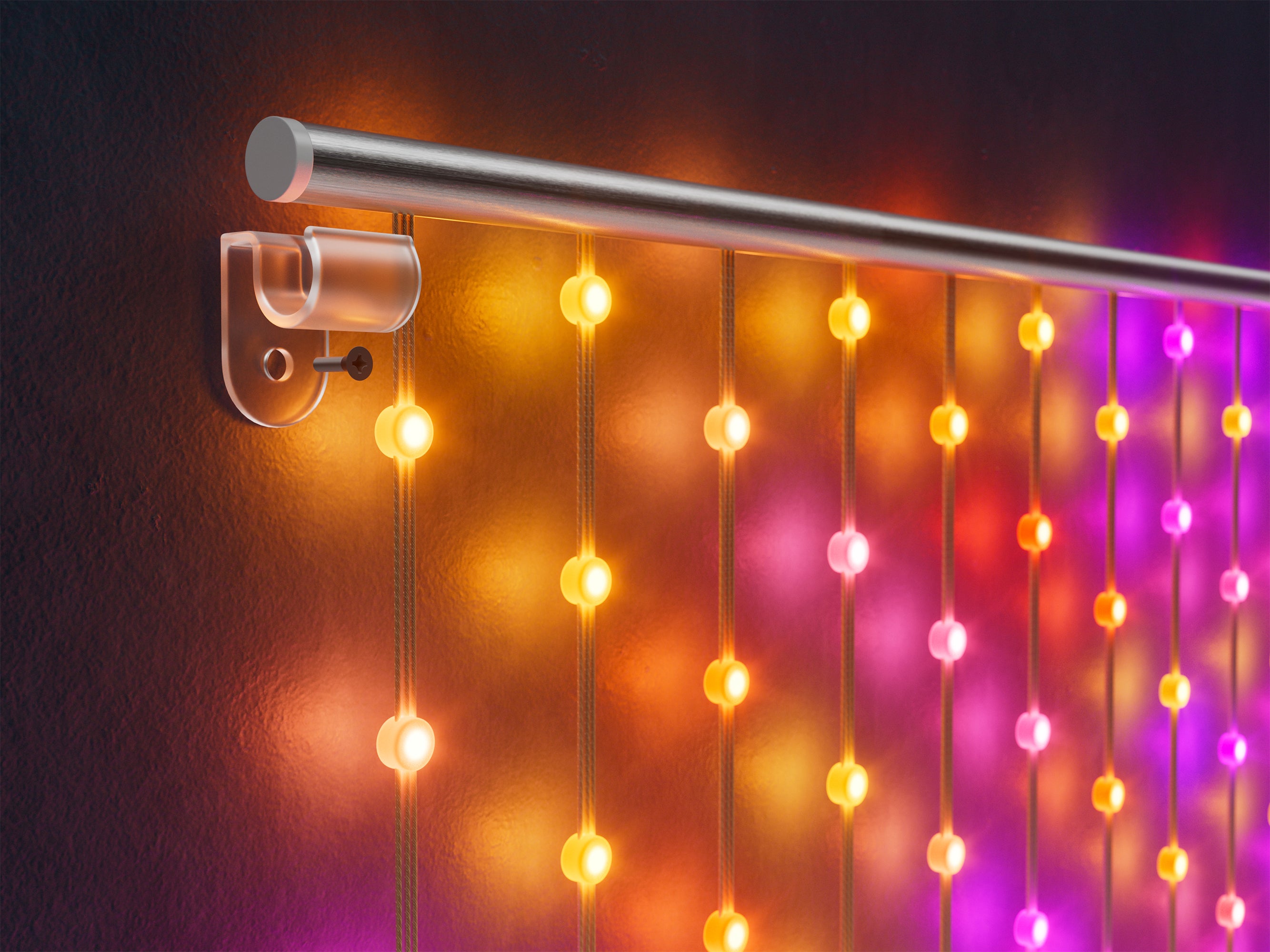
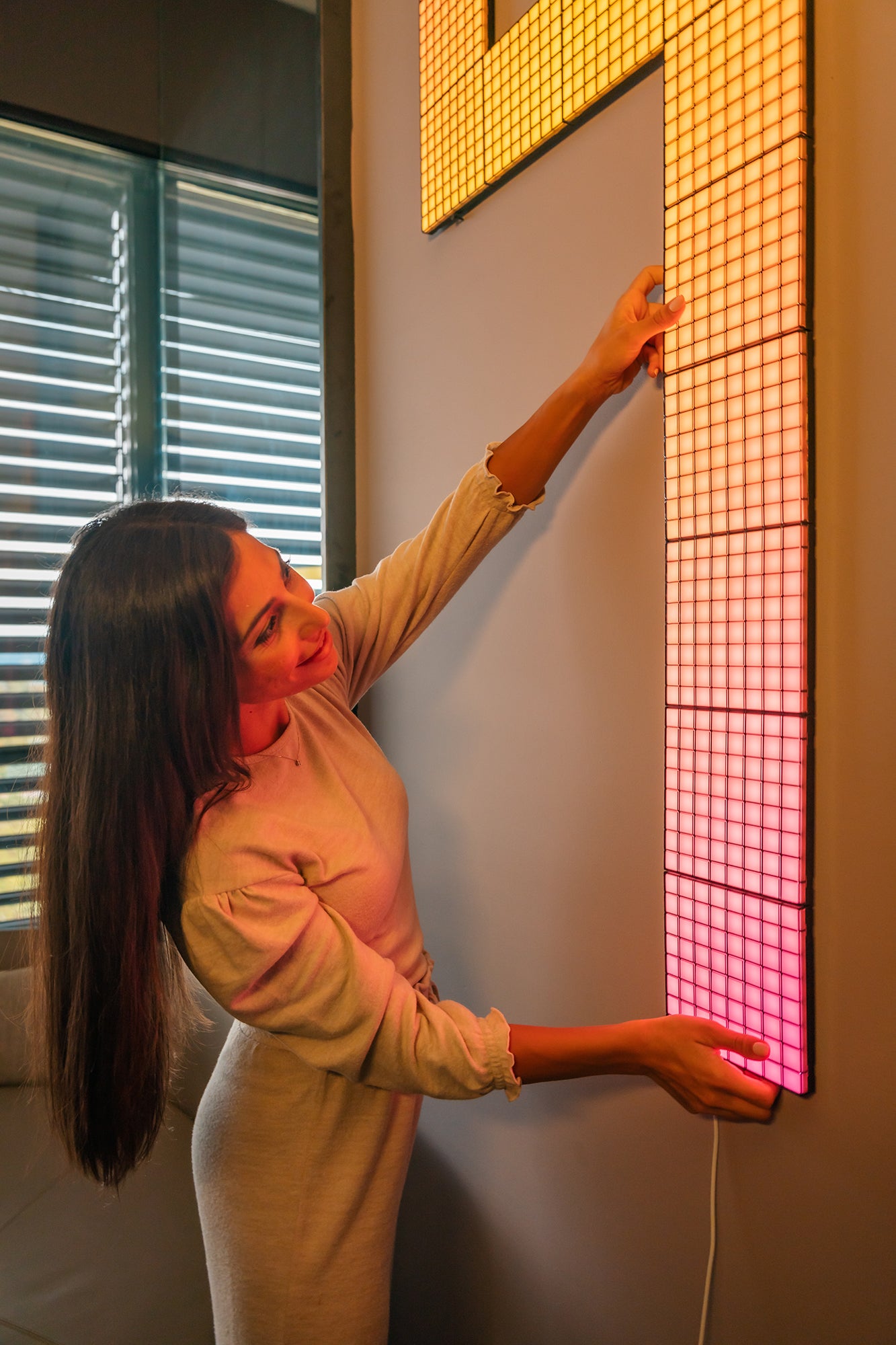
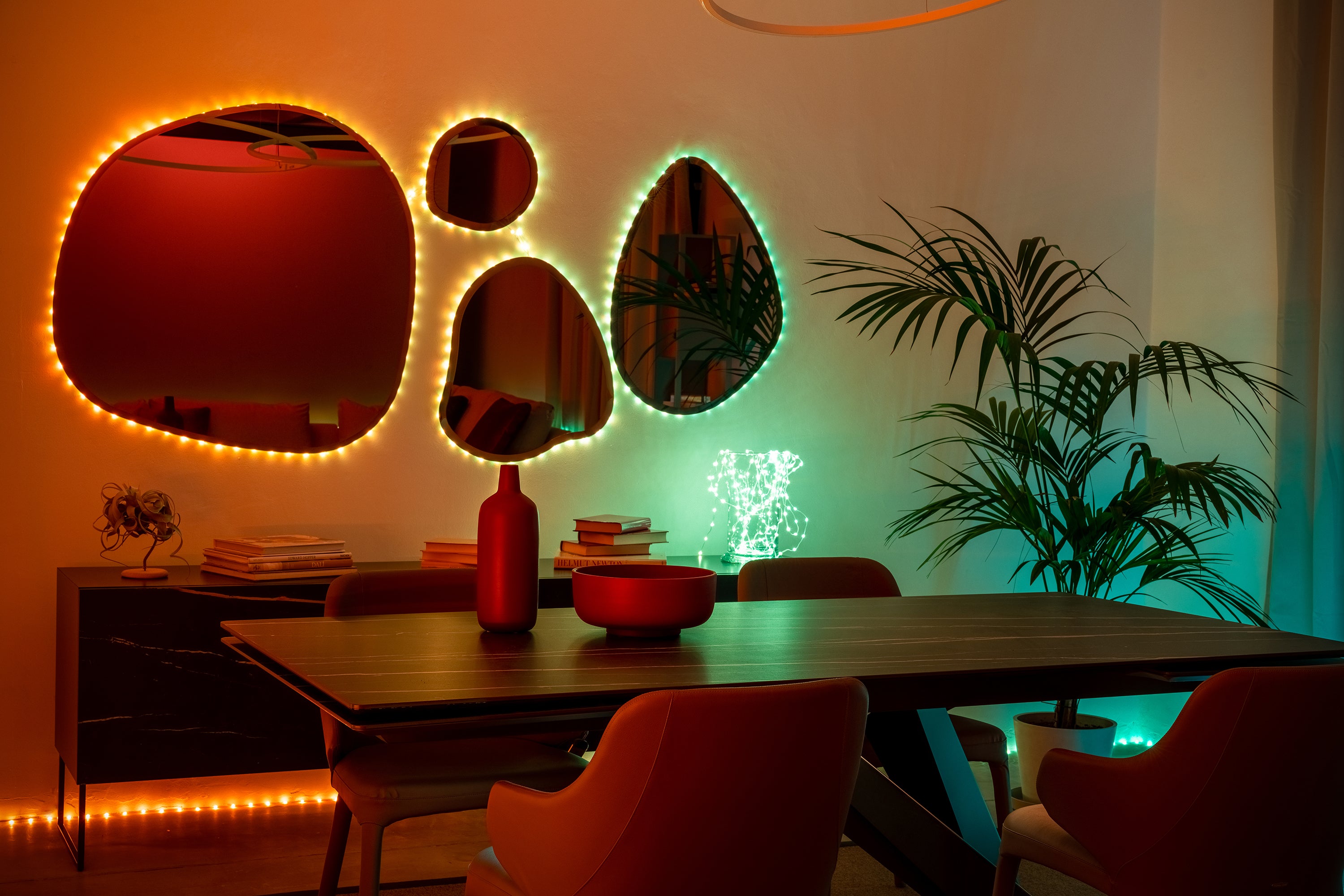
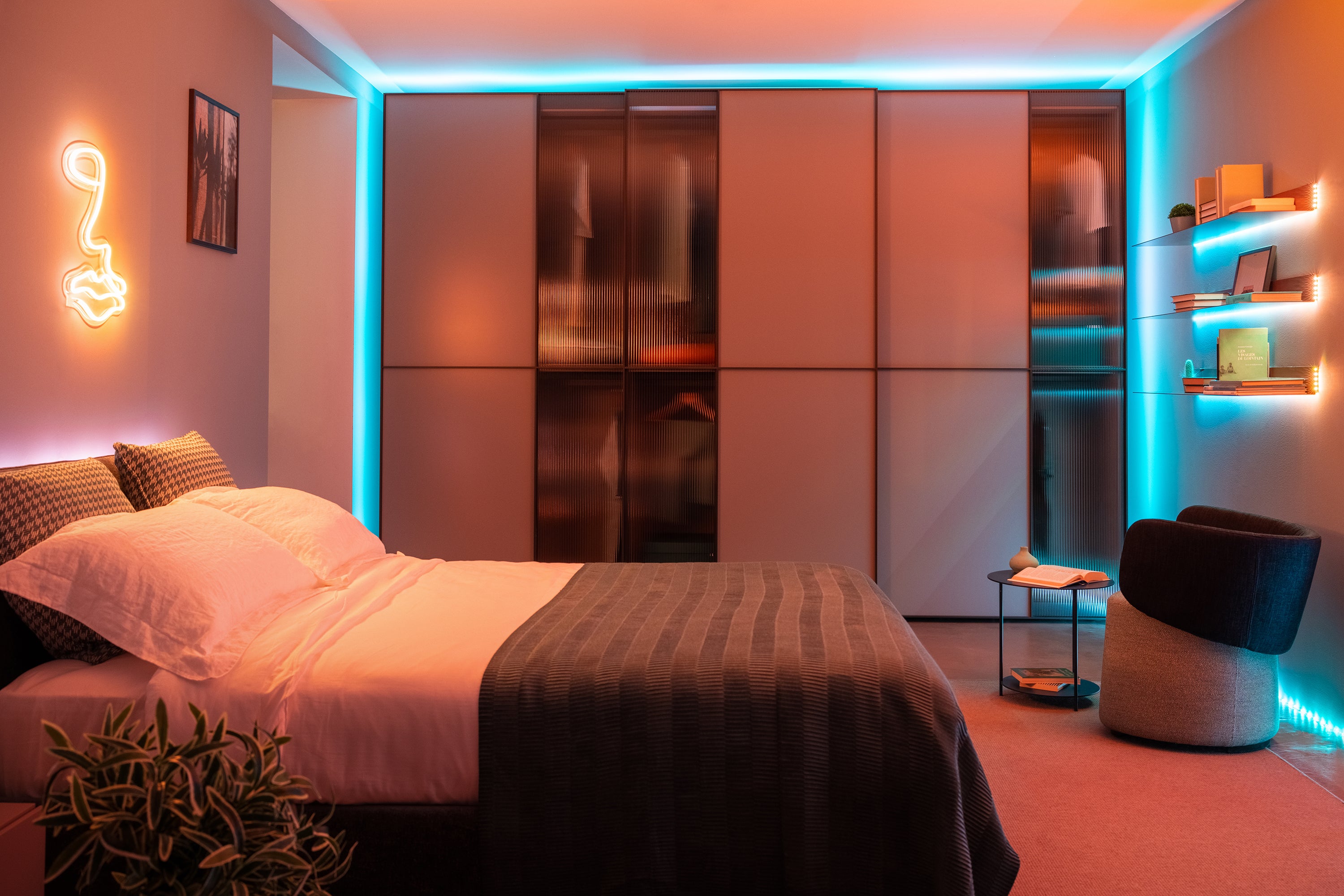
Place your Twinkly gaming lights any way you want. Hang lights on walls, around your monitor, and along furniture for backlighting effects. Patented mapping technology gives you control of your lights no matter how or where they are positioned.
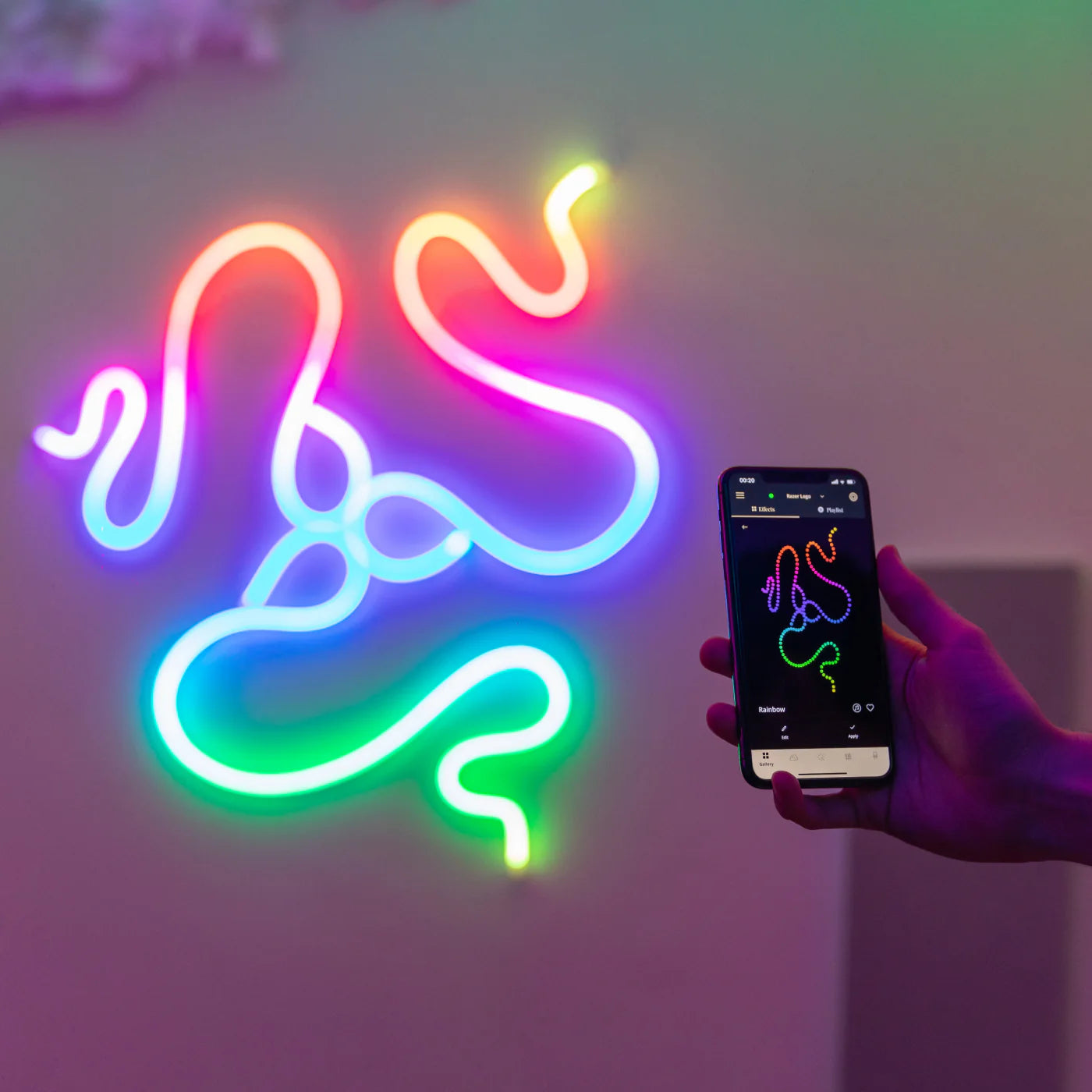
Map your gaming lights
Frame your setup using your smartphone camera and the Twinkly app will locate the exact position of each LED to create a virtual map of your lights on your smartphone screen.
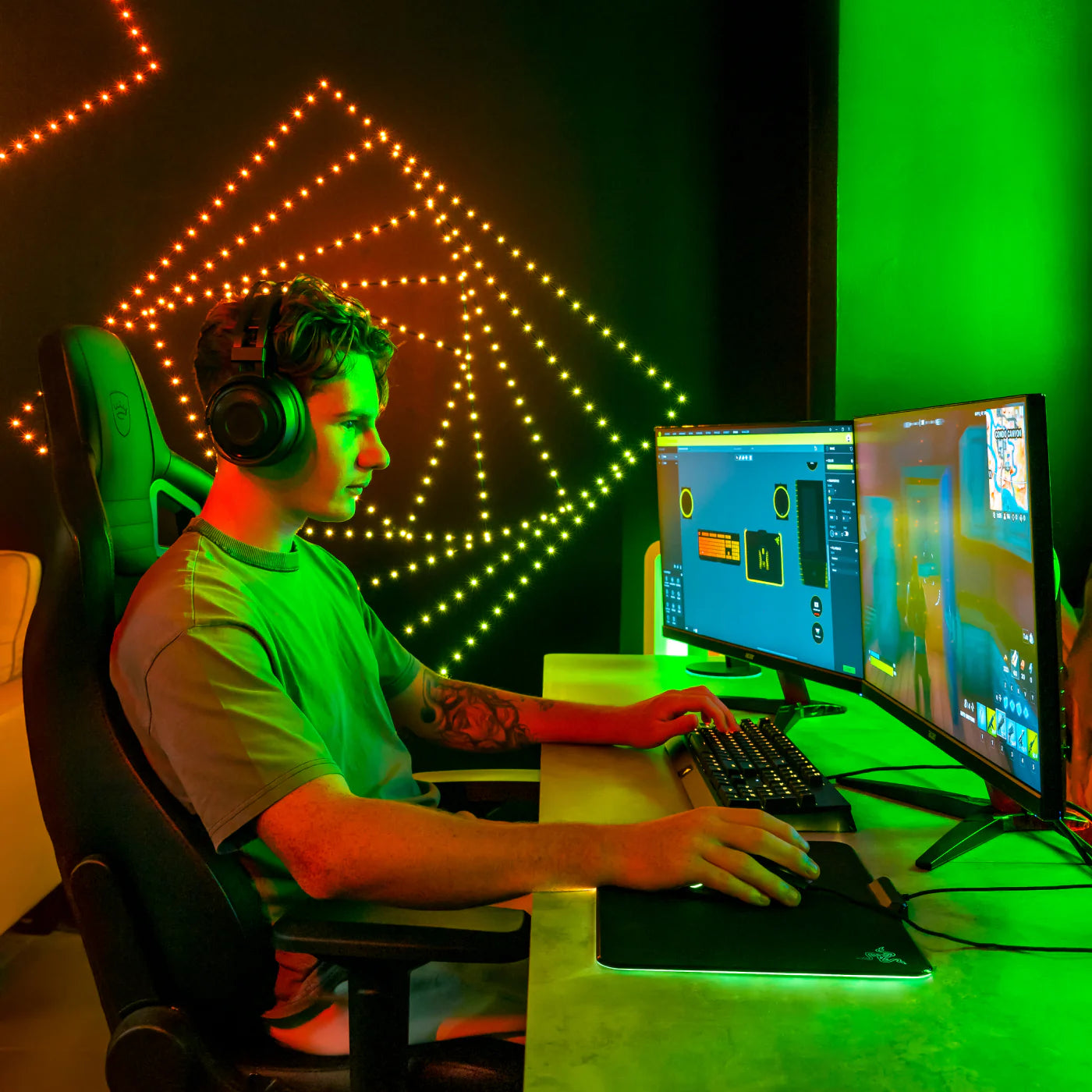
Sync to gameplay
Use the Screen Mirror Tool for Windows to stream your game from your monitor onto your lights or sync lights to your gaming using integrations for Razer Chroma RGB and OMEN Light Studio.
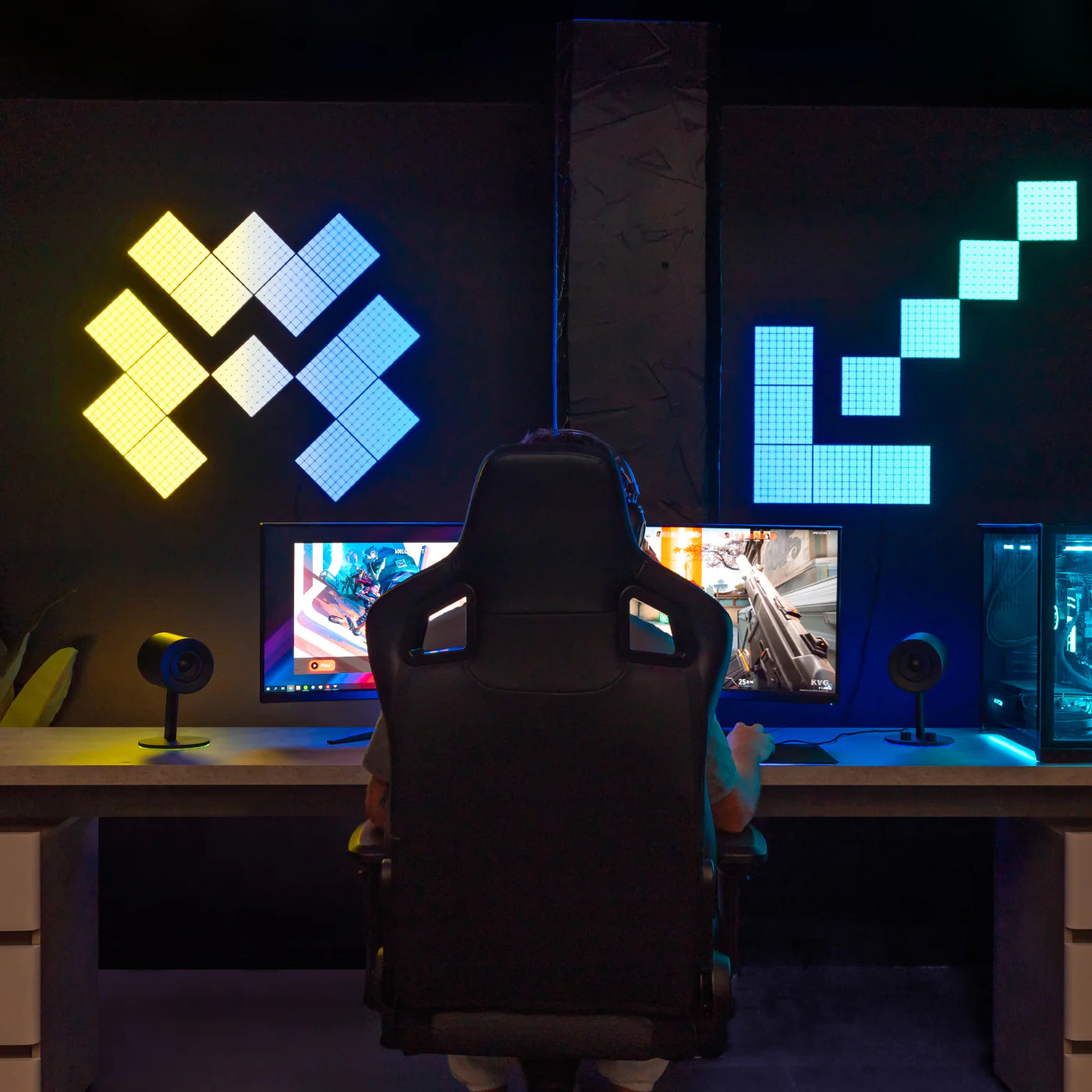
Seamlessly group and control your lights
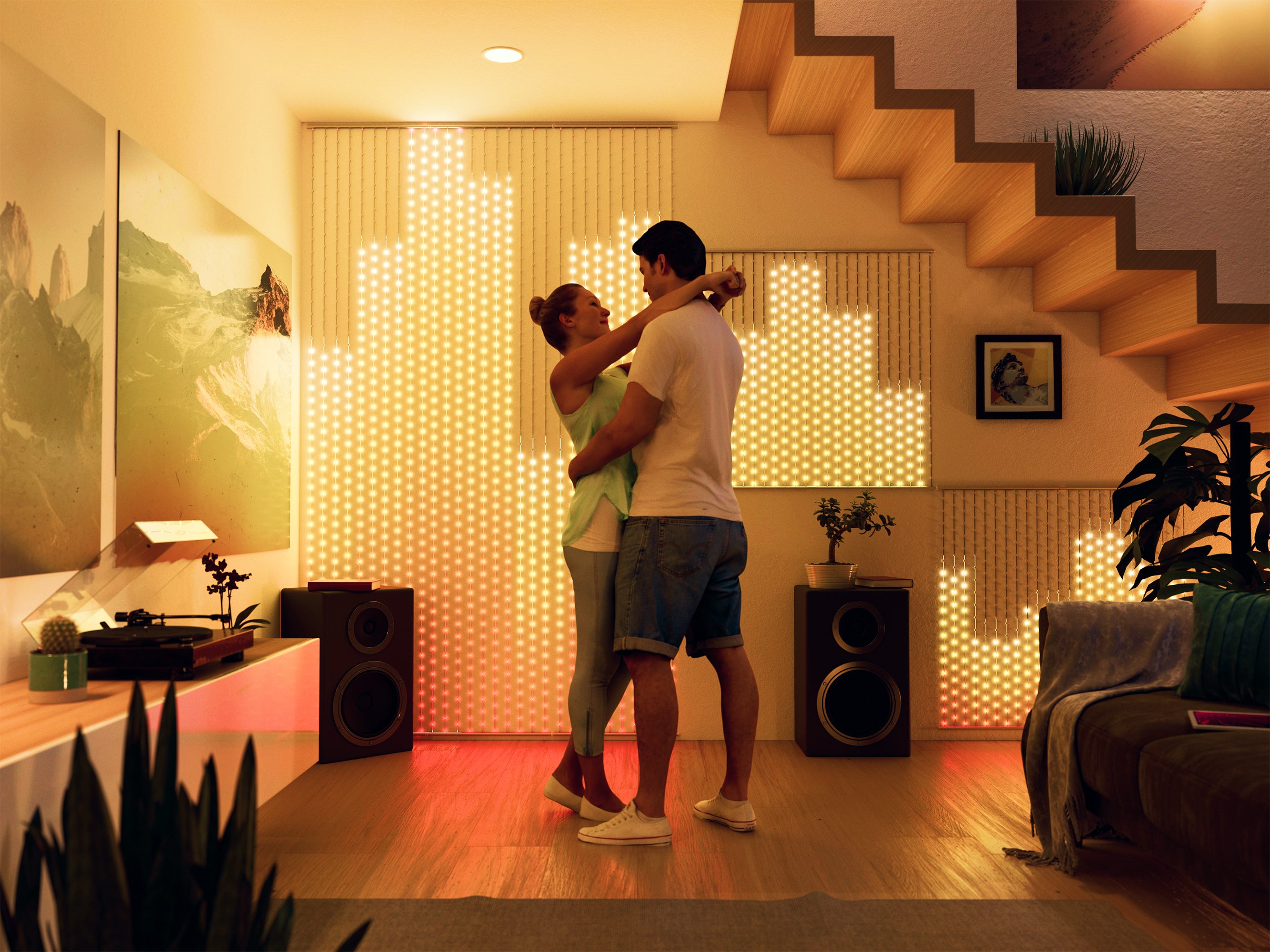
Easily group any Twinkly lights to act as a single display, flooding your entire space with synchronized lighting effects that match your every move.
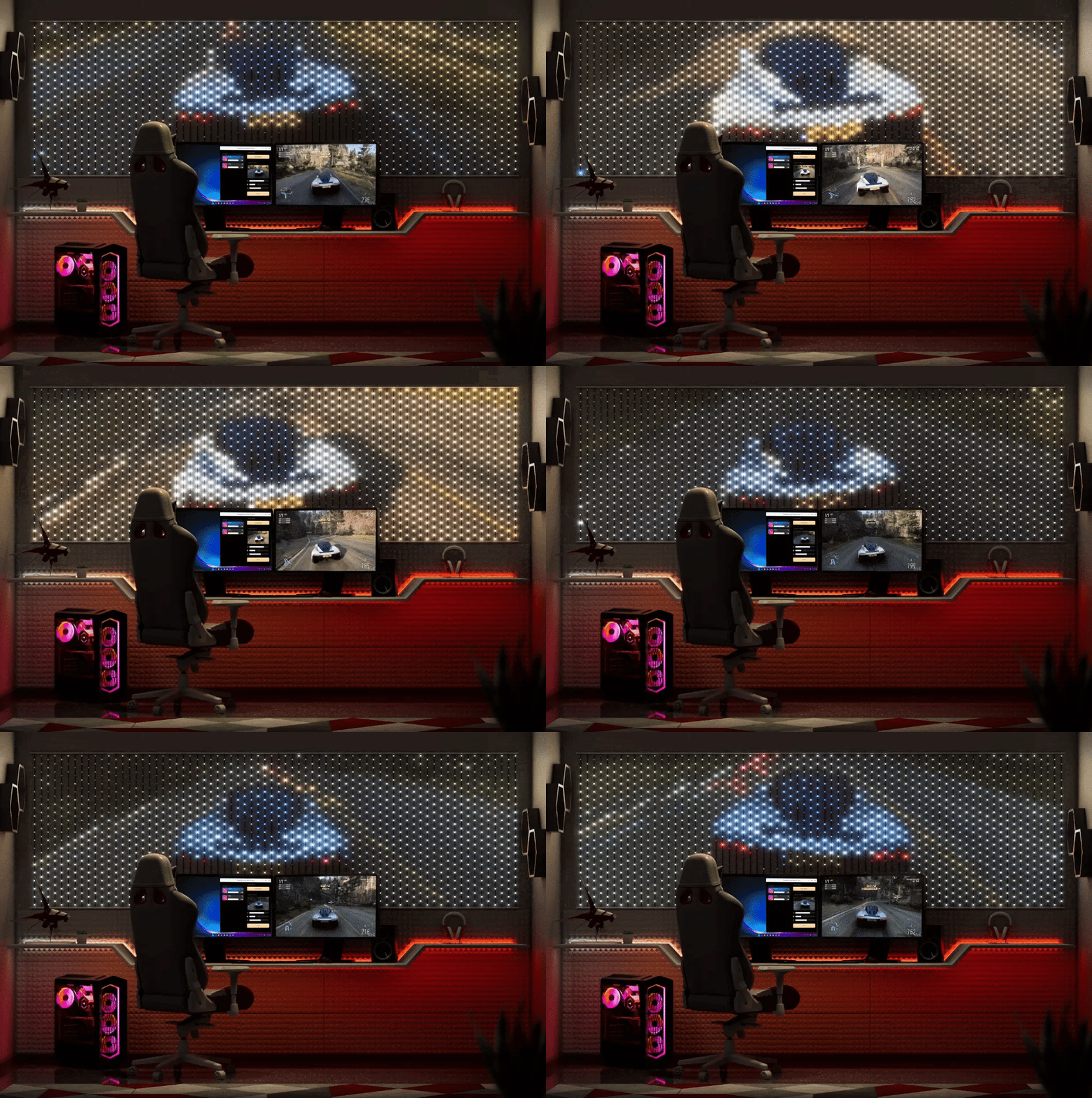
SCREEN MIRROR
Twinkly transports you into the game
The Twinkly Screen Mirror Tool for Windows live streams your gaming onto Twinkly lights.
Mirror the entire screen, a window or a small section. Versatile features give you complete control over the mirrored content: Crop selections, adjust brightness, contrast and saturation, and stream onto multiple devices.
POWERFUL GAMING INTEGRATIONS
Connect to the next level of gaming
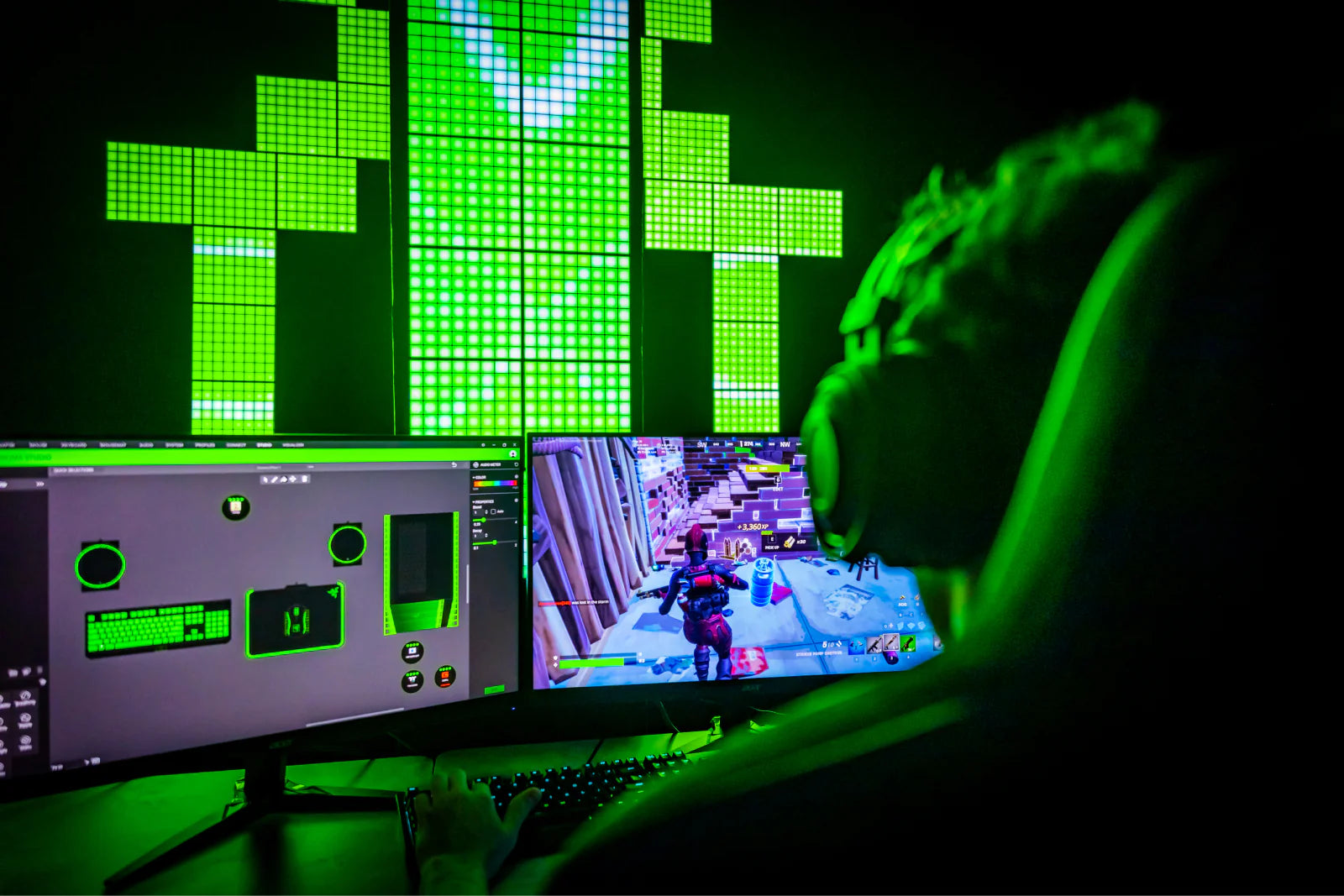
Razer Chroma RGB
Razer Chroma RGB
Mapping technology turns your gaming lights into a screen-like setup to put you in the game. Build a lighting display around your monitor and use the Screen Mirror Tool (for Windows and Mac) to stream your game onto your Twinkly lights in real-time.
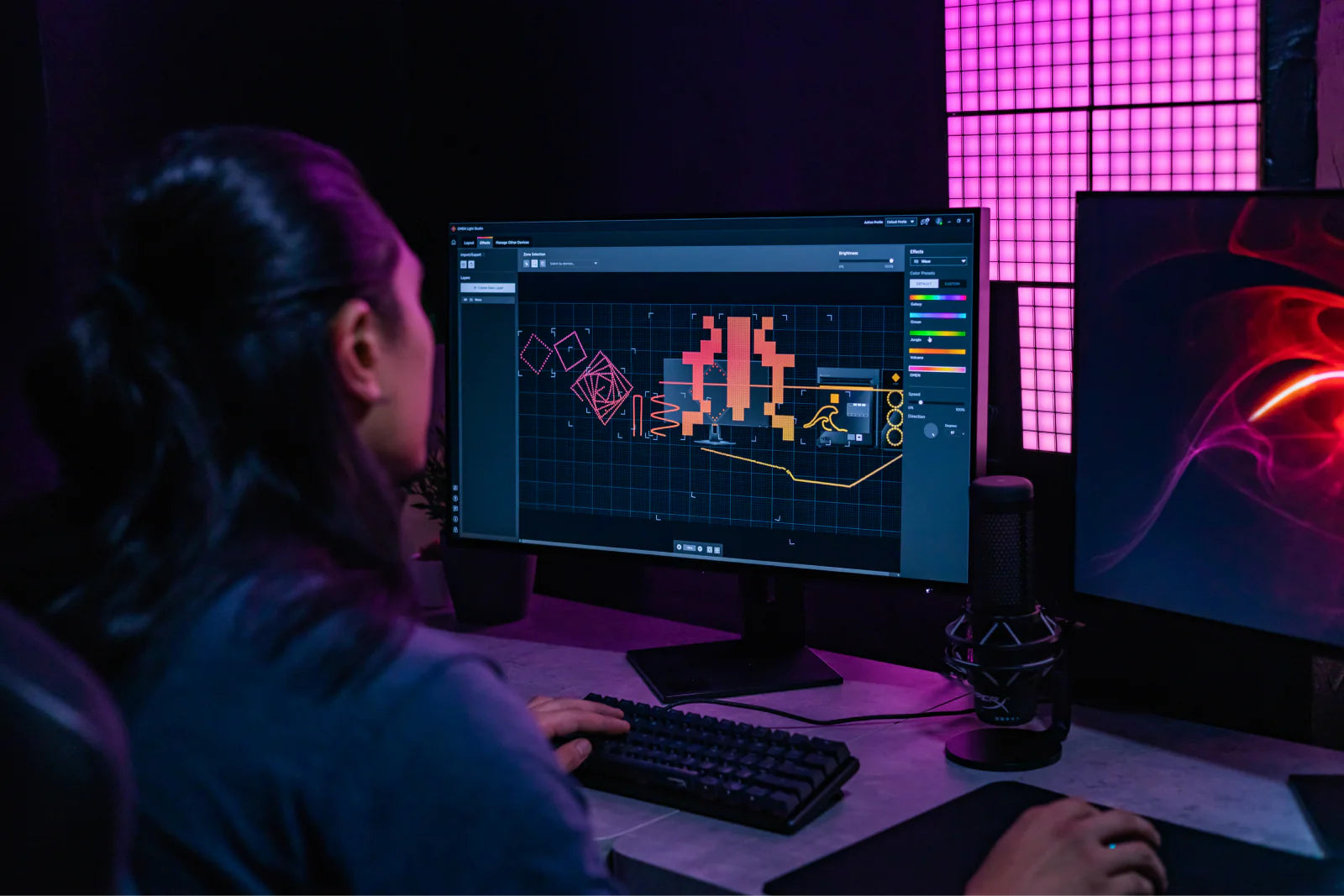
OMEN Light Studio
OMEN Light Studio
Omen Light Studio supports all Twinkly devices. It detects, connects and maintains your mapped layout for a custom gaming experience.
What our customers say
Amazing lights. These little panels [Squares] pack alot of power and brightness. They are perfect to set the mood and spice up your gaming room. I strongly recommend them!
— Ryan
Love the lights. They fit well wrapped behind my computer monitor and works well with the app and the Razer computer lights.
— Lou
Love how it works with OMEN light show
— Kameron
Have a question about Twinkly Gaming lights?
Still have a question? Go to our Help Center
How do Twinkly gaming lights integrate with streaming setups for content creators?
For an immersive experience with the gaming lights, try the Twinkly Screen Mirror tool for Windows and Mac. This user-friendly tool allows you to stream your computer screen and desktop apps across multiple devices or individual sets of Twinkly smart LED lights in real time. Easily capture specific sections of your monitor, such as the subscription counter, or focused areas in your gaming, like lap times in a racing game. Find all the details here: Twinkly Screen Mirror Tool Guide."
What are the steps to configure my Twinkly lights for an immersive gaming experience? With Razer Chroma?
Start by connecting your Twinkly gaming lights to your home Wi-Fi, following the step-by-step guide here. Once your devices are connected to the Twinkly app and mapped, you can integrate them into your gaming. If using Razer Chroma, click here to view the instructions to seamlessly sync lights.
What type of mapping is best for my gaming room?
For an immersive and dynamic setup, map gaming lights individually using the 3D mapping option in the Twinkly app. Then, in the Editor create an Area group to manually position and group each lighting product in your space according to its location.
What are the best practices for maintaining and cleaning Twinkly gaming lights?
Maintaining your Twinkly gaming lights is just like taking care of any traditional smart LED lights. Thanks to their high-quality materials, they’re built to last throughout regular use. Ensure the controller is placed where it can stay cool - avoid covering it or putting it on surfaces that might trap heat. For cleaning gaming lights, a quick dusting or a gentle wipe with a damp cloth will do the trick. With minimal upkeep, you can focus on enjoying the light show and your game time.
Do Twinkly gaming lights come with a warranty, and what does it cover?
The warranty policy for Twinkly gaming lights varies based on country and whether items were purchased directly from our shop or through an authorized seller. For more details, please read the warranty policy article on our website.
Are Twinkly gaming lights efficient and safe for long gaming sessions?
Enjoy endless gaming sessions with peace of mind. Just ensure smart light controllers are kept away from heat sources like carpets or rugs so they stay cool and safe. Have fun and game on!
Can Twinkly gaming lights sync with in-game events or music?
Twinkly gaming lights can be synced to sound with the Twinkly Music USB dongle. Read our step-by-step guide here: How to Set Up Twinkly Music.
How do I control and customize the lighting effects on Twinkly gaming lights?
Once you’ve connected your gaming lights to the app, you have full control of your smart light display.Play and create infinite effects: Gain control over the display by mapping your gaming lights. Browse and download effects from the Explore section or get creative and design custom effects using the FX Wizard.Sync Multiple Devices: Link lights for a perfectly synchronized display.Sync with Music: Use the Twinkly Music dongle to synchronize your gaming light display with any sounds.
What equipment do I need to enjoy the integration between Twinkly lights and Razer Chroma?
To use Twinkly gaming lights with Razer Chroma, you'll need the following:
- Twinkly smart gaming lights
- Wi-Fi network
- Twinkly Chroma Connector
- Razer Synapse 3
After decorating your gaming room with Twinkly lights, download Razer Synapse 3 and the Twinkly Chroma Connector. Set up the Twinkly devices using the Twinkly app. Then open the downloaded apps on your computer and follow the on-screen instructions to integrate them into your gaming experience.