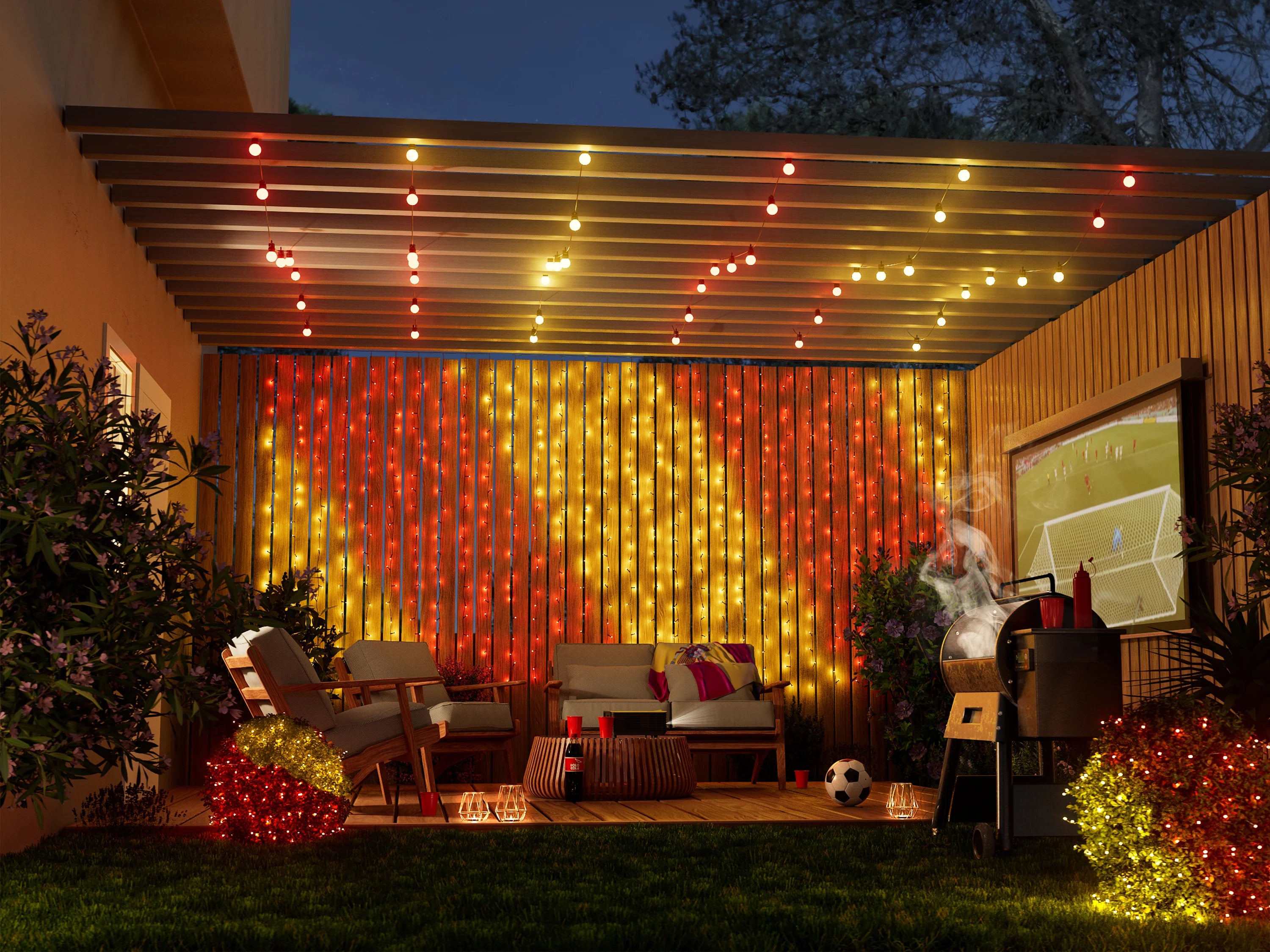
SEE TWINKLY IN ACTION
Effortlessly customize every corner of your home
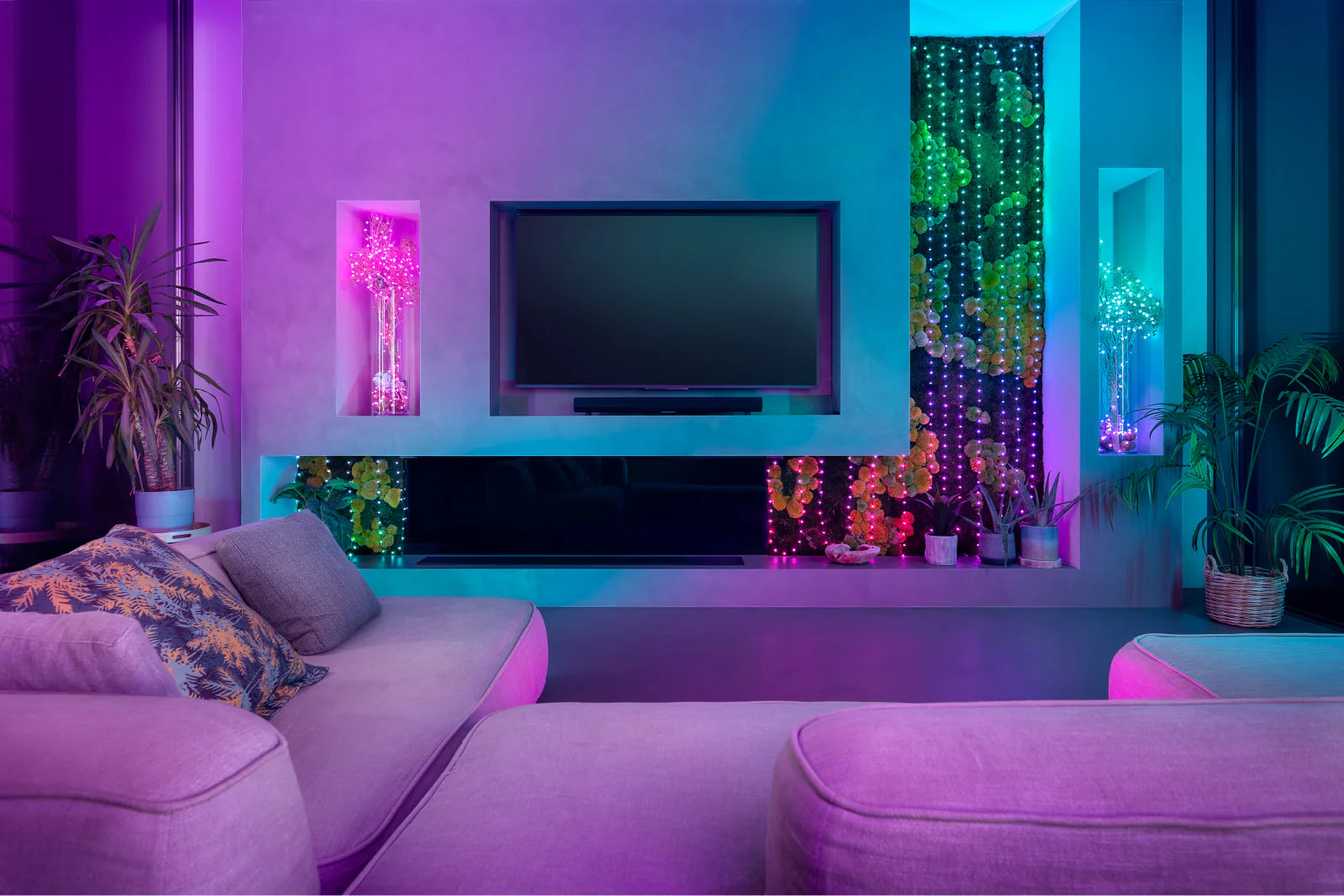
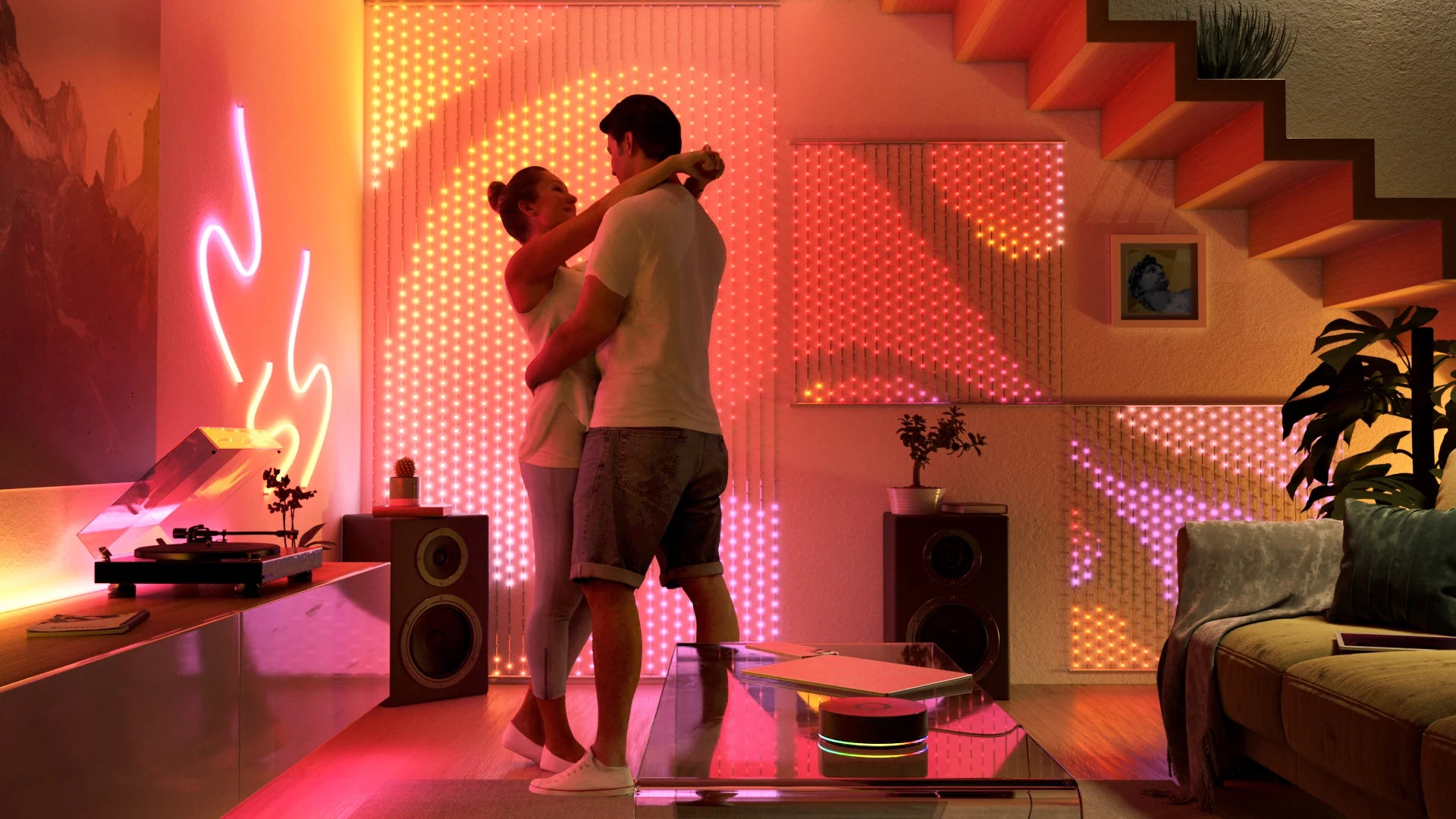
Living space
Living space
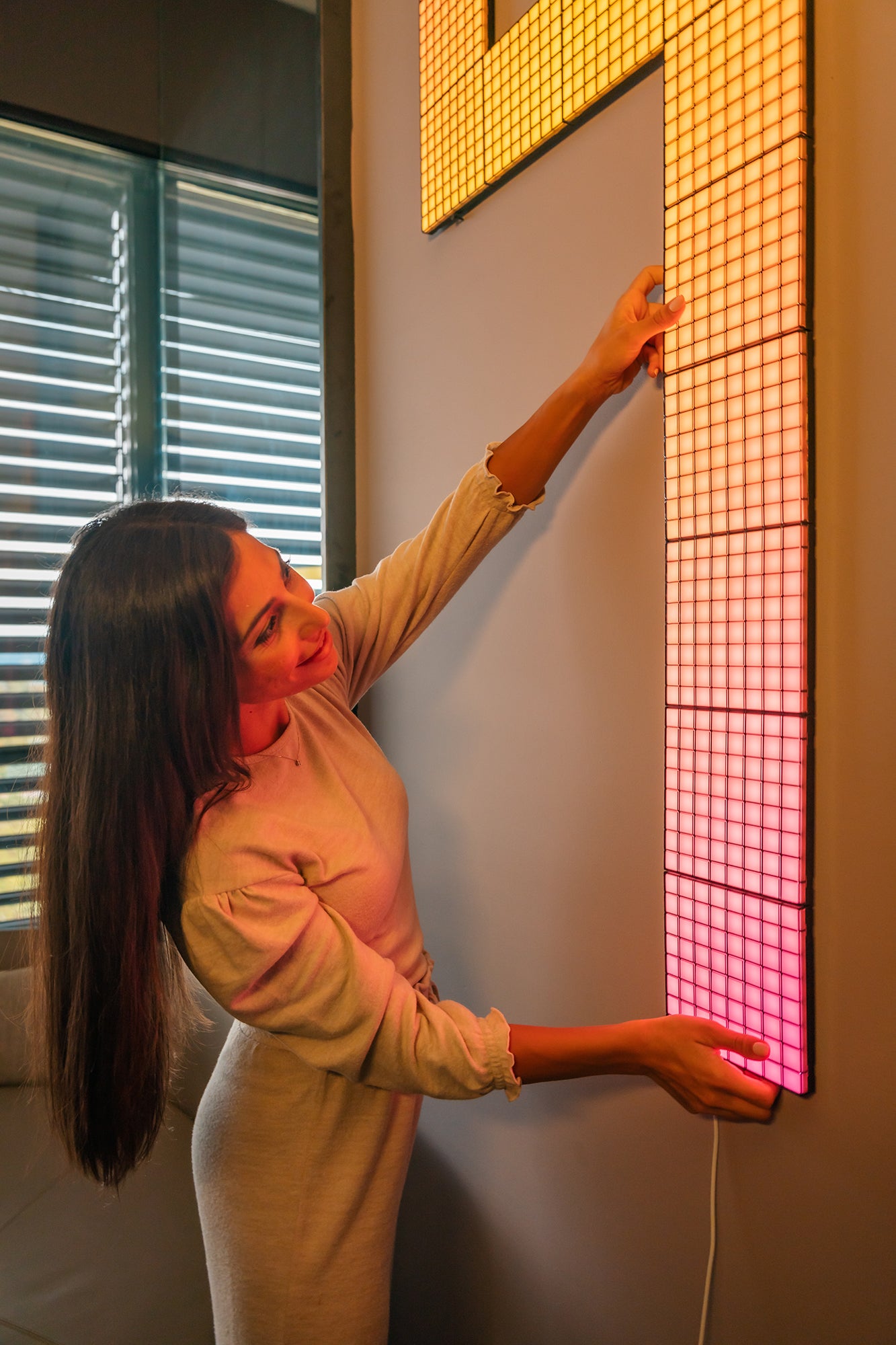
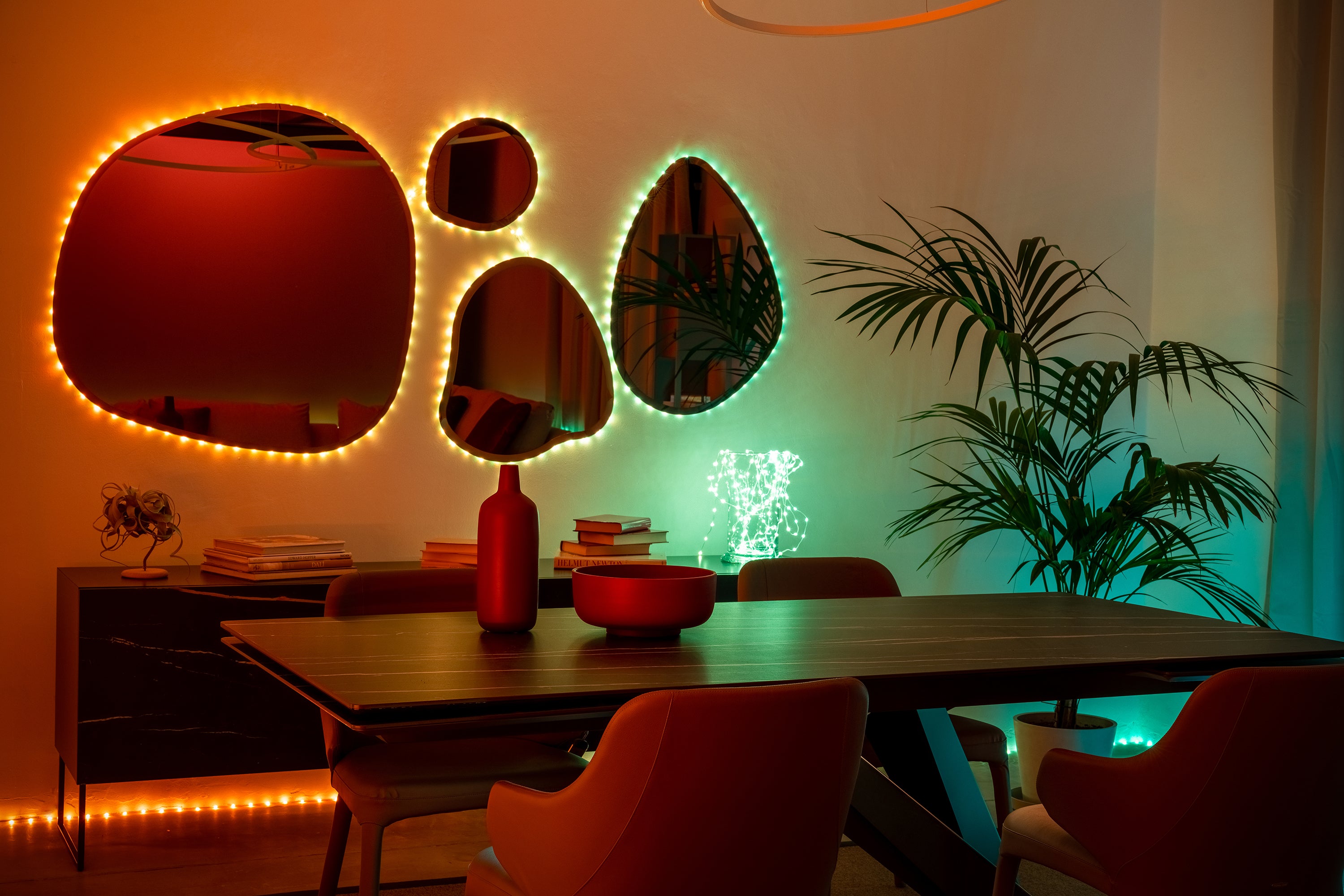
Transform your living space with harmonious accents and backlighting, ideal for relaxing and immersive entertainment.
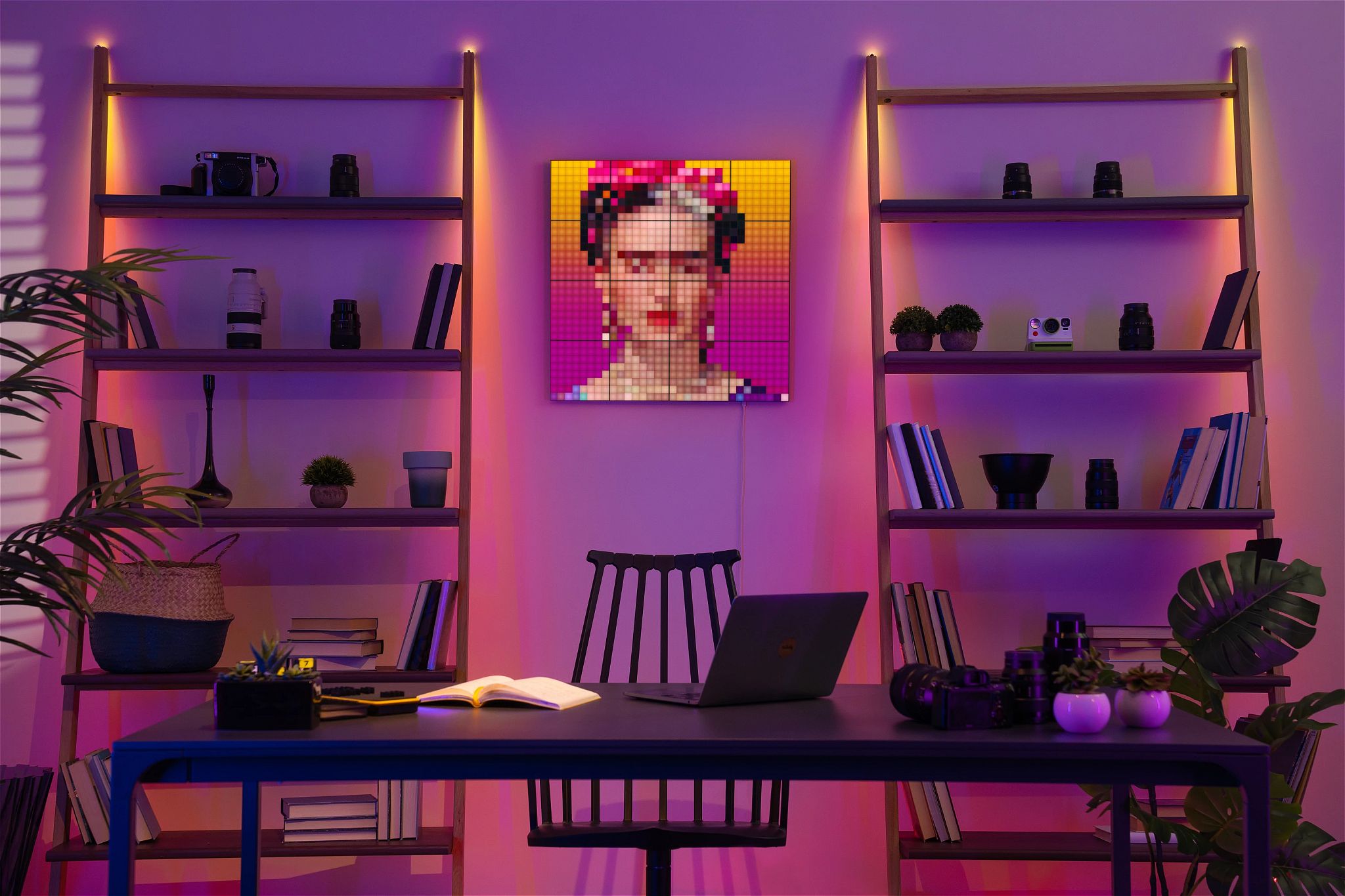
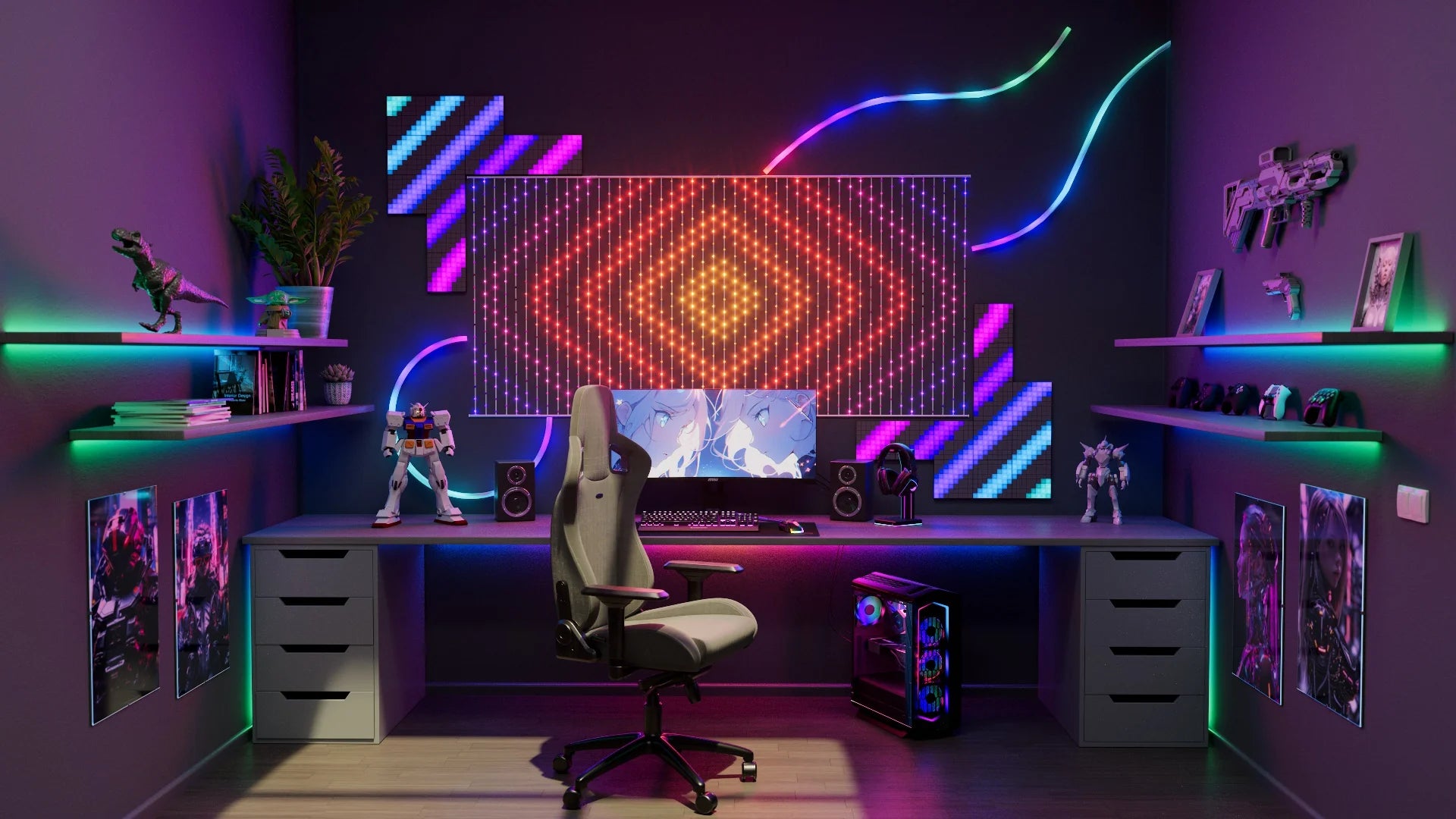
Workspace
Workspace
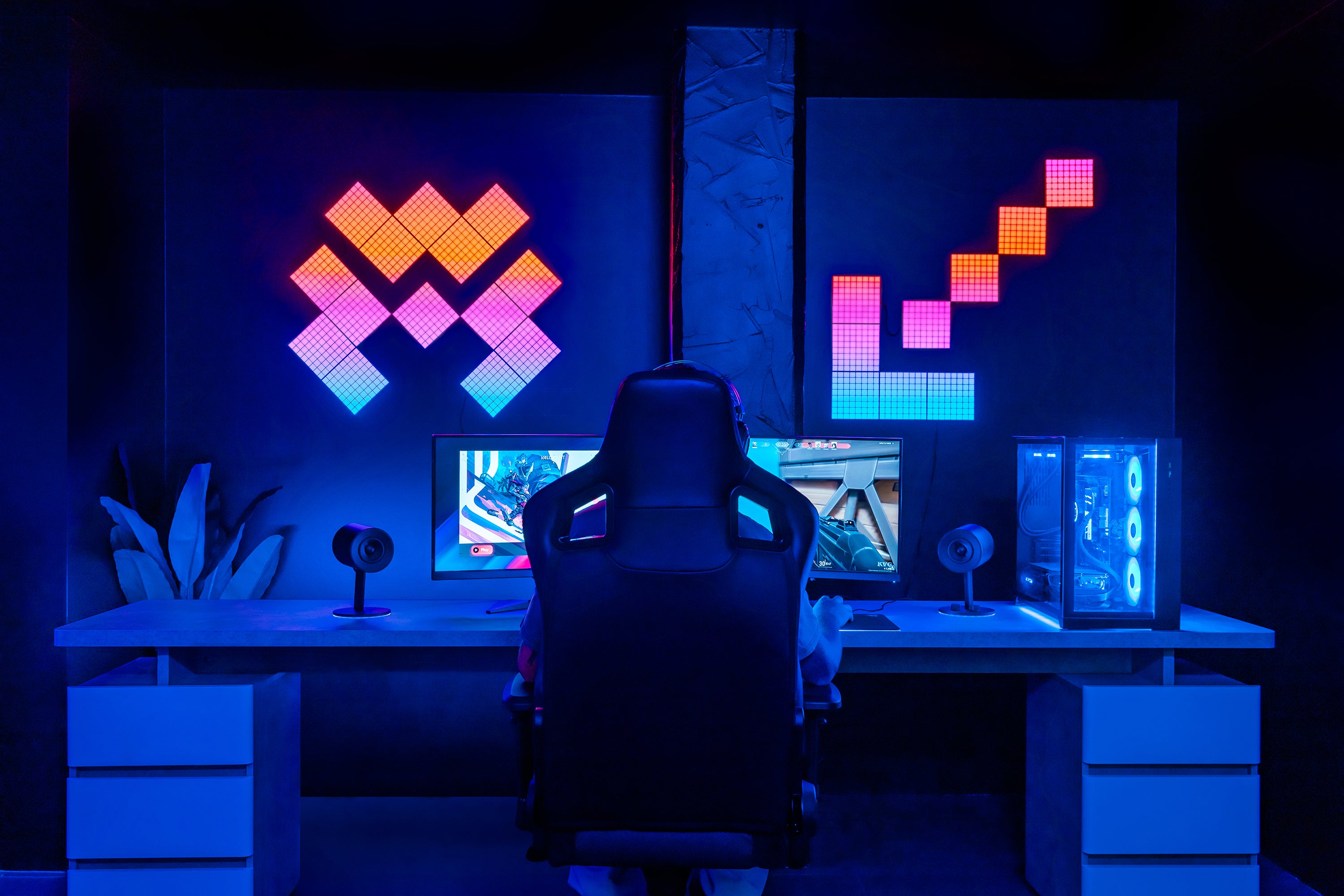
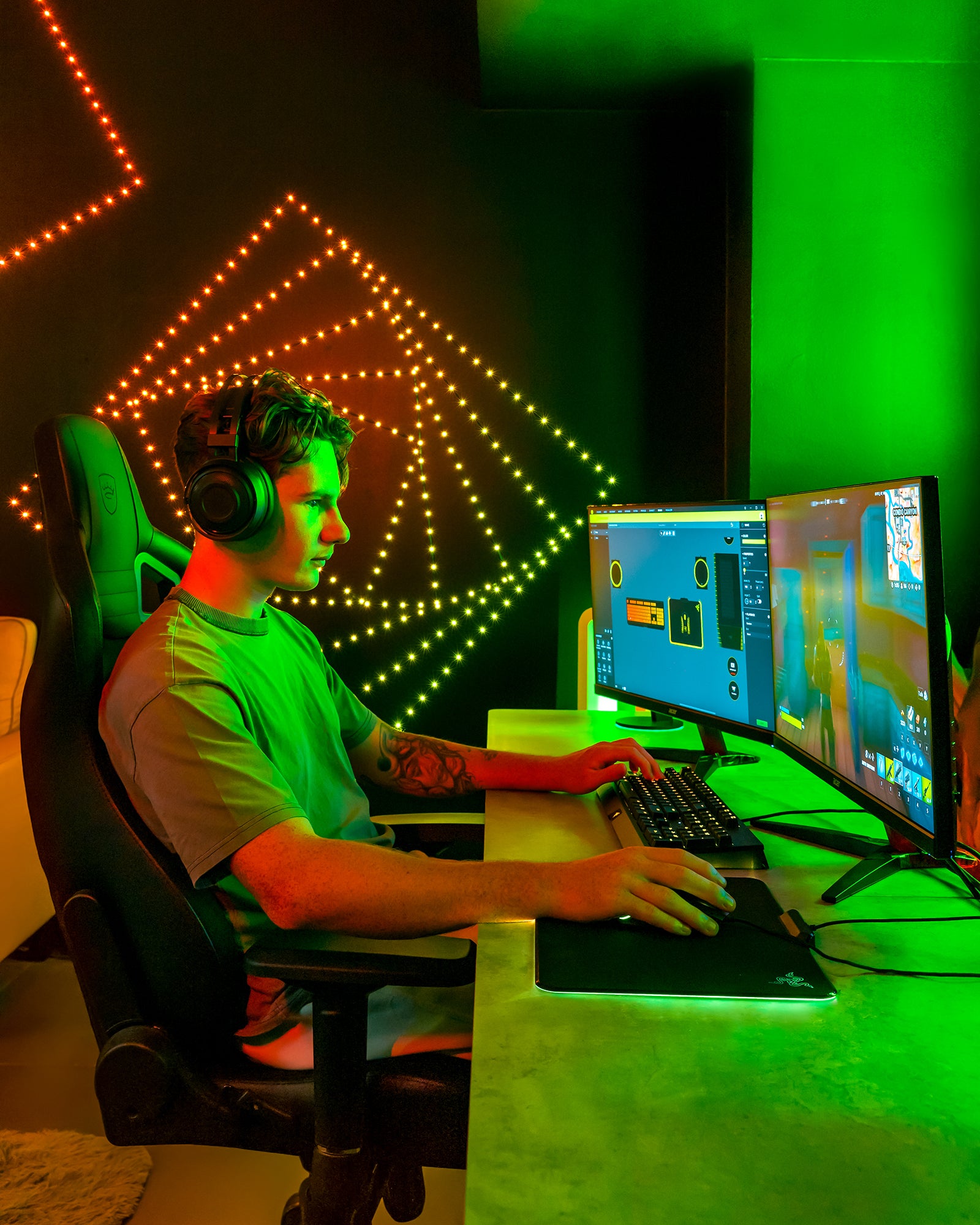
Elevate your home office with dynamic color. Set the mood and match your style, from technicolor accent lighting to the perfect touch for concentration.
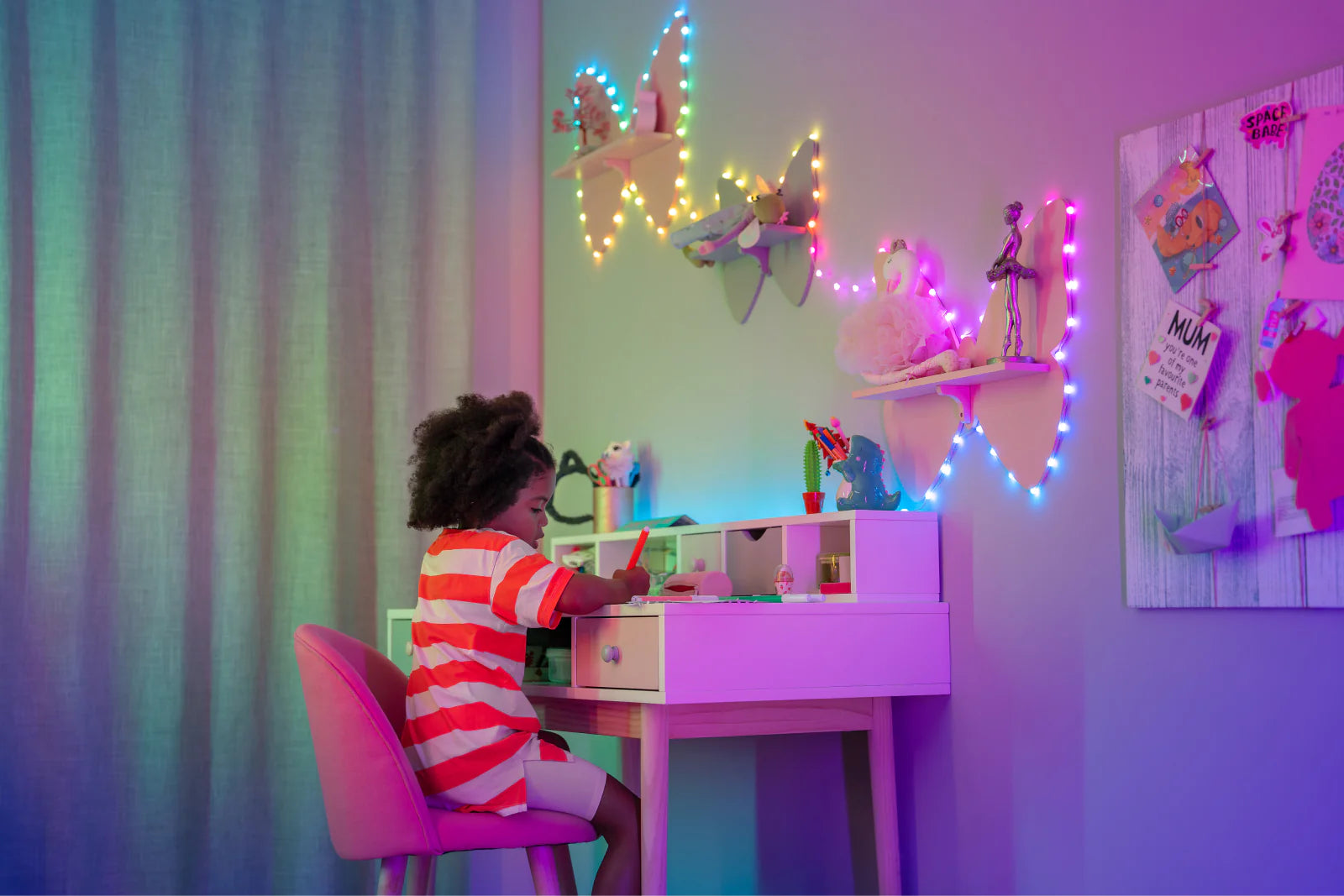
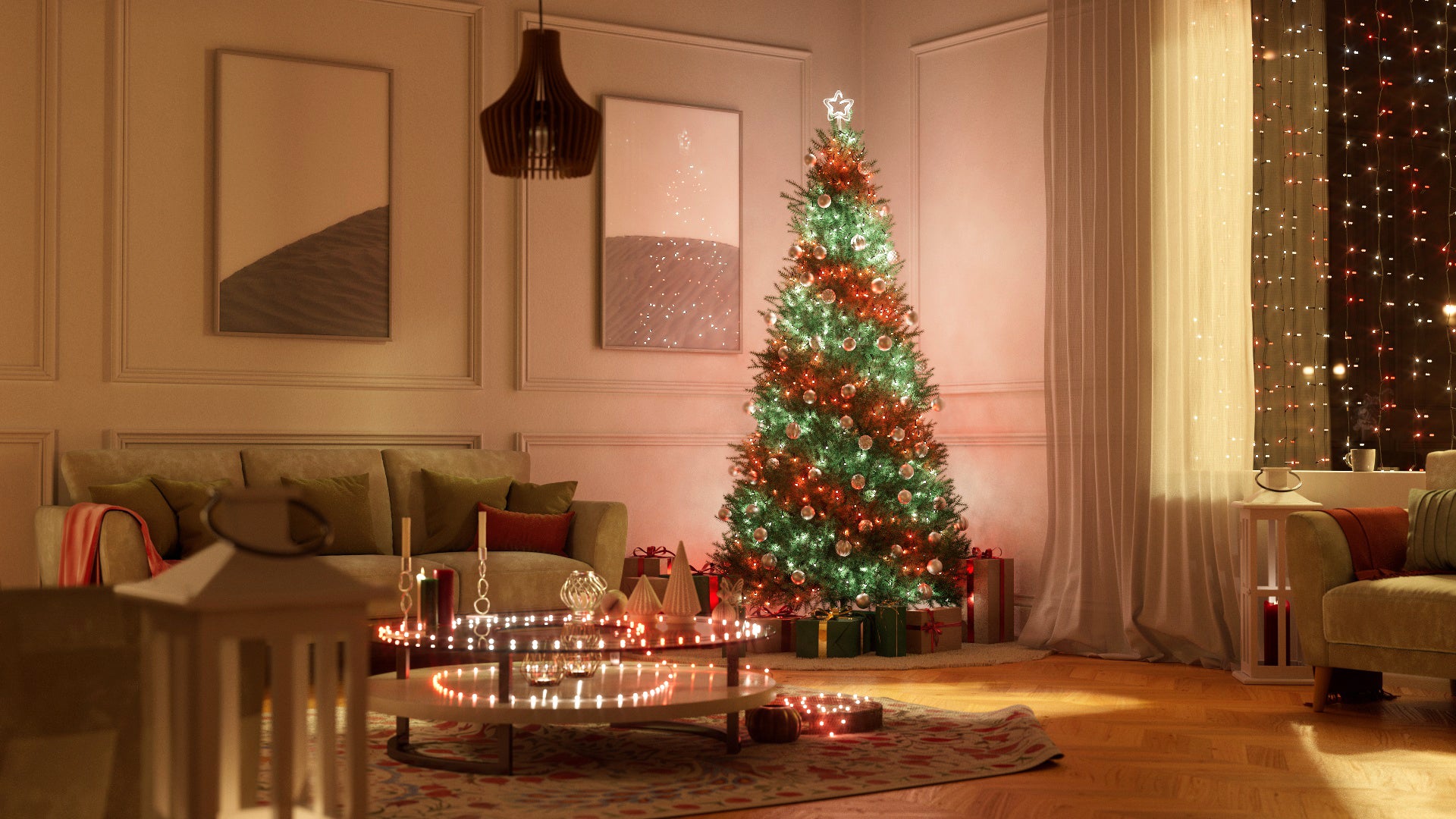
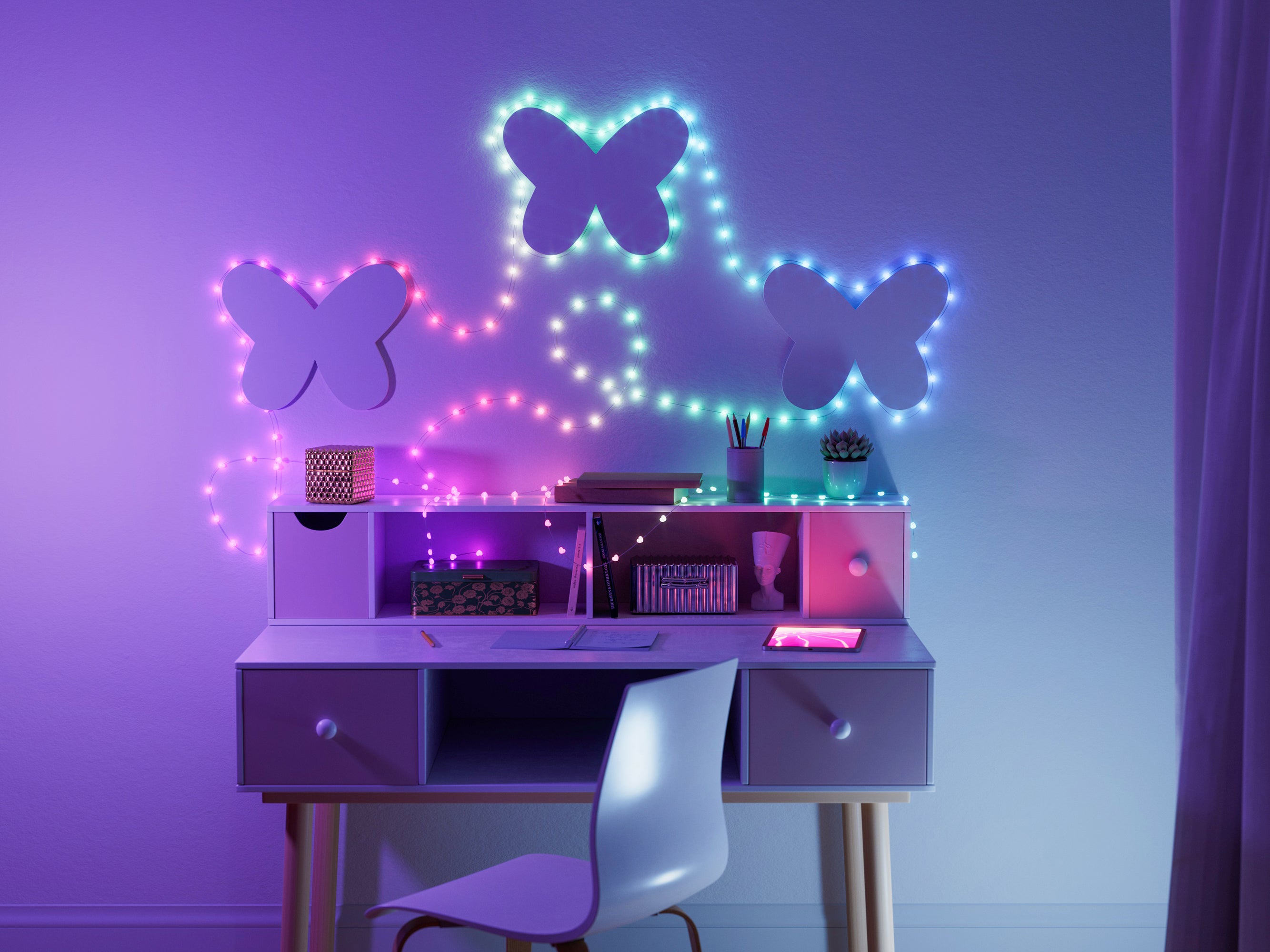
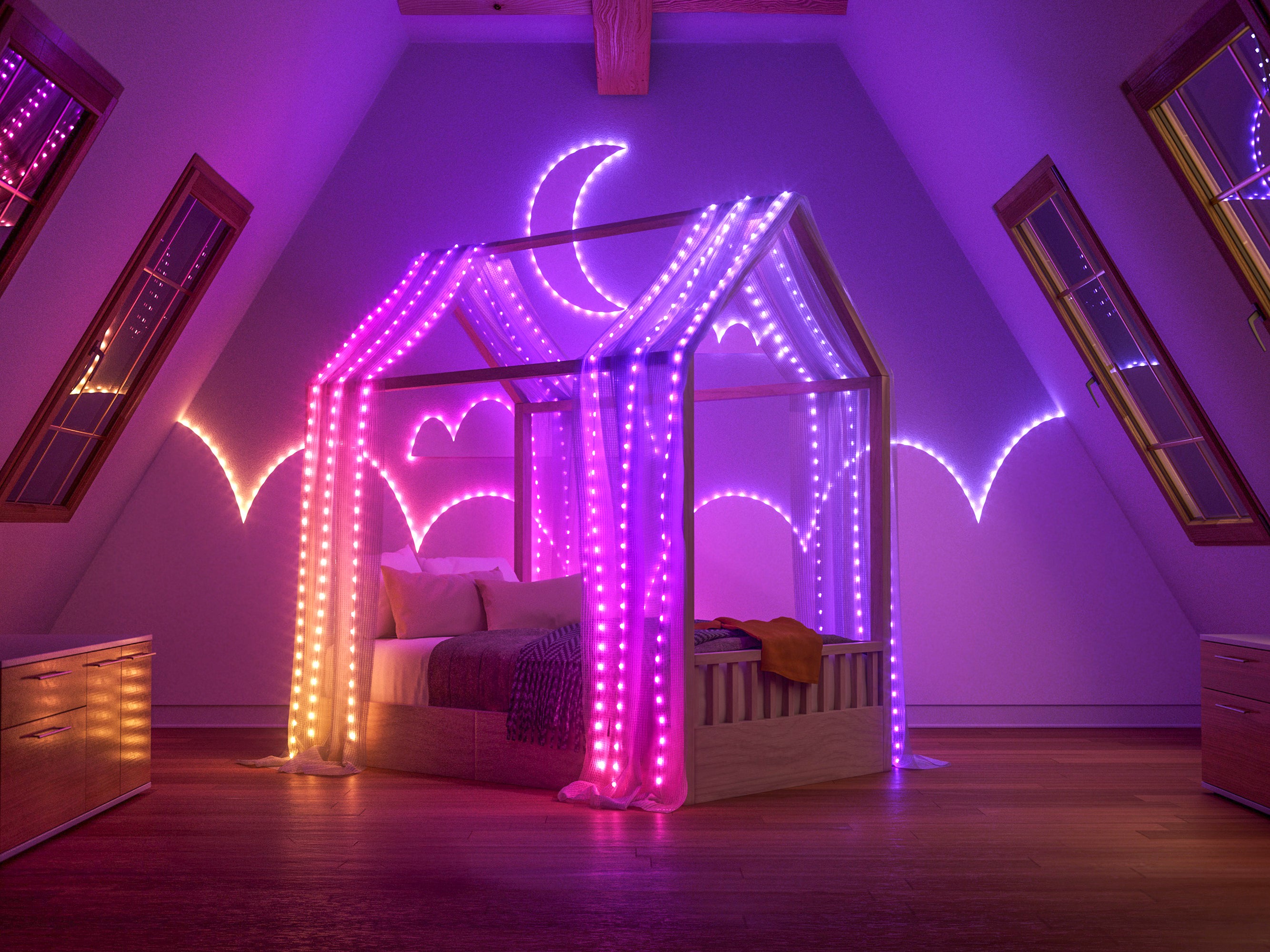
Kids' space
Kids' space
Create a magical wonderland in children’s rooms. Playful lights create new ways to make special memories with your little ones.
DISCOVER CREATIVE CONTROL
Being smart has never been so easy
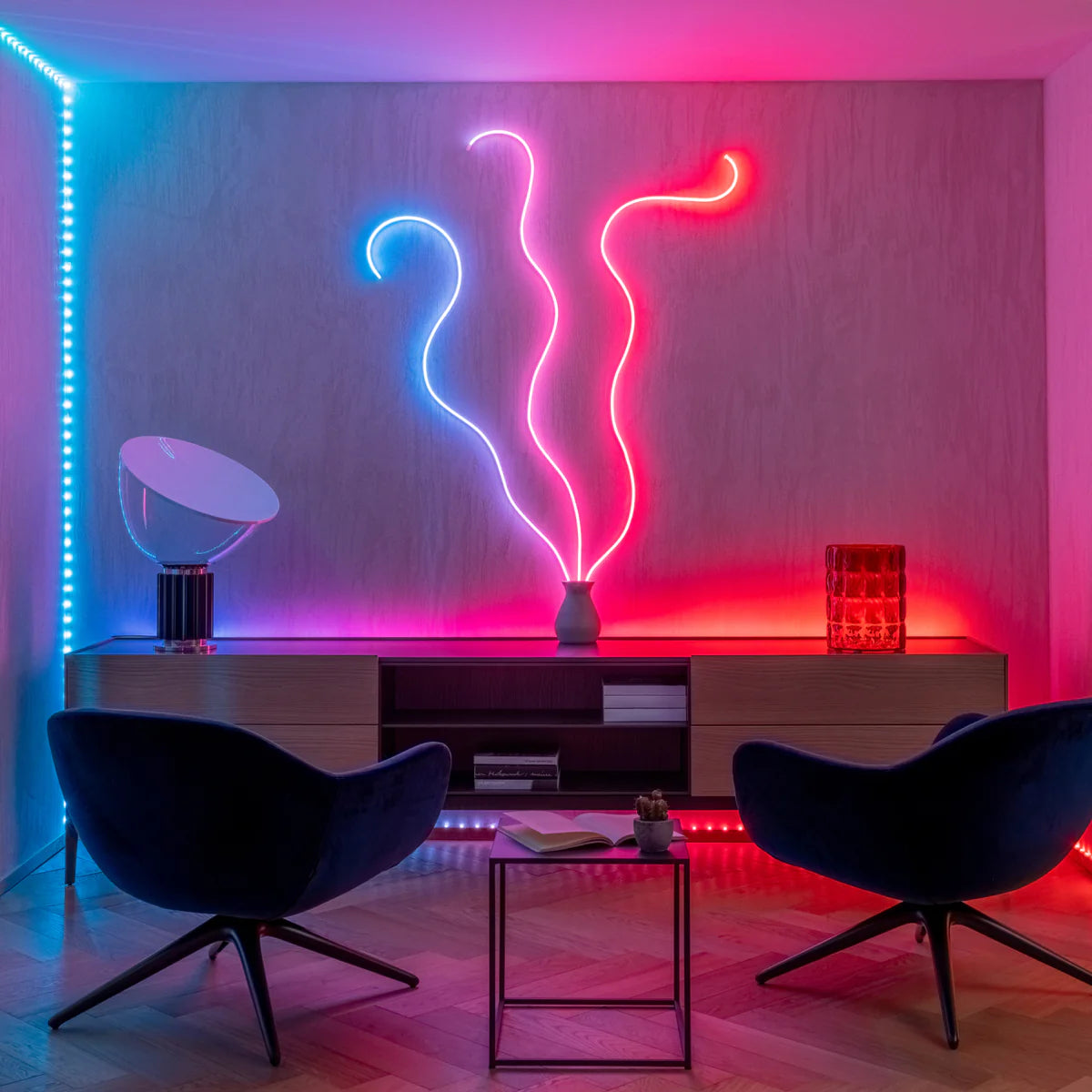
Group mapping
Seamlessly link all your Twinkly devices together using the app for synchronized ambient effects.
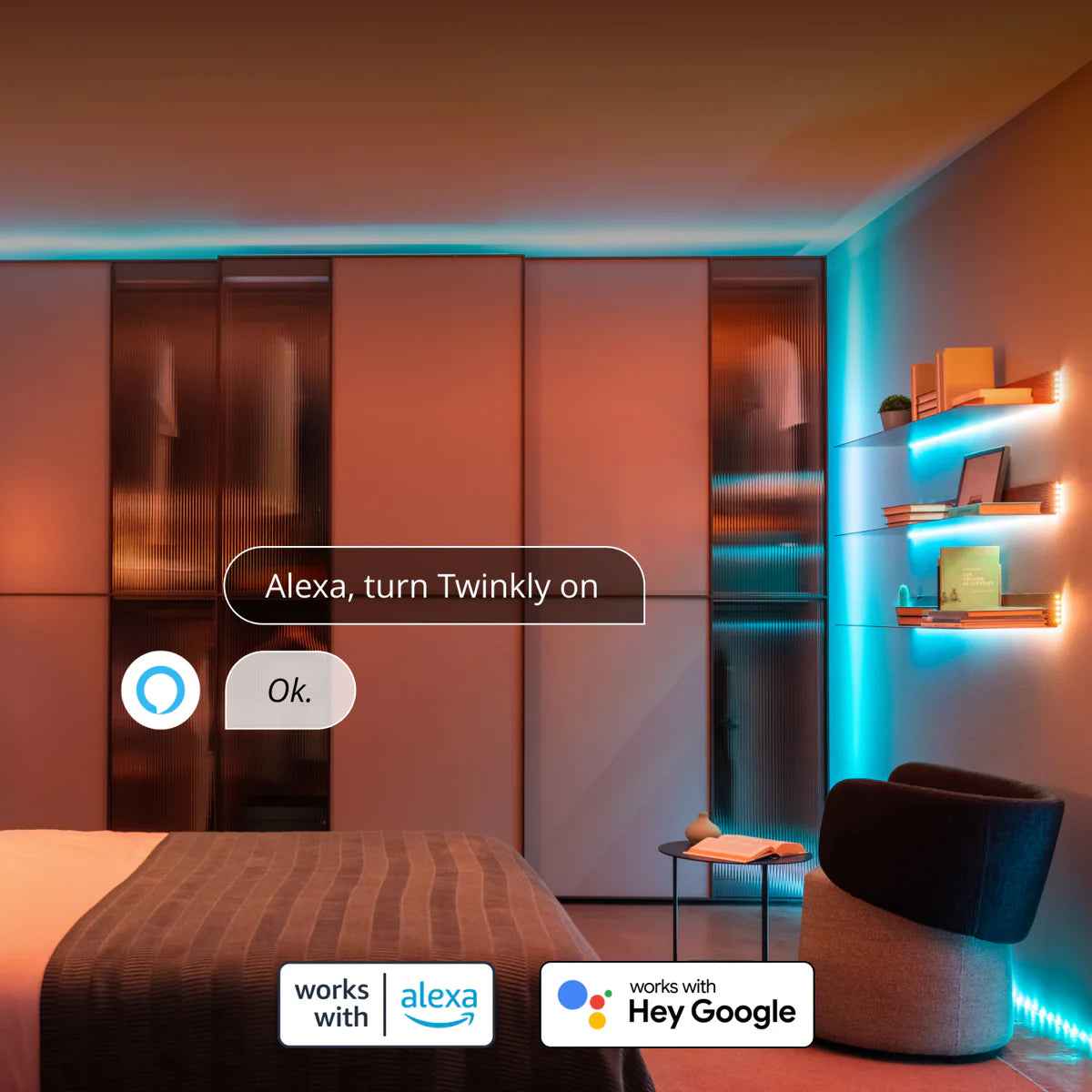
Smart home integration
Twinkly lights are compatible with Amazon Alexa and Google Assistant for hands-free voice control.
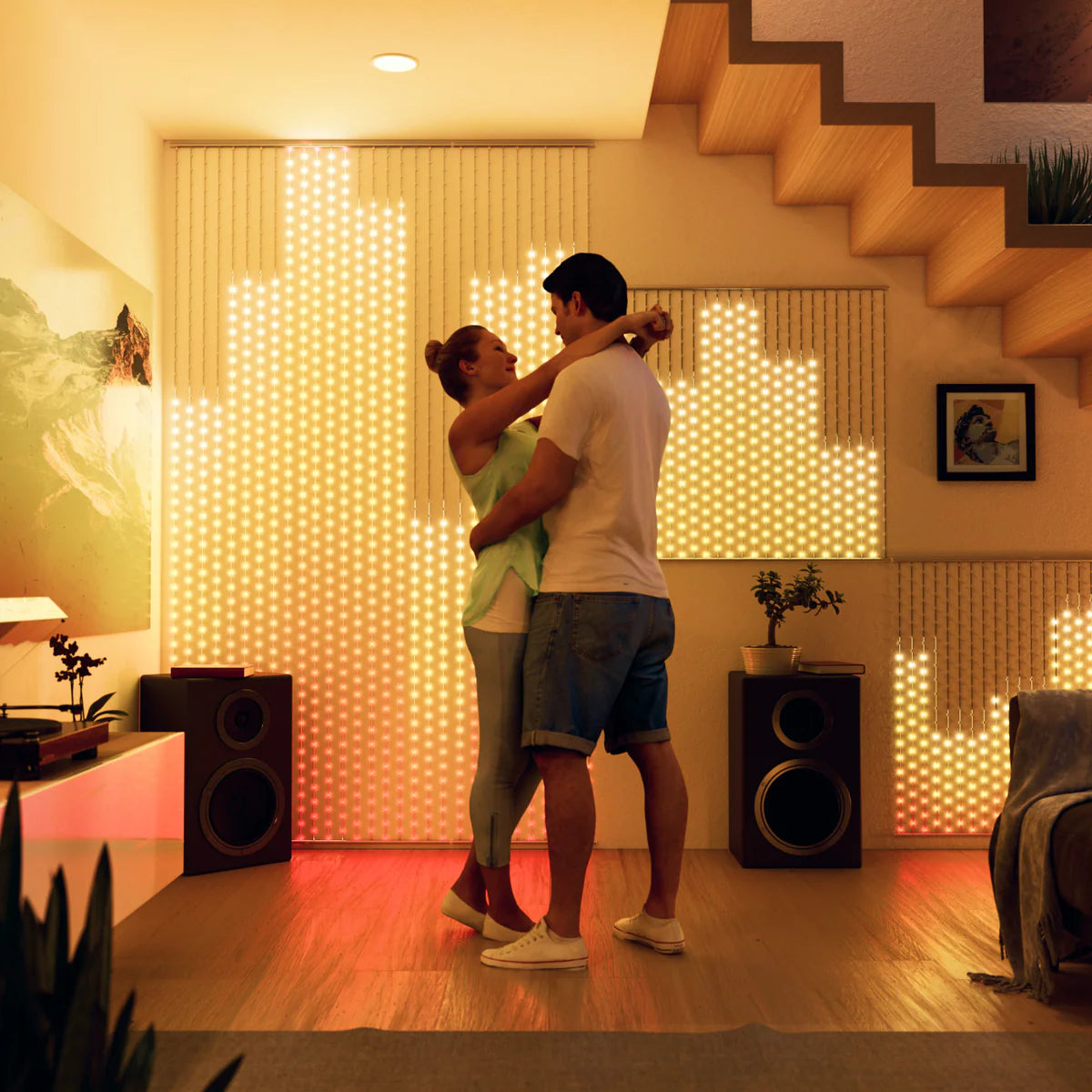
Sync to music
Watch lights dance to music the Twinkly Music USB dongle.
Customer home décor favorites


Pearls – Strings USB-C
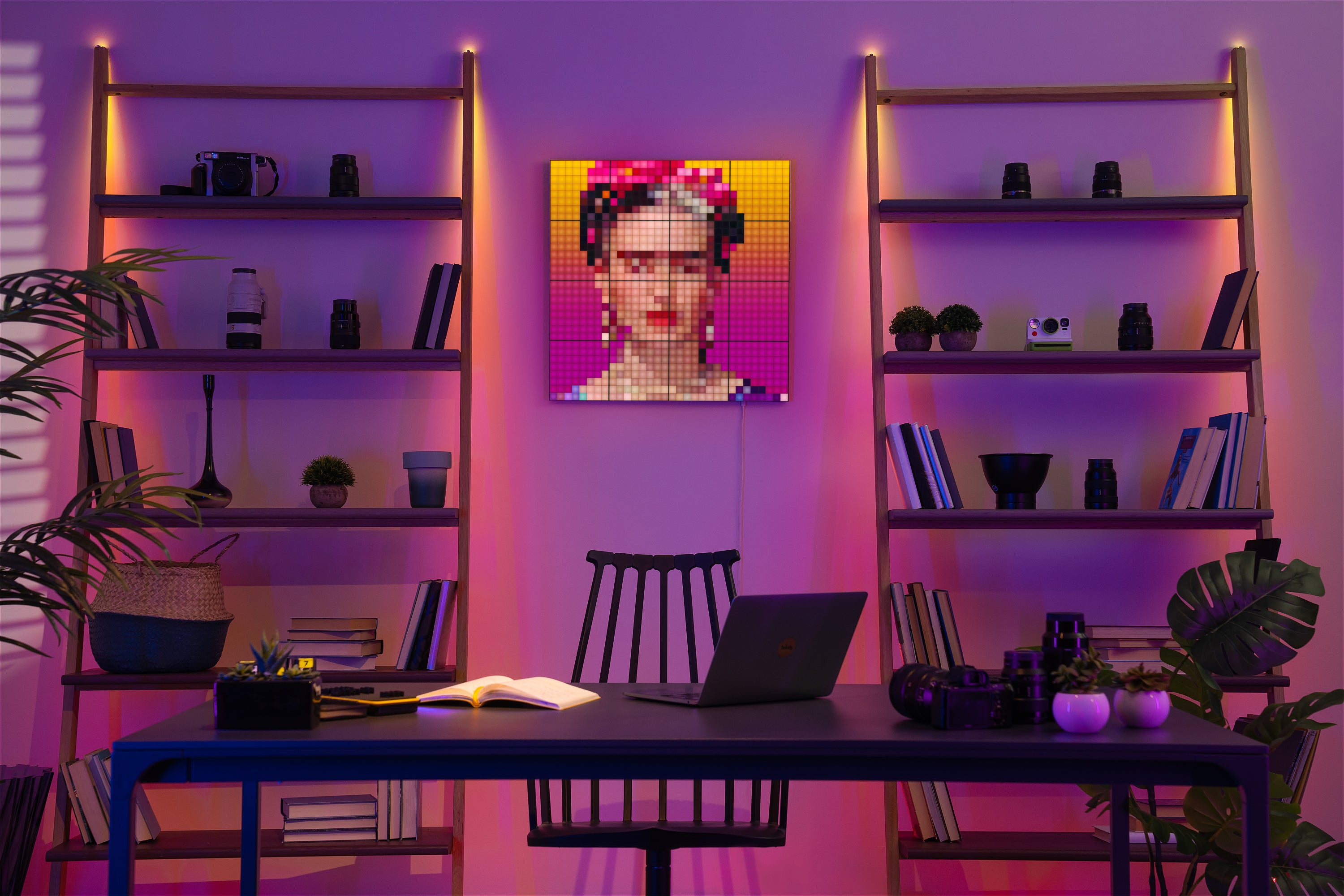
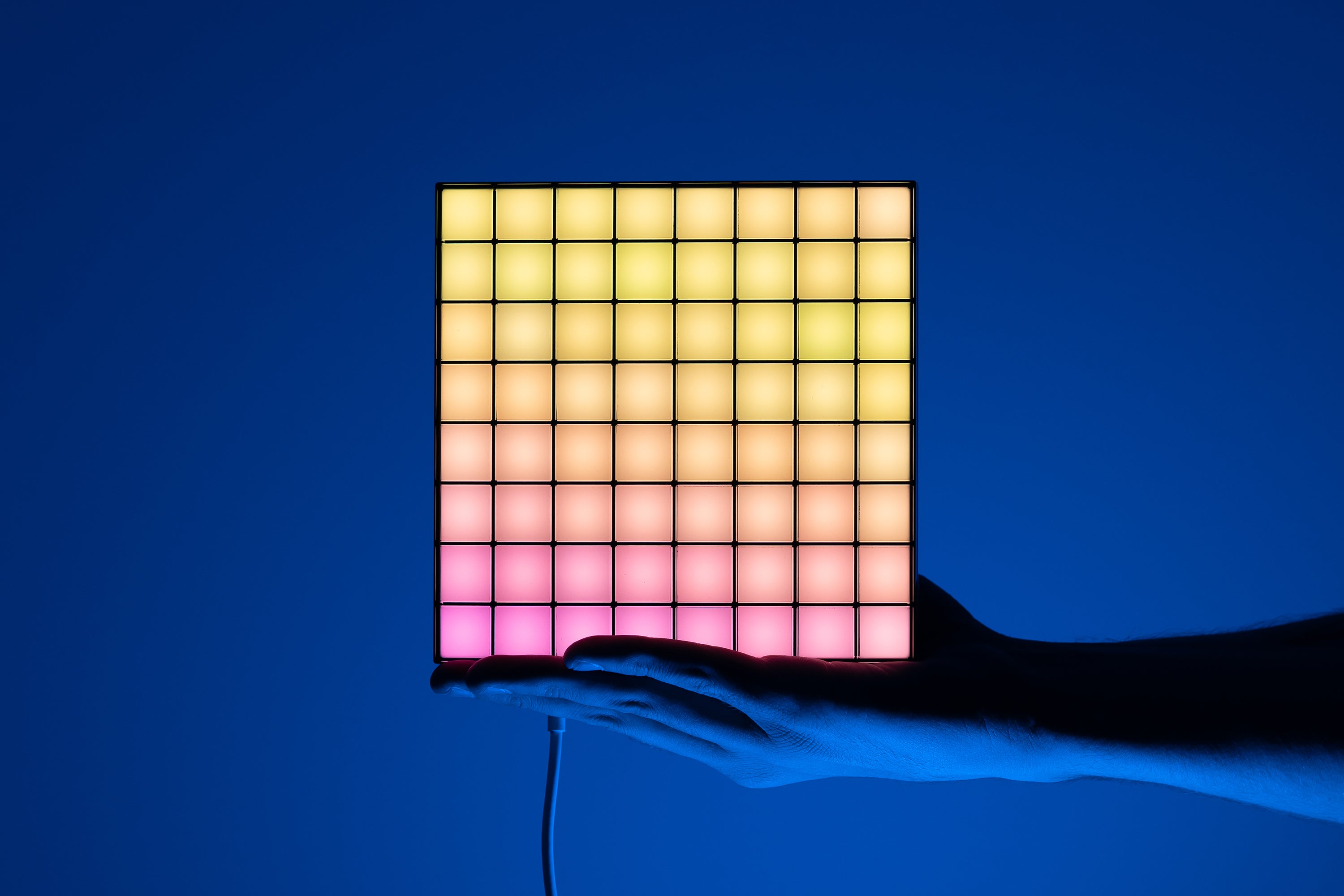
Squares
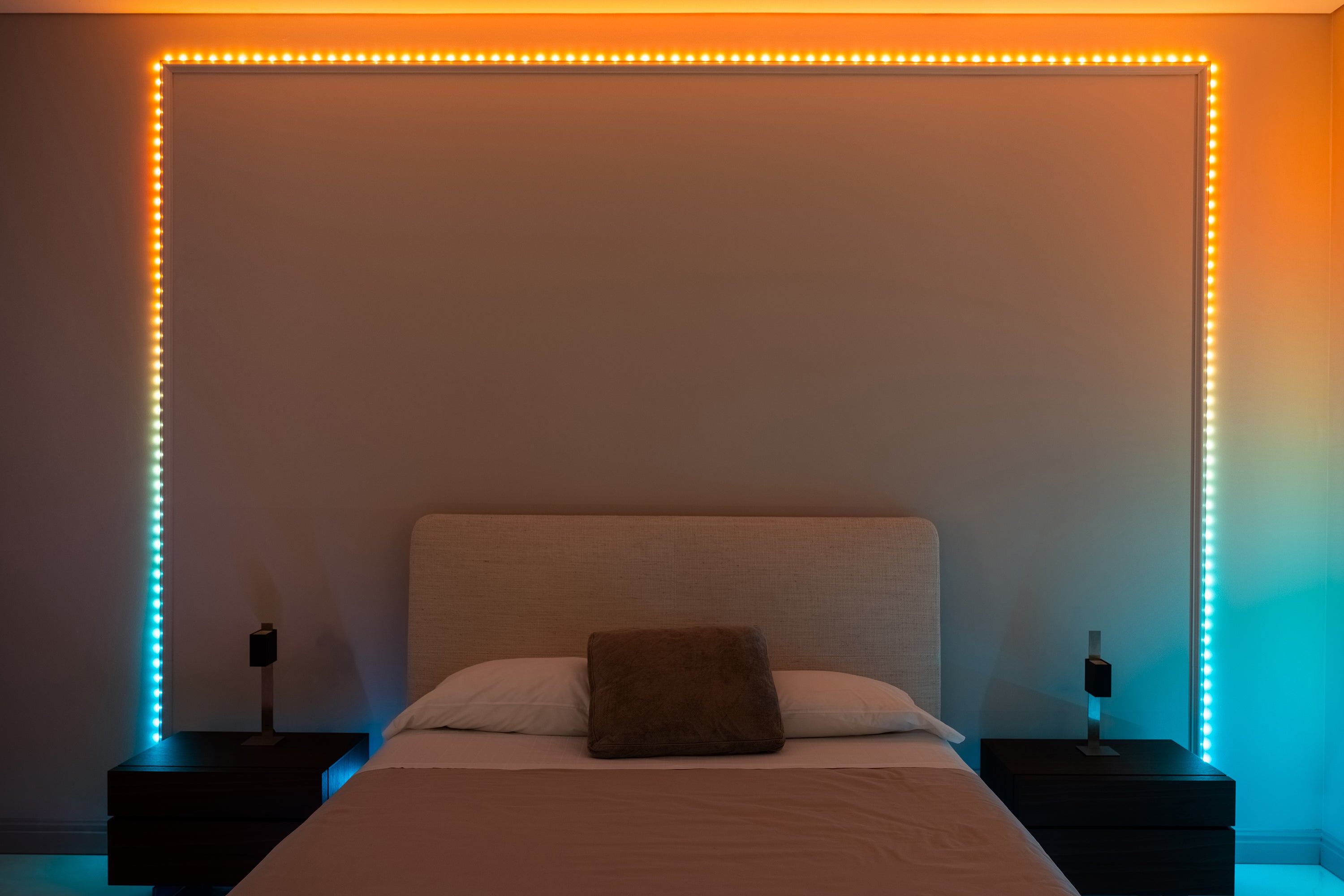
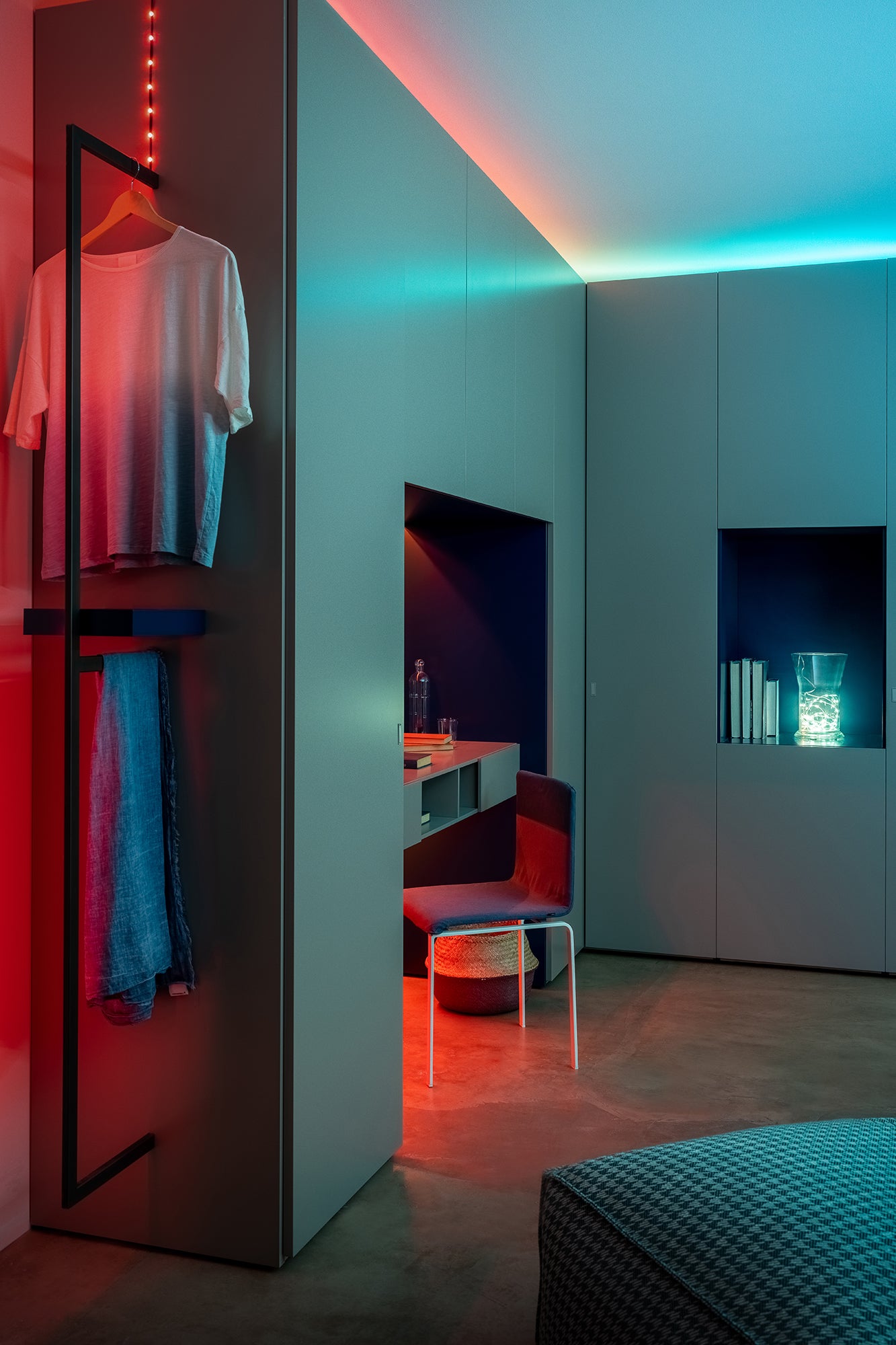
Dots
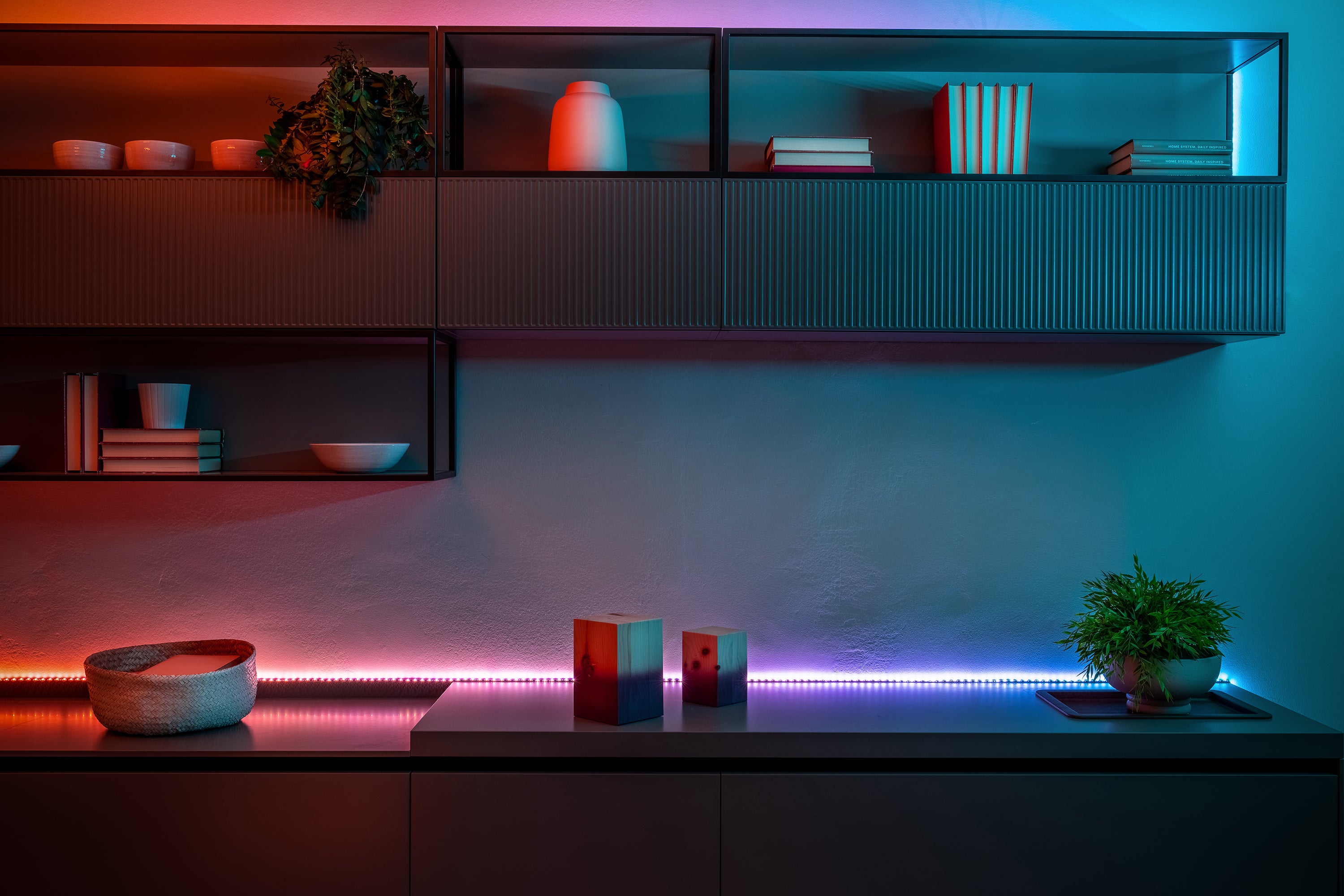
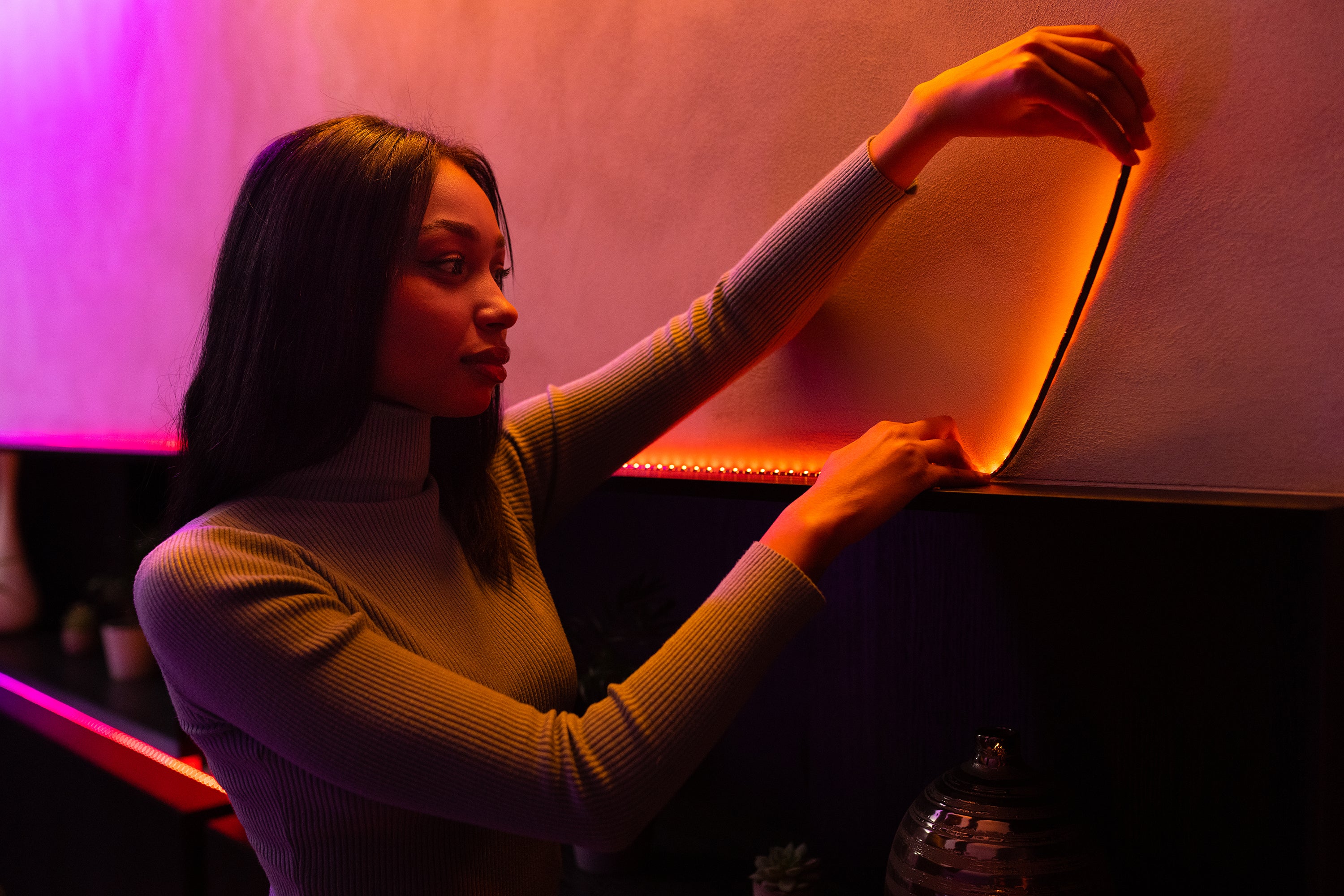
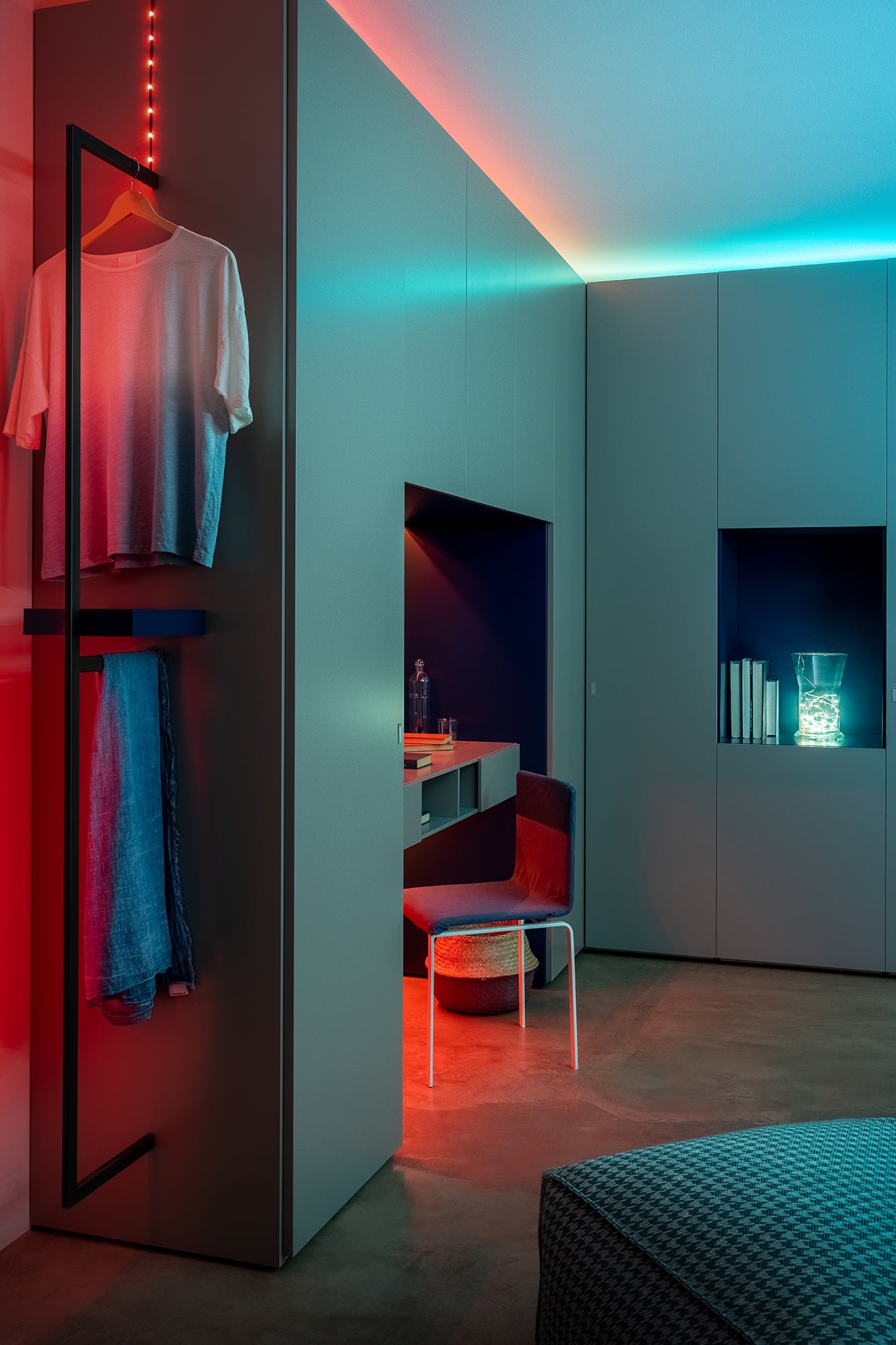
Line
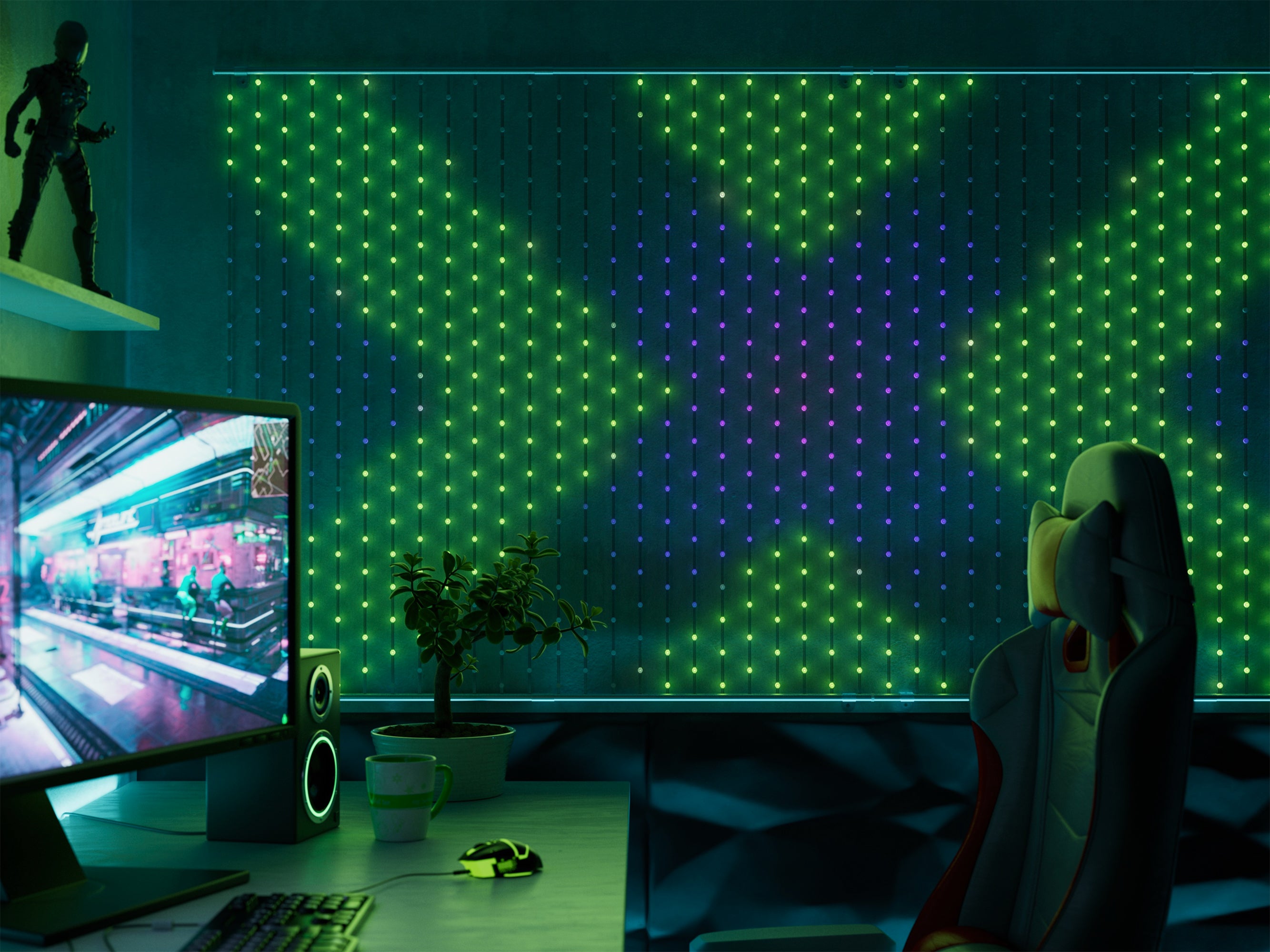
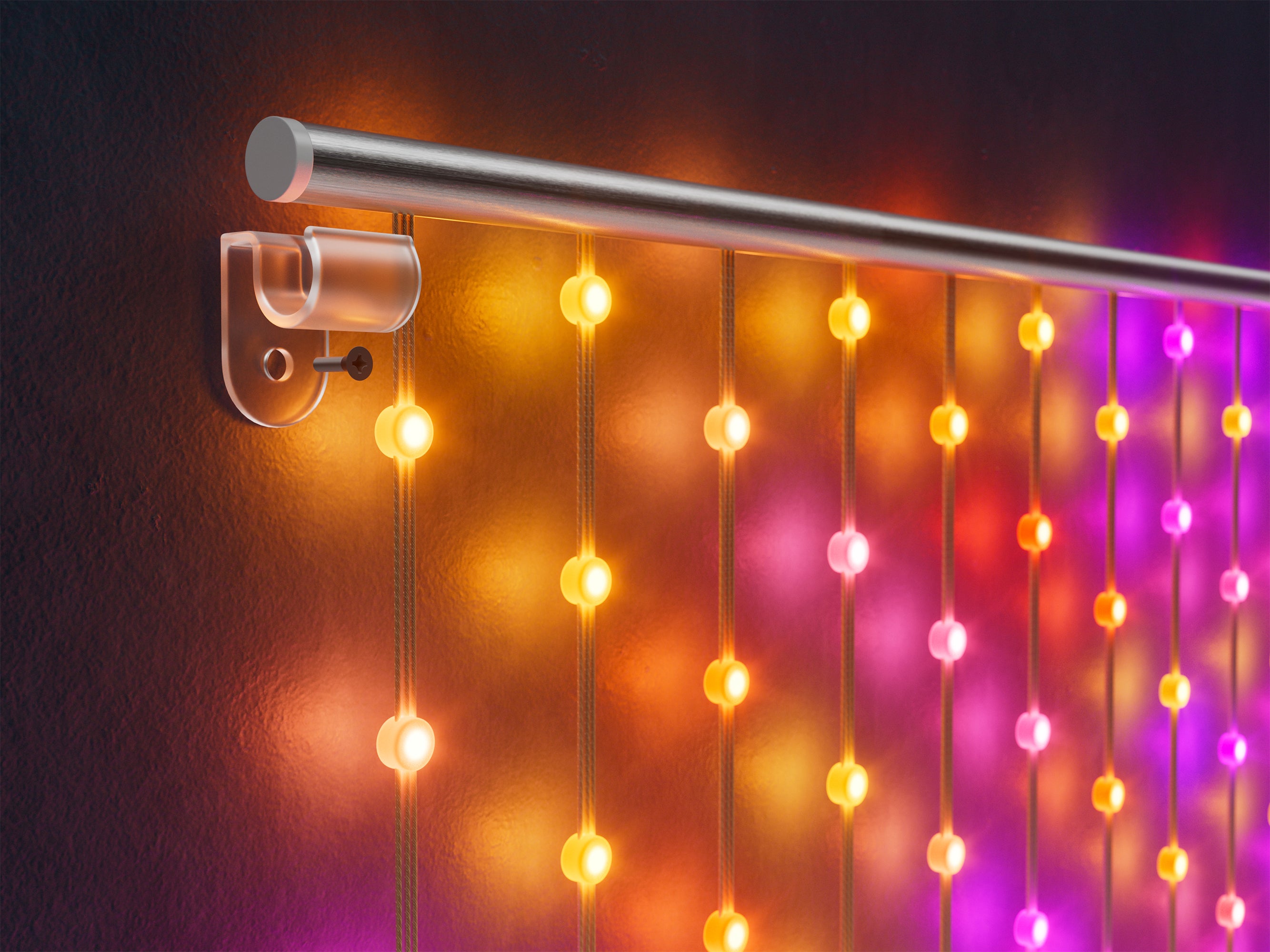
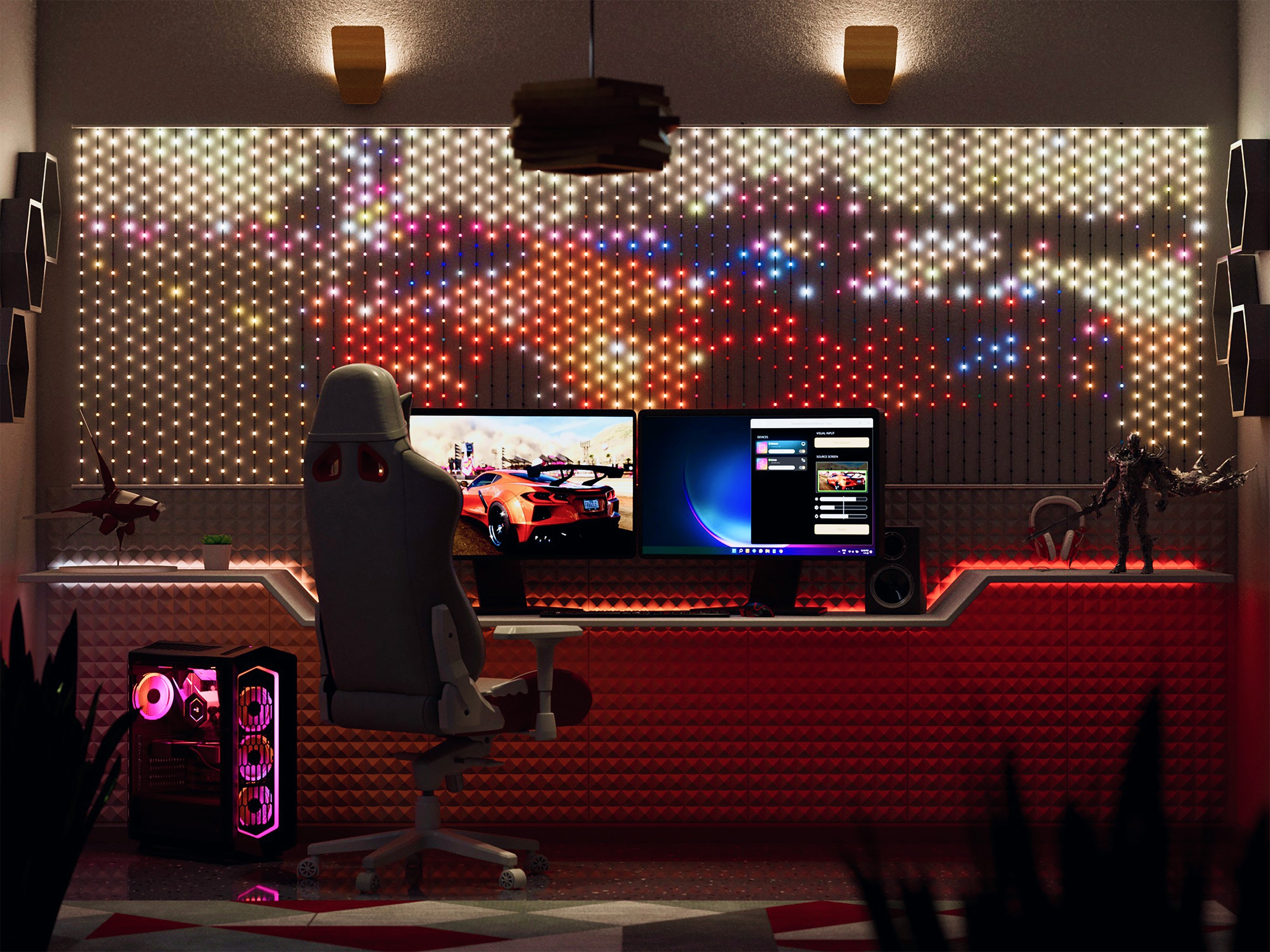
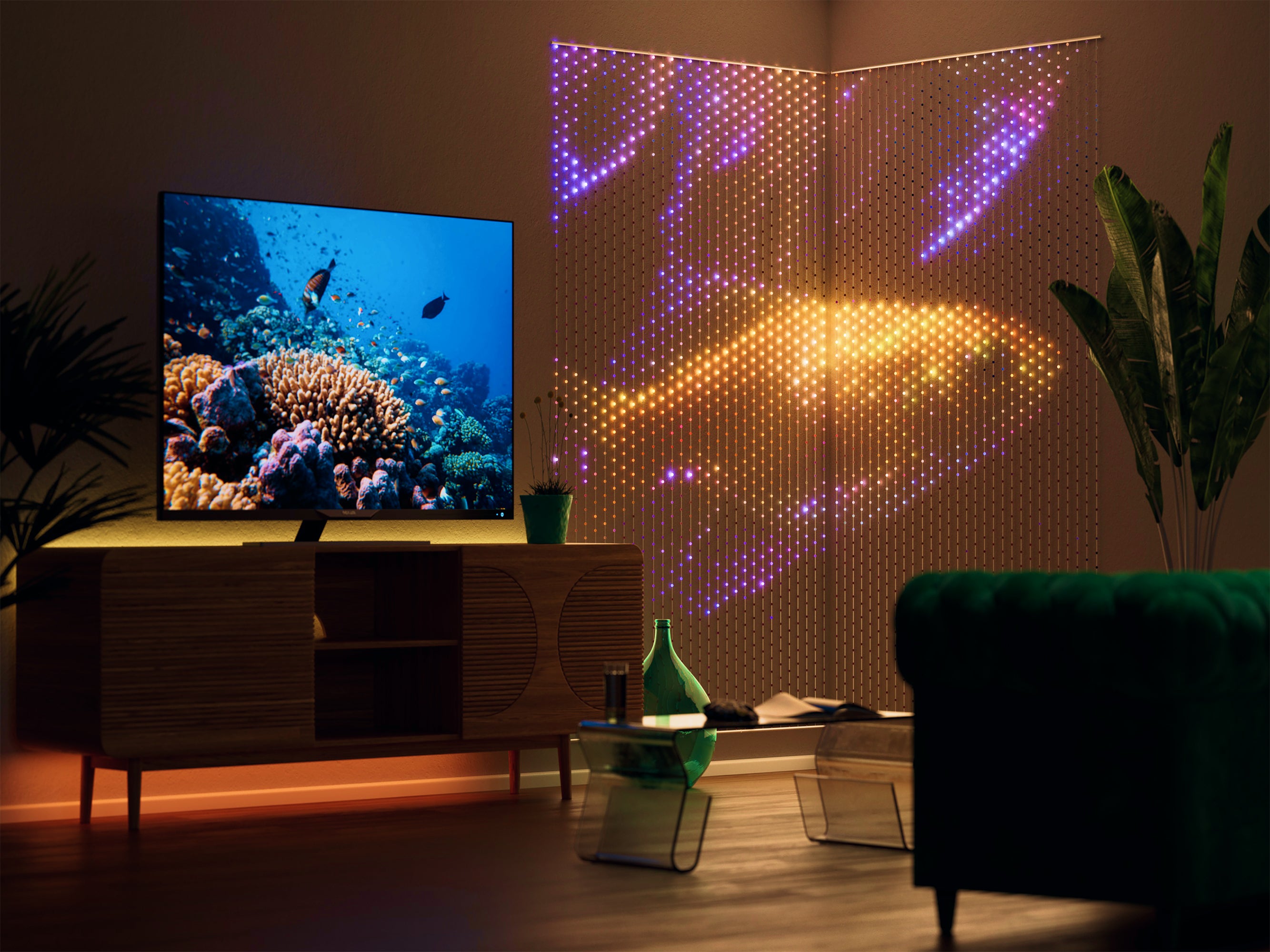
Matrix
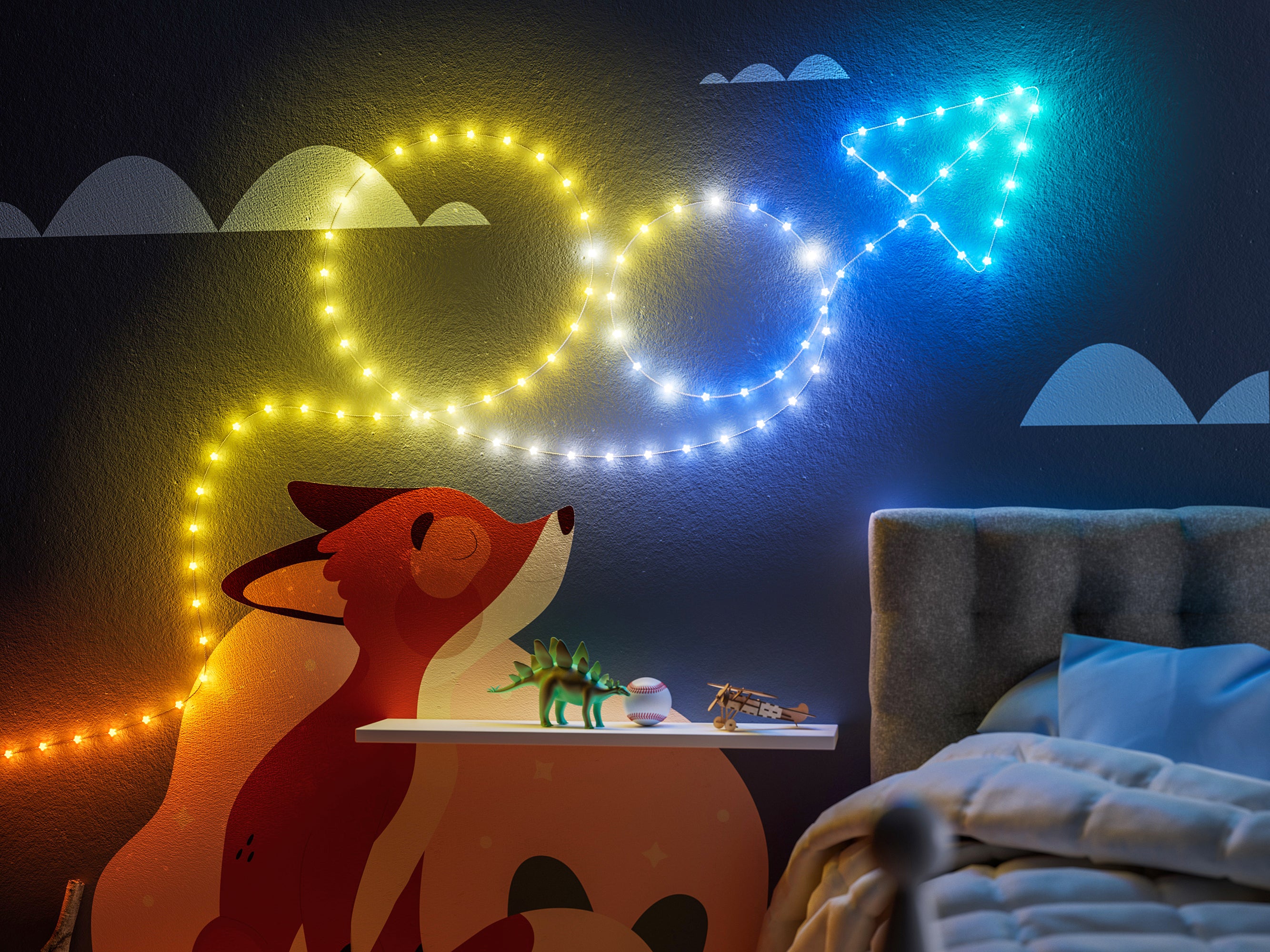
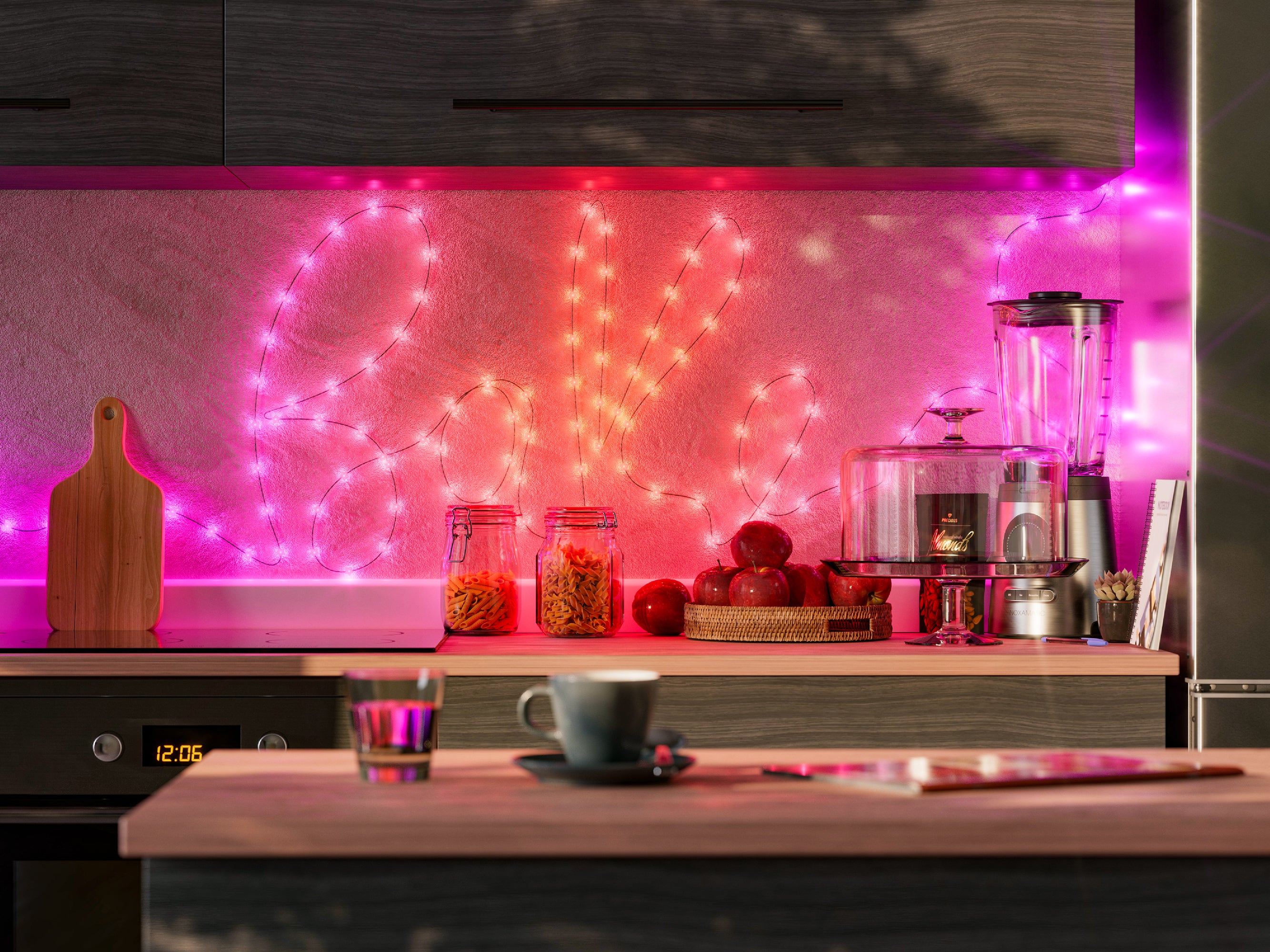
Stars – Strings USB-C
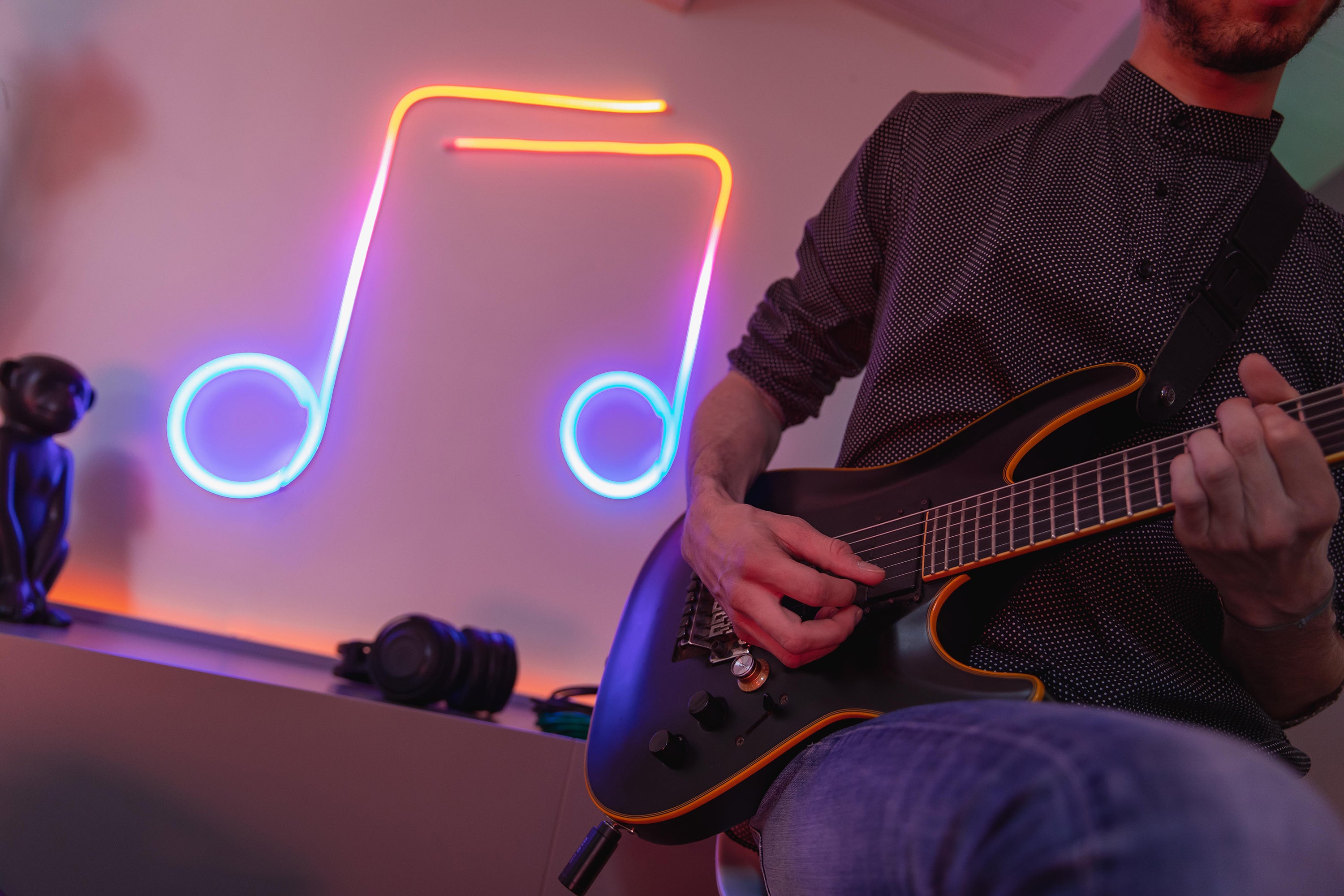
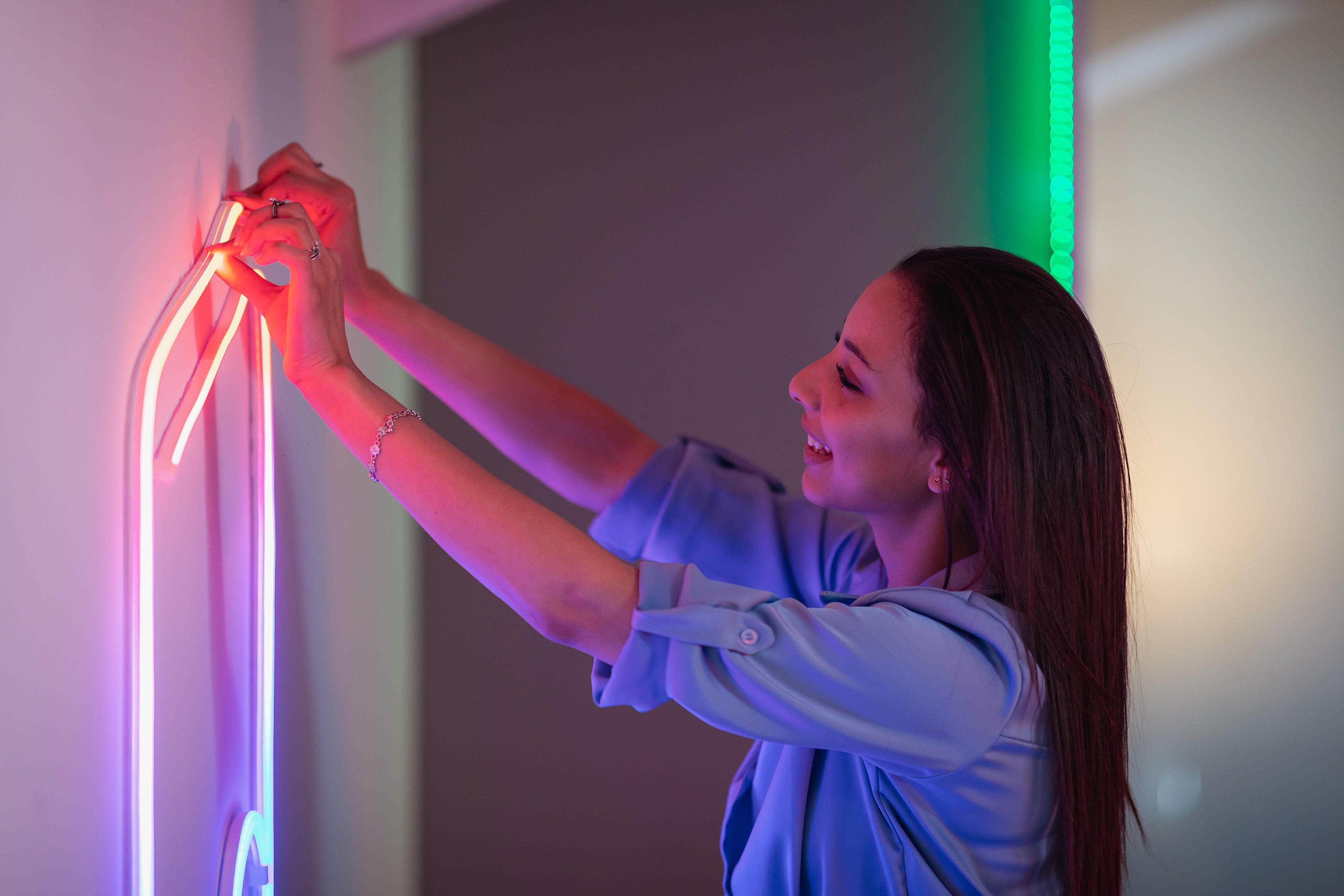
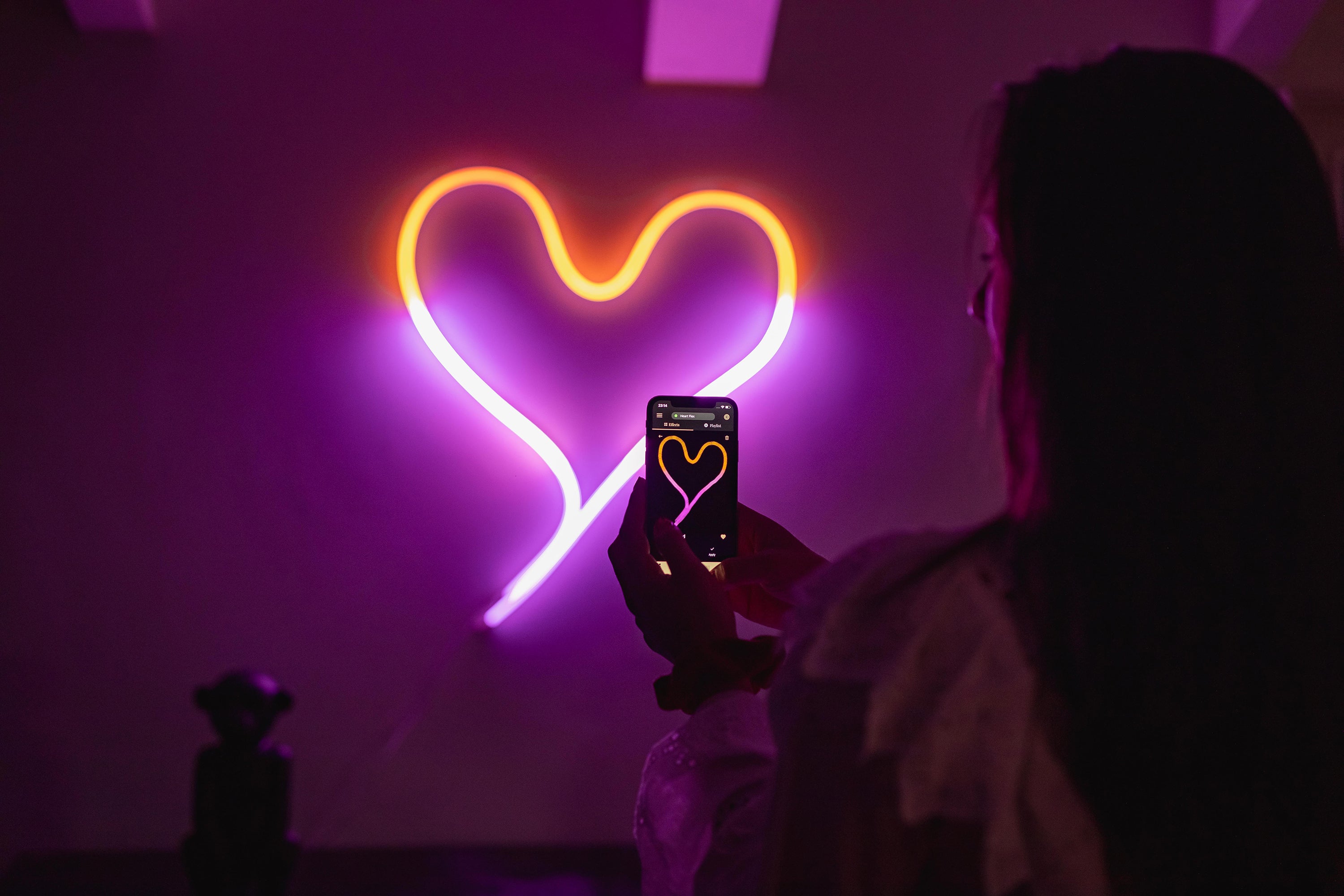
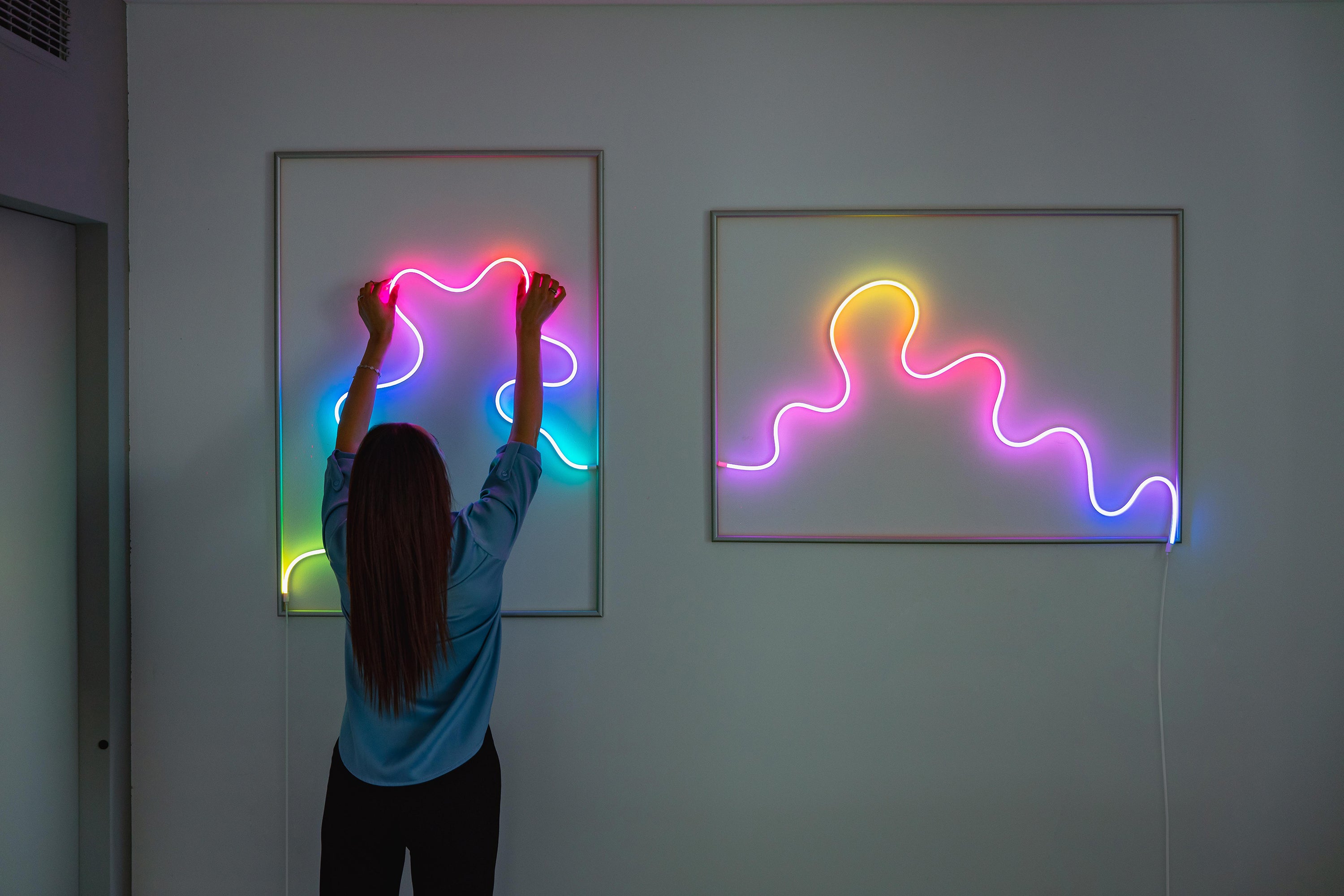
Flex
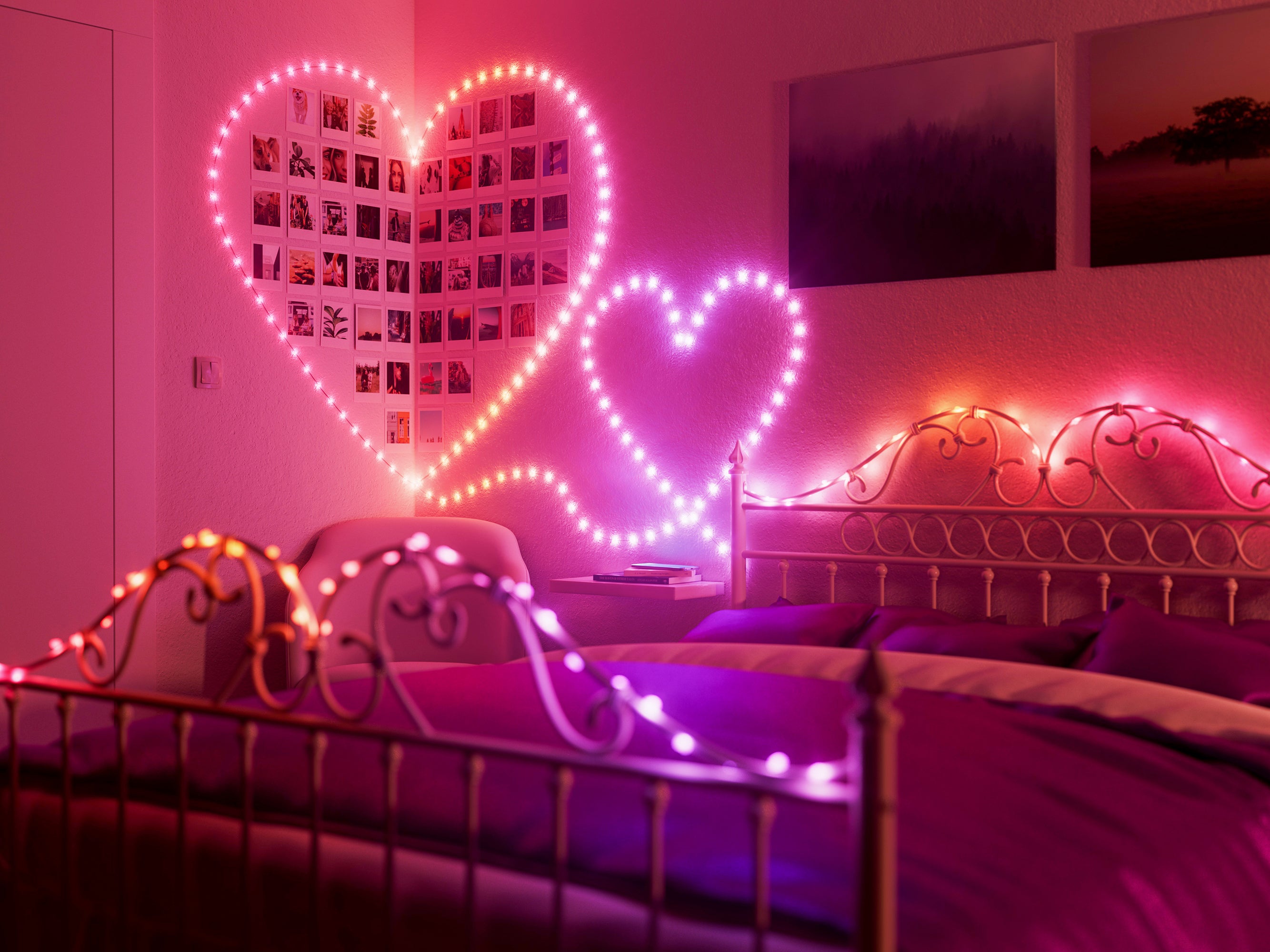

Hearts – Strings USB-C
Shine magic on your space every day with Mappable Lights
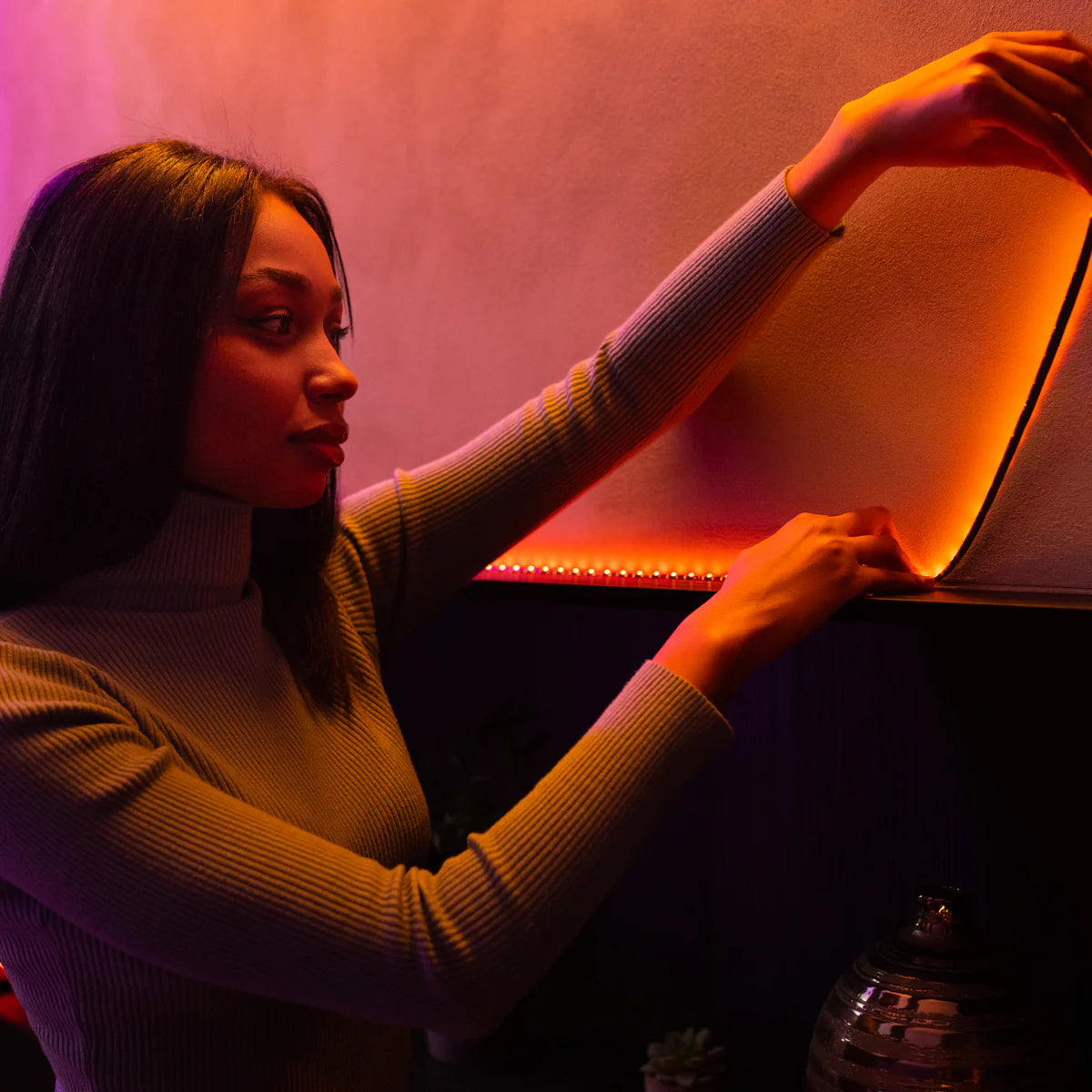
Decorate any room
Place your Twinkly lights howeveryou like, from furniture backlighting to shelf decoration and LED wall art.Mapping technology gives you control of your lights no matter how they are positioned.
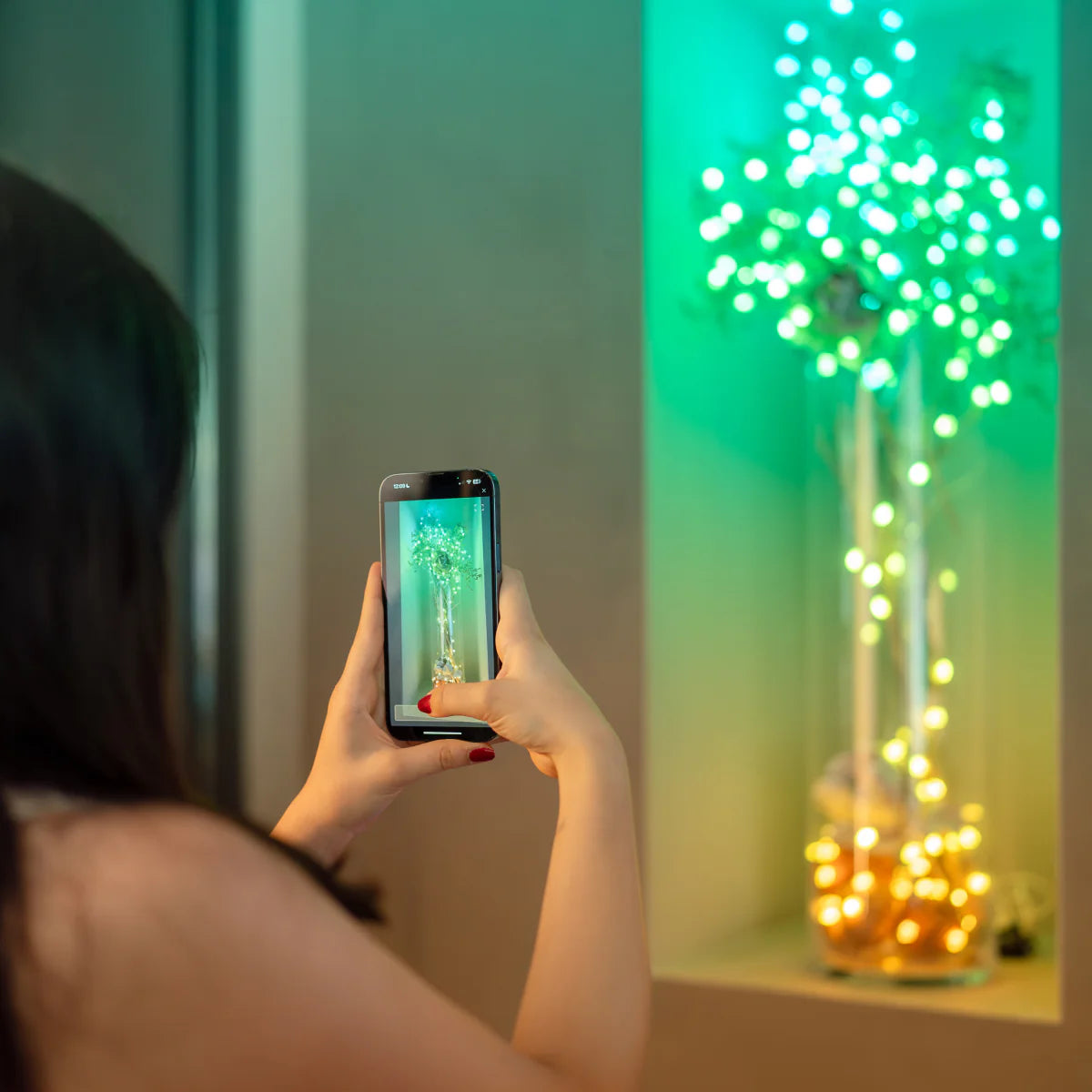
Map your display in a snap
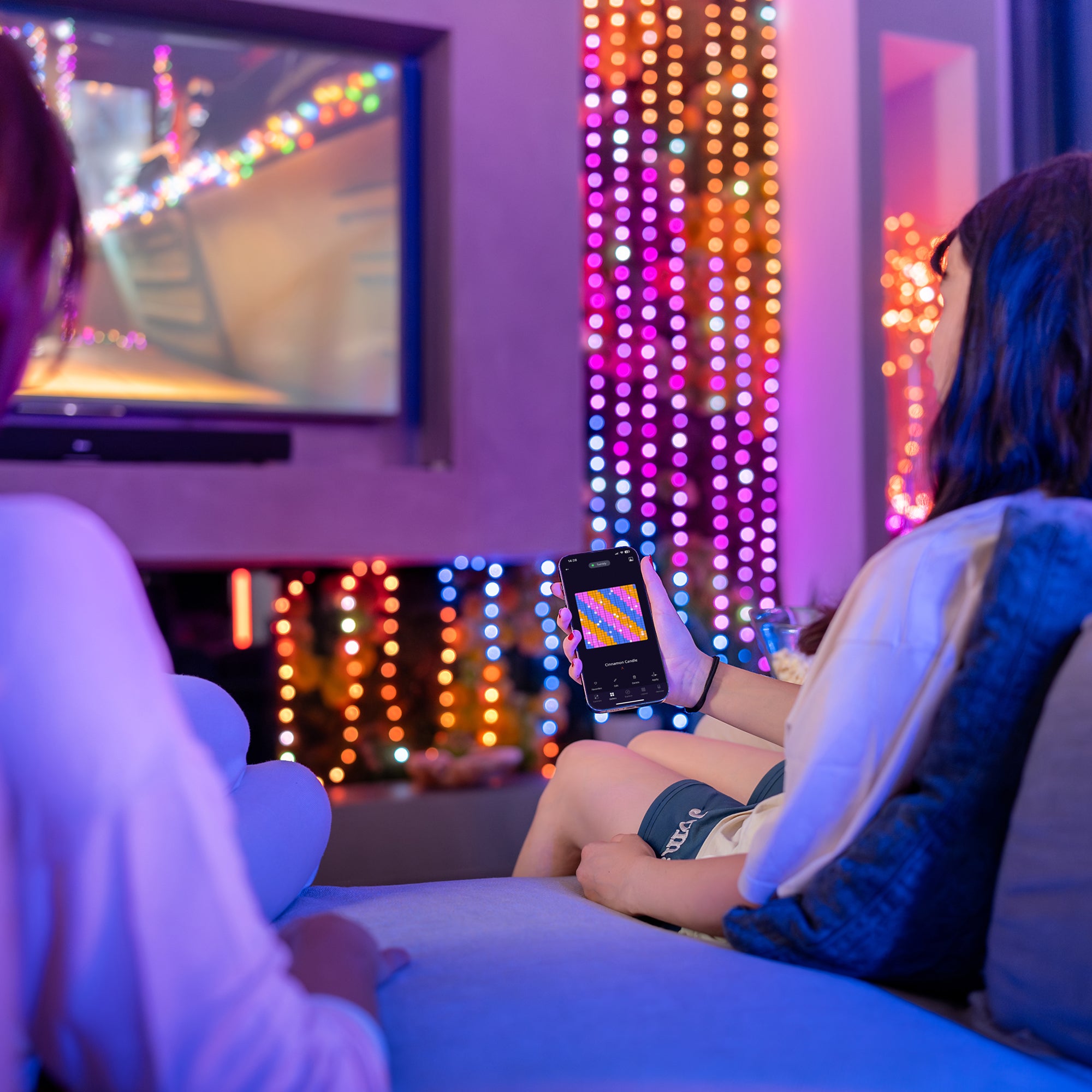
Frame your decorative lights with your smartphone camera and the Twinkly app will locate the exact position of each LED to create a virtual map of your lights on your screen.
Create the perfect mood
Set the perfect scene for every moment with ready-to-playeffects that can be customized in detail.You can also create your own from scratch to match anytheme.
Seamlessly group and control your lights
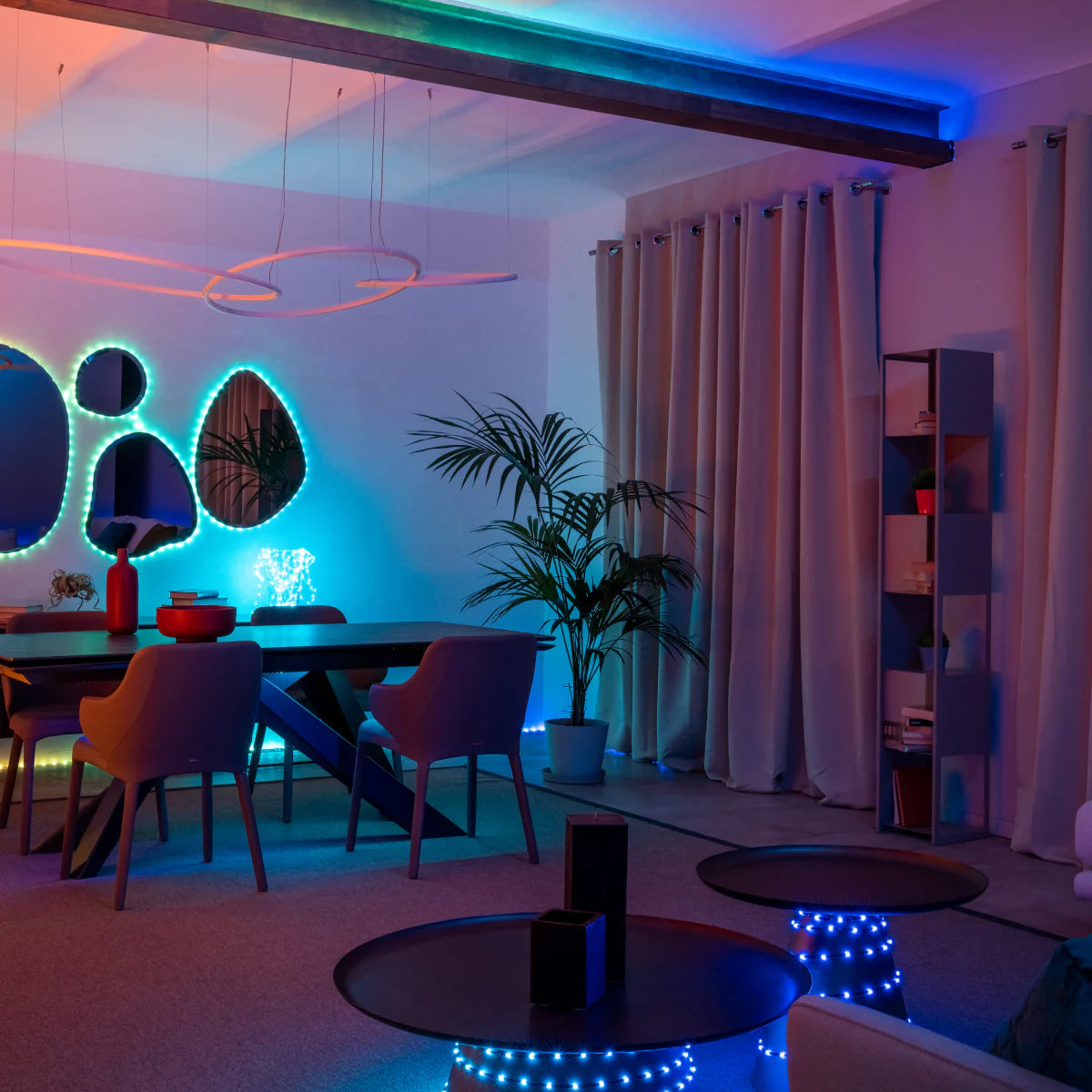
Group any Twinkly decorative home lights to act as a single display or play synchronized effects. Map all of your living room lights to act as one or sync them to play the same effects.
What our customers say
These lights are super cute. You can make your own designs or pick different color patterns. I put them up for for Christmas but ended up leaving them year-round because you can change the colors right from your phone.
— Heater
The Twinkly Smart Light 400 RGB LED Light String and 60 Dots (Gen 2) set is an absolute delight for anyone looking to add a touch of magic to their home décor. These smart lights offer vibrant, customizable colors and patterns, making them perfect for any occasion, from festive celebrations to everyday ambiance.
— Pete
This reviewer received promo considerations or sweepstakes entry for writing a review.This product EXCEEDED my expectations. The design, colors, ease of use, etc. is AMAZING.
— Alsena
Love these lights! They are magical and mesmerizing.
— Dommy
Have a question about Twinkly lights for home décor?
Still have a question? Go to our Help Center
How do Twinkly home decorative lights differ from traditional decorative lights?
All Twinkly home decór lights stand out from ordinary smart LED lights for several reasons:
- Smart Control Twinkly home decorative lights can be controlled via the app for smartphone or tablet. All you need is a Wi-Fi connection.
- Mapping Technology Use the Twinkly App to scan your lighting installation so it locates the position of each LED, allowing for complex effects customized to your home decor.
- Customized Effects Presets in the Effects Gallery can be infinitely personalized, while the FX Wizard allows you to create effects from scratch and upload GIFs. Twinkly regularly releases free new effects for download. Lights can also be synced to music using the Twinkly Music USB dongle.
- Virtual Grouping Any devices can be linked using the app, forming virtual groups for maximum customization. Group lights to act as one display or to play synchronized effects.
Can Twinkly home decorative lights be used for special occasions like parties and holidays?
Twinkly home decór lights are the ultimate party lights. Not only do they make great décor for your home, but they also bring parties to life with custom effects. Plus, you can make your lights dance to music with the Twinkly Music dongle for unforgettable moments.
Can you synchronize Twinkly home decorative lights?
With the "grouping" feature on the Twinkly app, link two or more home decór light sets together. Set up a Sync group to make them play the same effects or a Join group to make them act a single light set. An Area group is for extra-large lighting installations. Each Twinkly smart light needs to be plugged into a power outlet using its power adapter.
Are there any pre-programmed lighting effects available for Twinkly home decorative lights?
The Twinkly App features an Effect Gallery of preloaded effects that are ready-to-use. Additionally, the Explore section allows you to download a wide variety of free effects created by Twinkly for your home decorative lights.The available effects may vary depending on the model.
Are Twinkly lights dimmable for interior decoration?
You can easily control the brightness of your Twinkly smart, home-decoration lights through the app directly from the control panel.
How long can i leave my home decorative lights on?
While there’s no specific limit on how long you can keep your lights on for home decoration, we recommend turning them off when you are not home, just like you would with any other electrical device.
What’s the best way to map my Home Range lights for optimal effects?
The best mapping option depends on your lighting setup. For devices designed for flat surfaces like walls (Line, Flex, Squares, Matrix and Dots), we recommend using Easy Mapping, which ensures optimal performance for your two-dimensional lighting set up.
What are some creative ways to use Twinkly lights in my home decoration?
Twinkly smart lights can add magic to your home in many imaginative ways. Create a dreamy bedroom ambiance by draping lights over your headboard or weaving them through your wall decor. Get crafty with DIY projects and turn Twinkly home decoration lights into LED art pieces or whimsical photo displays. For parties, customize the colors and lighting effects to set the perfect mood.
Are Home Range products designed for outdoor use?
The Twinkly home decór lights range products are designed for indoor use, as indicated by their IP20 certification.
Which GIFs and light art effects work best for the number of Squares tiles in my installation?
In the Effects Gallery in the Twinkly App you can browse effects by pixel size: 8x8, 16x16, 24x24, 32x32. When applying Pixel Art effects or GIFs to your Squares panel lighting installation, match the effect to your panel layout. An "8x8" effect will fit perfectly on a lighting installation with 8x8 panels. For Art effects, a minimum of 8x8 panels is needed for the design to look complete. If you have fewer panels, you can still enjoy the custom effects of smart LED lights by downloading your favorite GIFs online and uploading them using the FX Wizard’s GIF importer. Like any screen, higher pixel density means sharper and clearer effects. The more densely packed your panels are, the crisper your Pixel Art and GIFs will look.
How can I adjust my effects to fit the size of my Squares tile installation perfectly?
Pre-set effects from the Twinkly App Gallery can be customized with the edit feature that lets you adjust the Cover, Fit, and Size. The final look will depend on the number of tiles in your display.Uploaded GIFs can be adjusted using the Zoom feature.