Immersive gaming lights
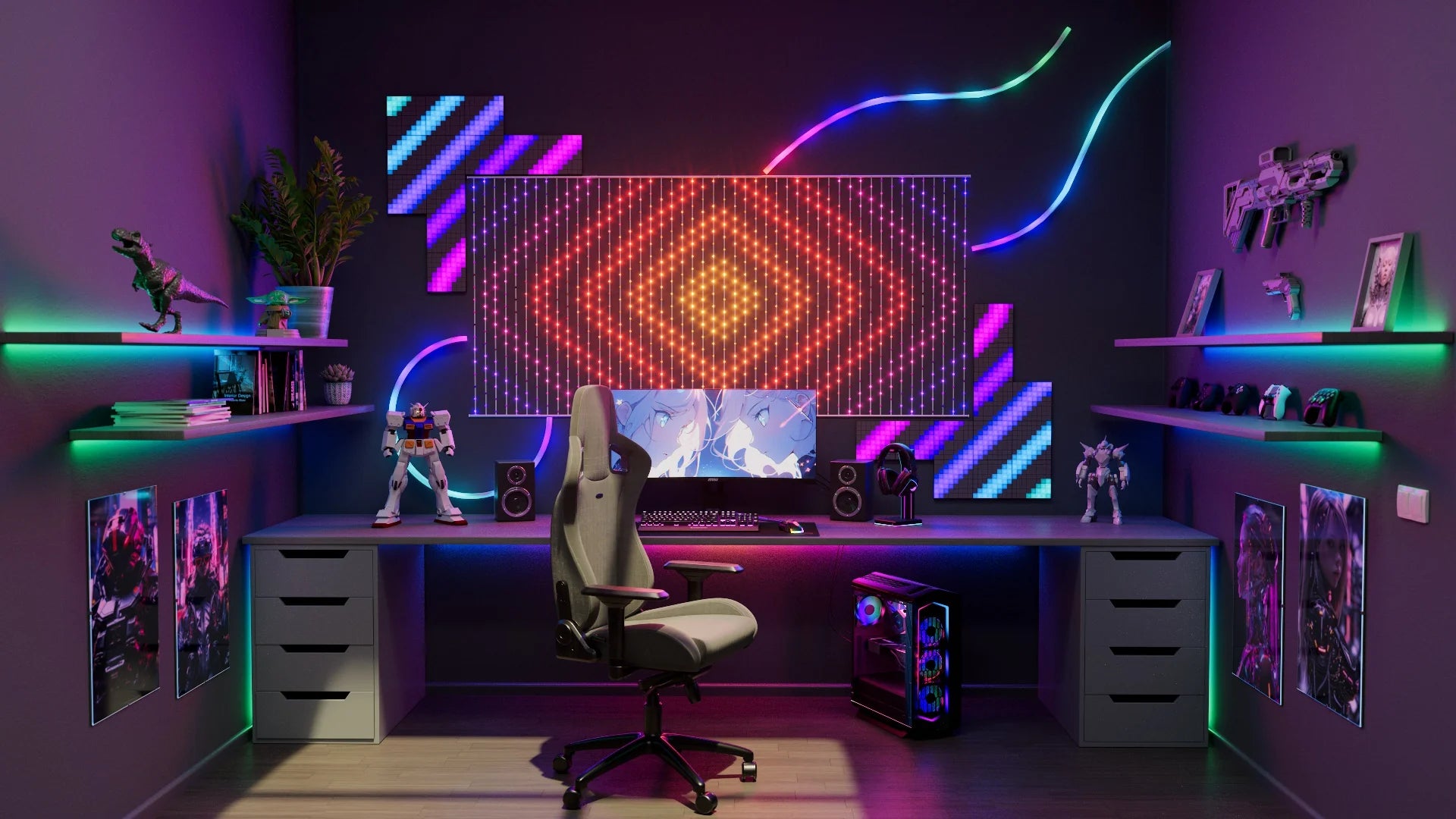
Razer Chroma RGB and Twinkly bring reactive lighting to your gameplay so you can flood your room with the color of every winning move.

NEXT LEVEL GAMING
Expand your gaming universe

Sync visuals
Sync visuals
Sync Twinkly lights with other peripherals to your gaming for epic dimension that puts you at the center of the game.

React to gameplay
React to gameplay
Sink into the game with real-time reactive lighting effects. See and feel the action as it happens.
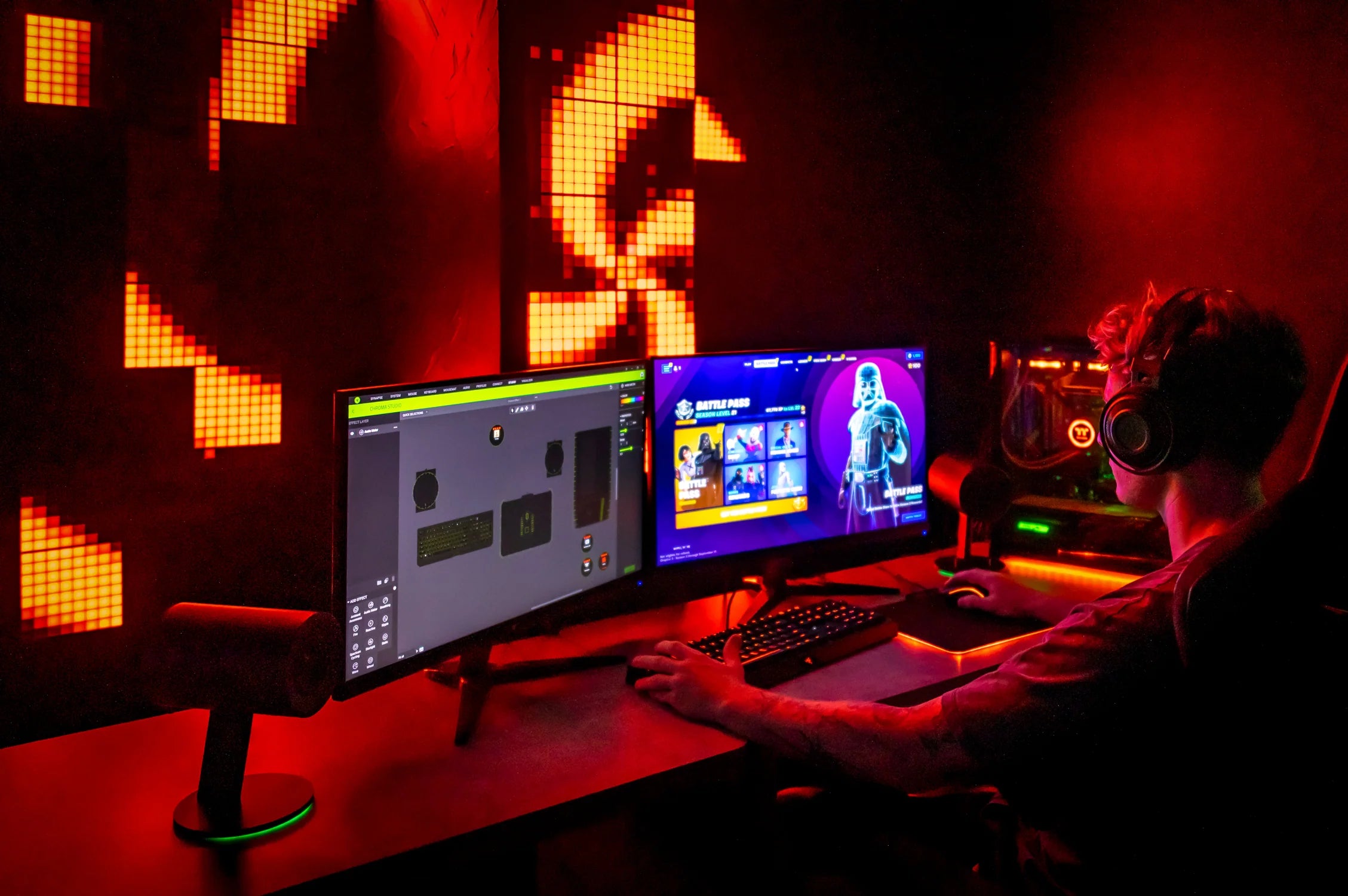
Audio visualization
Audio visualization
Audio-based lighting settings allow your Twinkly lights to react to sound output from your PC, adding a sensorial level to your gaming.
How it works?

Download
After positioning your Twinkly gaming lights, download the Razer Synapse and Twinkly Chroma Connector. Follow the on-screen instructions.

Add devices
Add your Twinkly devices and virtually position them according to their real-life setup.
Enjoy the game
Playing different lighting effects and enjoy the gaming experience.
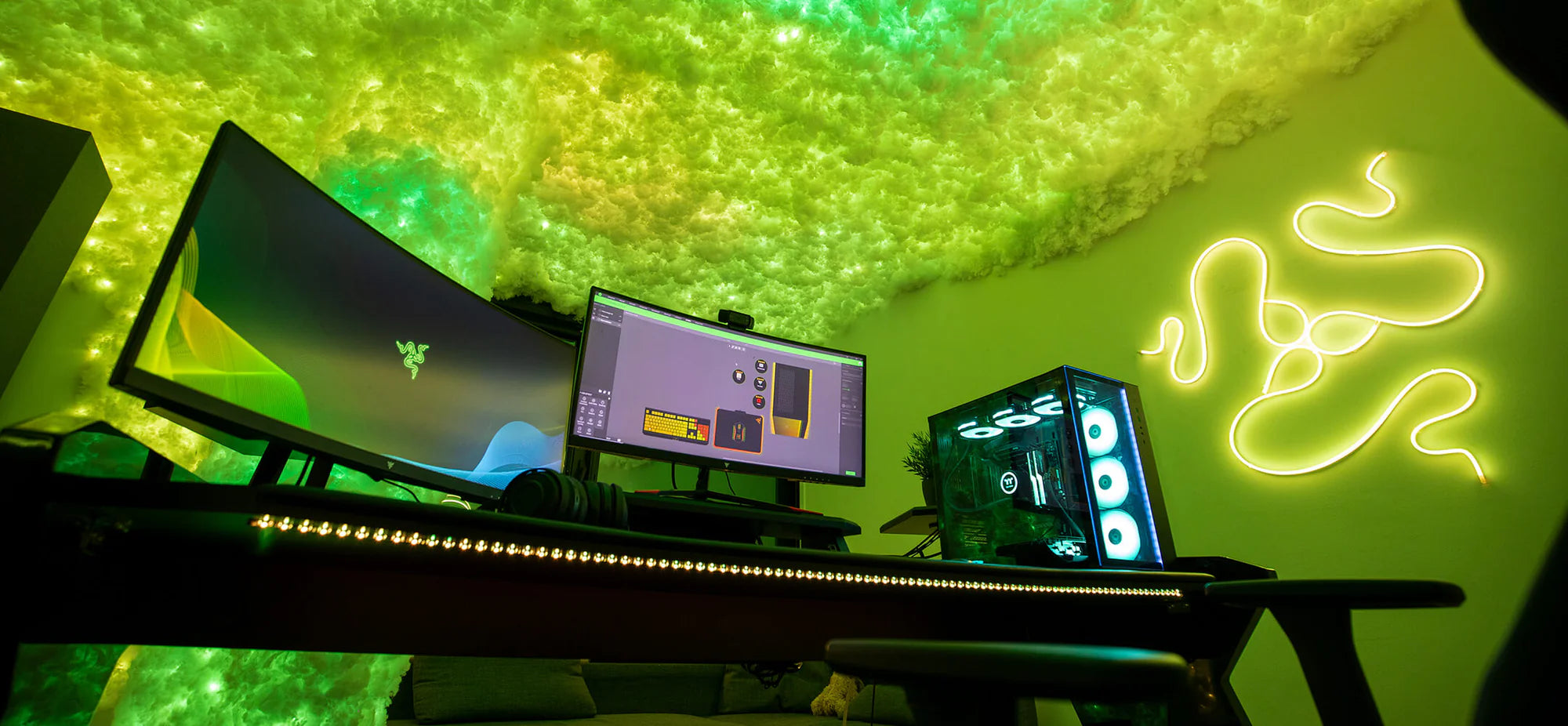
CONTROL PANEL
Twinkly Chroma Connector
The Twinkly Chroma Connector application allows users to connect the entire range of Twinkly products to Razer Chroma RGB and enabled games. Available exclusively on Razer Synapse 3, the Twinkly Chroma Connector extends the gaming experience beyond the screen with responsive lighting effects triggered by events in the game.
Have a question about using Twinkly lights with Razer Chroma RGB?
How do I sync the lights on my keyboard with the other lighting installations in my gaming room with Razer Chroma?
Connect your Twinkly lights: Connect your gaming lights to the Twinkly App and your home Wi-Fi network. Install Software: Download the Twinkly Chroma Connector and Razer Synapse 3. Follow Setup Instructions: Open the apps and follow the on-screen instructions. Once your Twinkly gaming lights are added and configured in the Twinkly App, you can manage them through the Twinkly Chroma Connector.
What equipment do I need to enjoy the integration between Twinkly lights and Razer Chroma?
To use Twinkly gaming lights with Razer Chroma, you'll need the following:
- Twinkly smart gaming lights
- Wi-Fi network
- Twinkly Chroma Connector
- Razer Synapse 3
After decorating your gaming room with Twinkly lights, download Razer Synapse 3 and the Twinkly Chroma Connector. Set up the Twinkly devices using the Twinkly app. Then open the downloaded apps on your computer and follow the on-screen instructions to integrate them into your gaming experience.


Twinkly works with